
Browse by module
All guides
Choose an area to find the guide you need.
56guides
9modules
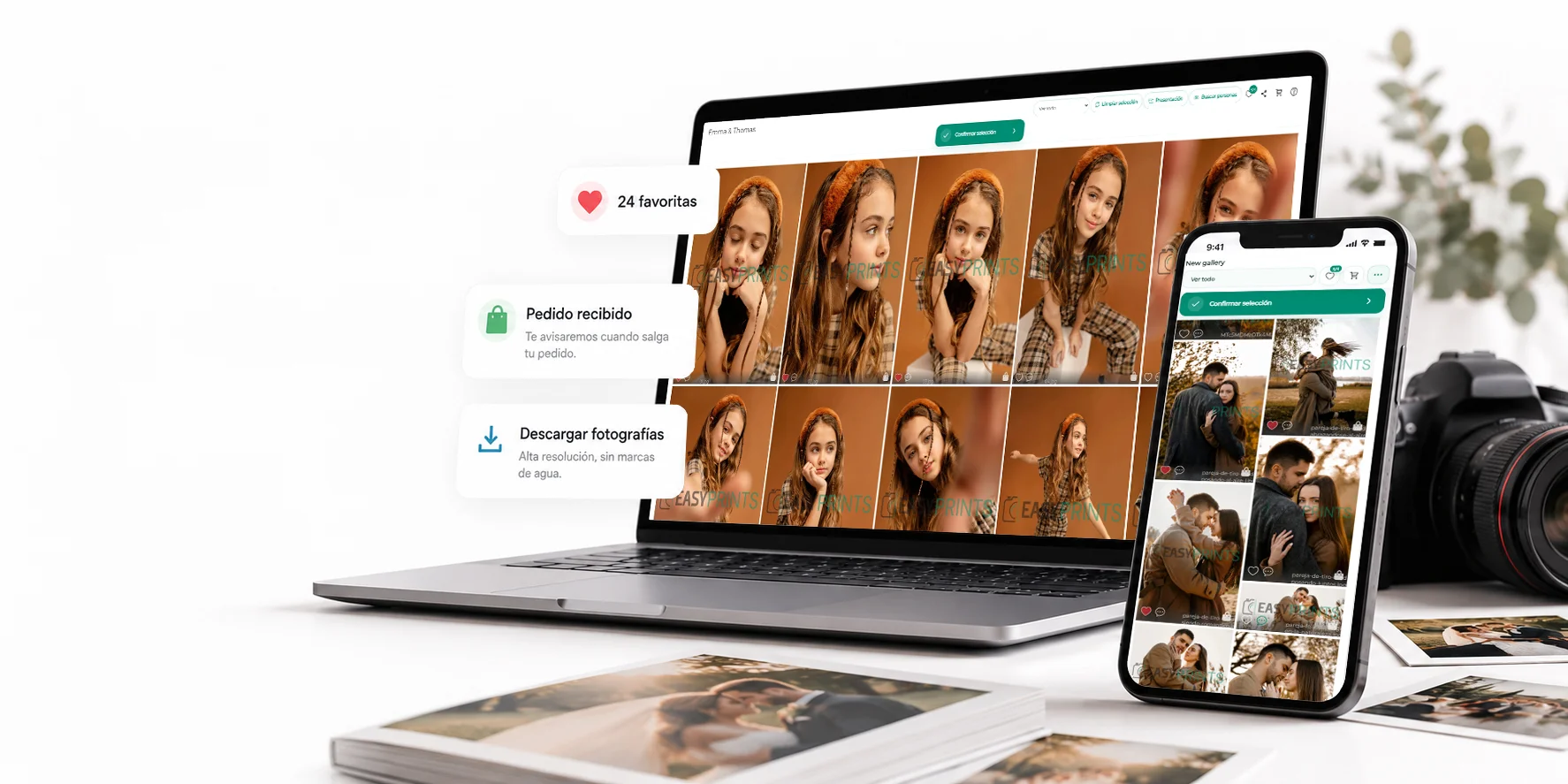

Galleries
5 guidesStores
7 guides
Set up automatic product delivery to your lab.
13 steps
How to send the workflow to the production center?
7 steps
How to send a job from one store to another.
9 steps
Product price scaling
7 steps
Create Store
2 steps
How to activate express orders with surcharge
2 steps
Image delivery format settings for the laboratory
8 steps
Lab
10 guides
How to send the workflow to the production center?
7 steps
Create output modes.
3 steps
How BOXES works.
14 steps
Add a sales representative
3 steps
Assign a sales representative to a customer
3 steps
How to generate bank remittances
6 steps
Check sales representatives’ commissions
4 steps
How to access the administration panel as a sales representative
5 steps
How to activate express orders with surcharge
2 steps
Image delivery format settings for the laboratory
8 steps
Products
18 guides
How to add a material
11 steps
How to create product categories
5 steps
How to create standard products
11 steps
How to create products from the Copies category
19 steps
How to send the workflow to the production center?
7 steps
How to send a job from one store to another.
9 steps
How to create a product from Album/Composition
31 steps
Add templates to a product.
17 steps
How to create Options (products).
6 steps
How to add paper types.
5 steps
Create output modes.
3 steps
How to add logos.
9 steps
How BOXES works.
14 steps
How to add a product in ‘Album composition + prints’ format.
24 steps
How to create a product bundle
12 steps
Canvas product
15 steps
Create a calendar product
22 steps
Product price scaling
7 steps
Kiosk
8 guides
Set up automatic product delivery to your lab.
13 steps
How to install the kiosk in local mode.
14 steps
How to install the kiosk in island mode type A.
7 steps
How to install the kiosk in island mode type B.
3 steps
How to install the kiosk in island + cloud mode.
4 steps
How to send the workflow to the production center?
7 steps
How to send a job from one store to another.
9 steps
How to activate express orders with surcharge
2 steps
POS
13 guides
Payment method
6 steps
How to run the POS from the web
3 steps
How to run the POS from the Easy-Prints app
4 steps
How to add products to the receipt
5 steps
How to complete a sale
3 steps
How to generate the invoice for a sale
10 steps
How to charge an order from a kiosk
6 steps
How to make a return?
7 steps
How to scan an item with a barcode
4 steps
How to charge an unregistered product in the system.
5 steps
How to add an expense in the POS
3 steps
How to close the cash register.
6 steps
How to activate express orders with surcharge
2 steps
Web + ecommerce
2 guidesApp
9 guides
How to install the kiosk in local mode.
14 steps
How to install the kiosk in island mode type A.
7 steps
How to install the kiosk in island mode type B.
3 steps
How to install the kiosk in island + cloud mode.
4 steps
How to send the workflow to the production center?
7 steps
How to send a job from one store to another.
9 steps
How to run the POS from the Easy-Prints app
4 steps
Easy Prints App Installation Guide
10 steps
Create Store
2 steps
ERP / Management
11 guides
How to add a client
9 steps
How to send a mailing
6 steps
Select the visible languages in your application.
6 steps
Payment method
6 steps
How to create an invoice
13 steps
How to create a proforma invoice
5 steps
How to convert a proforma into an invoice.
5 steps
How to mark an invoice as paid.
6 steps
How to create a delivery note.
7 steps
How to create internal users within the account
4 steps
How to activate express orders with surcharge
2 steps