
POS
How to scan an item with a barcode
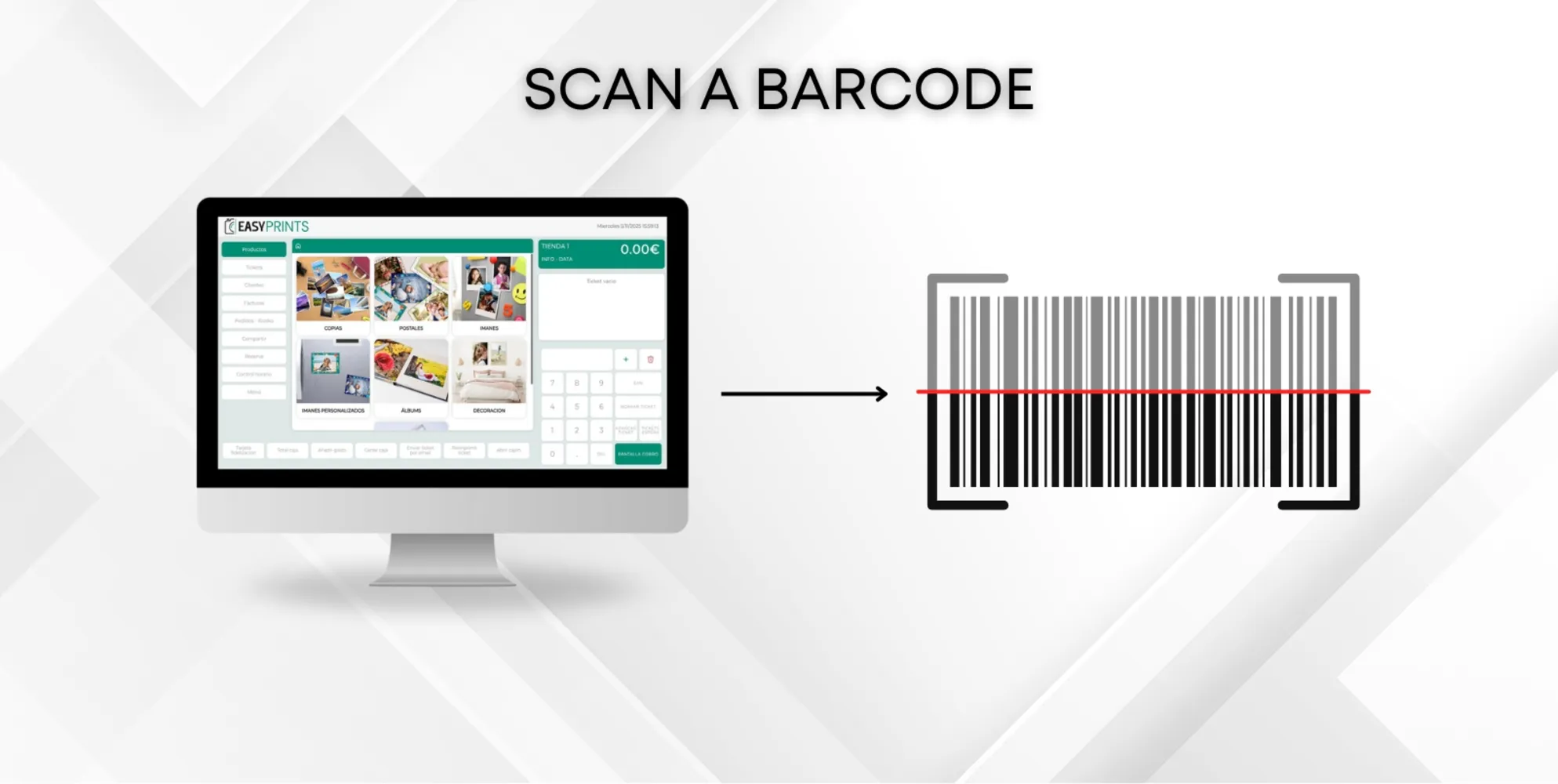
Before scanning anything, you must click on the white area located above the numbers, as shown in the image. Now scan the barcode. Once it has been scanned…
 ↗ Enlarge image
Before scanning anything, you must click on the white area located above the numbers, as shown in the image. Now scan the barcode. Once it has been scanned…
Can’t find what you need?
Go back to the Help Center or contact Easy-Prints.
← Back to Help Center