
Check sales representatives’ commissions
To check a sales representative’s commissions, go to the Sales Representatives section, located within the Clients area. Open the sales representative’s pr…
Step 1
To check a sales representative’s commissions, go to the Sales Representatives section, located within the Clients area.
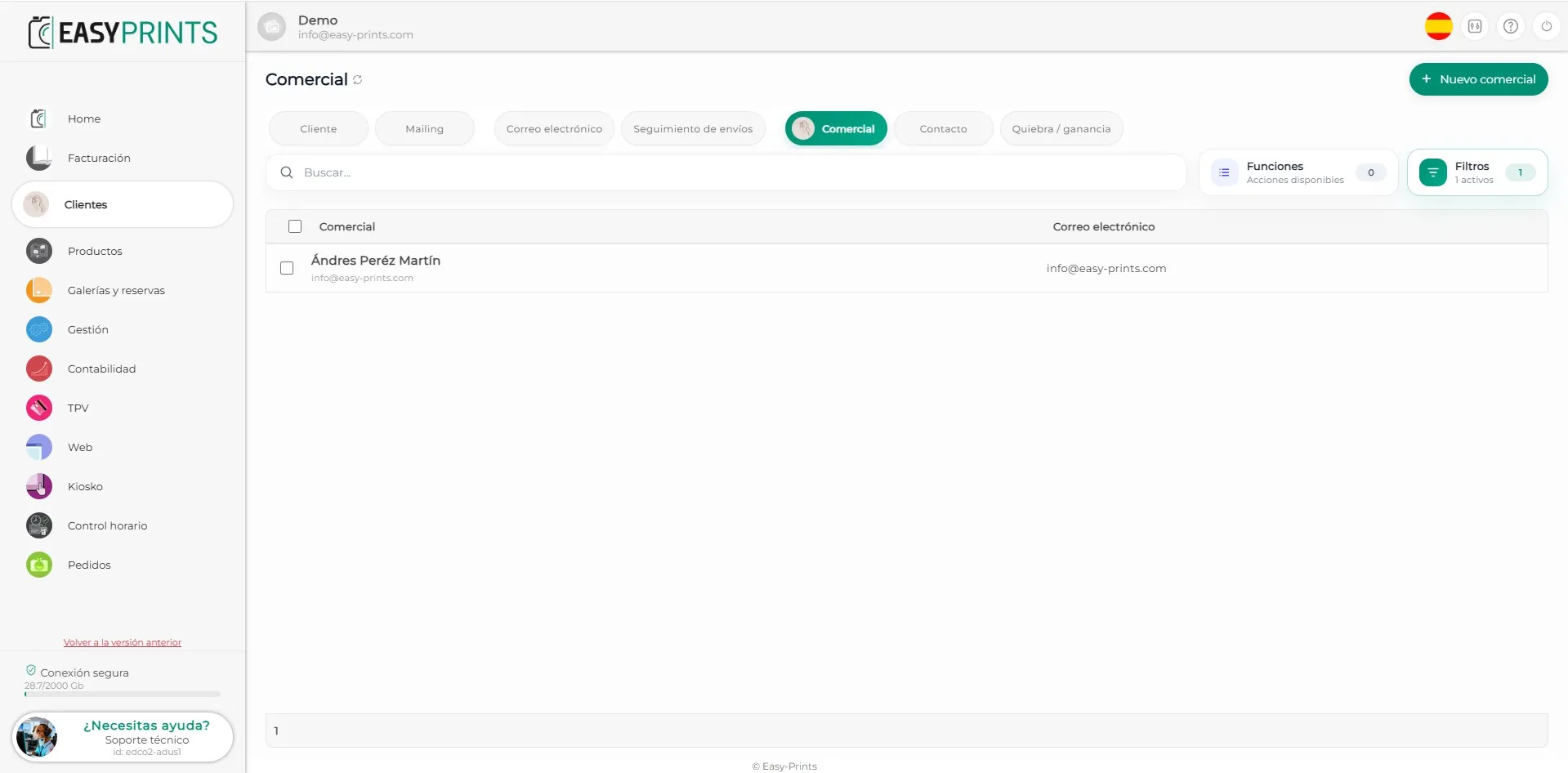
Step 2
Open the sales representative’s profile and click the View button, located in the View commissions section.
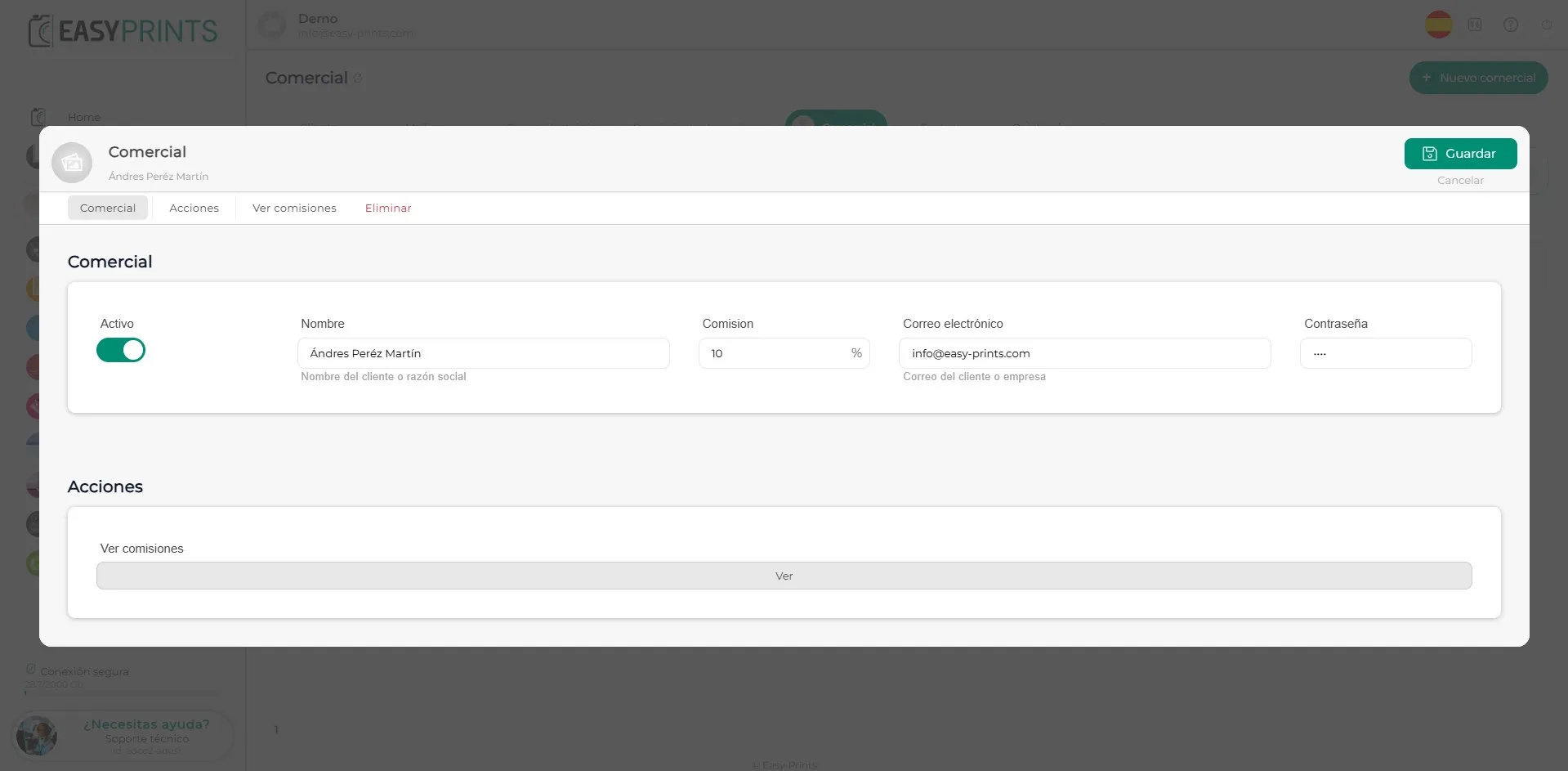
Step 3
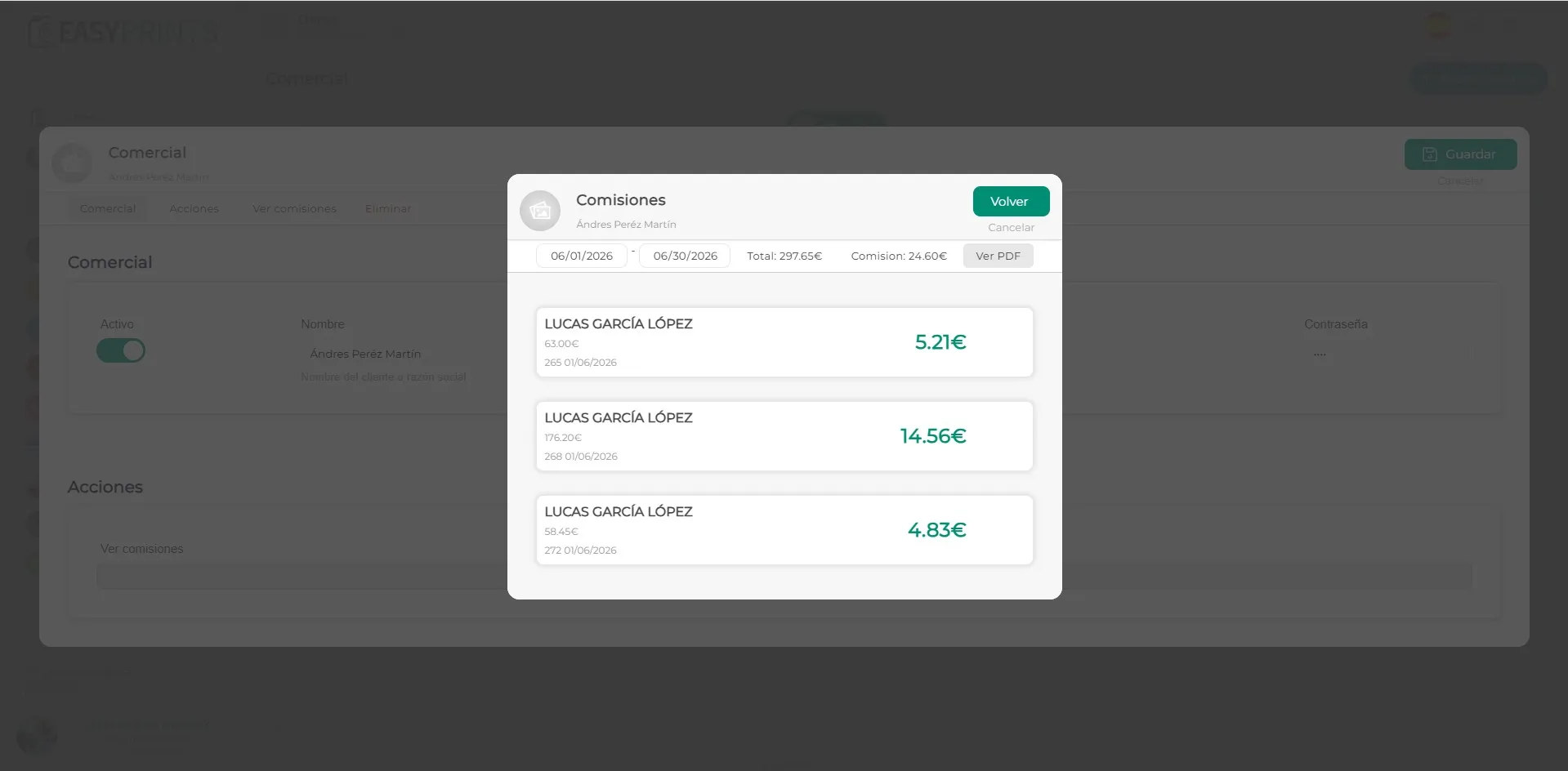
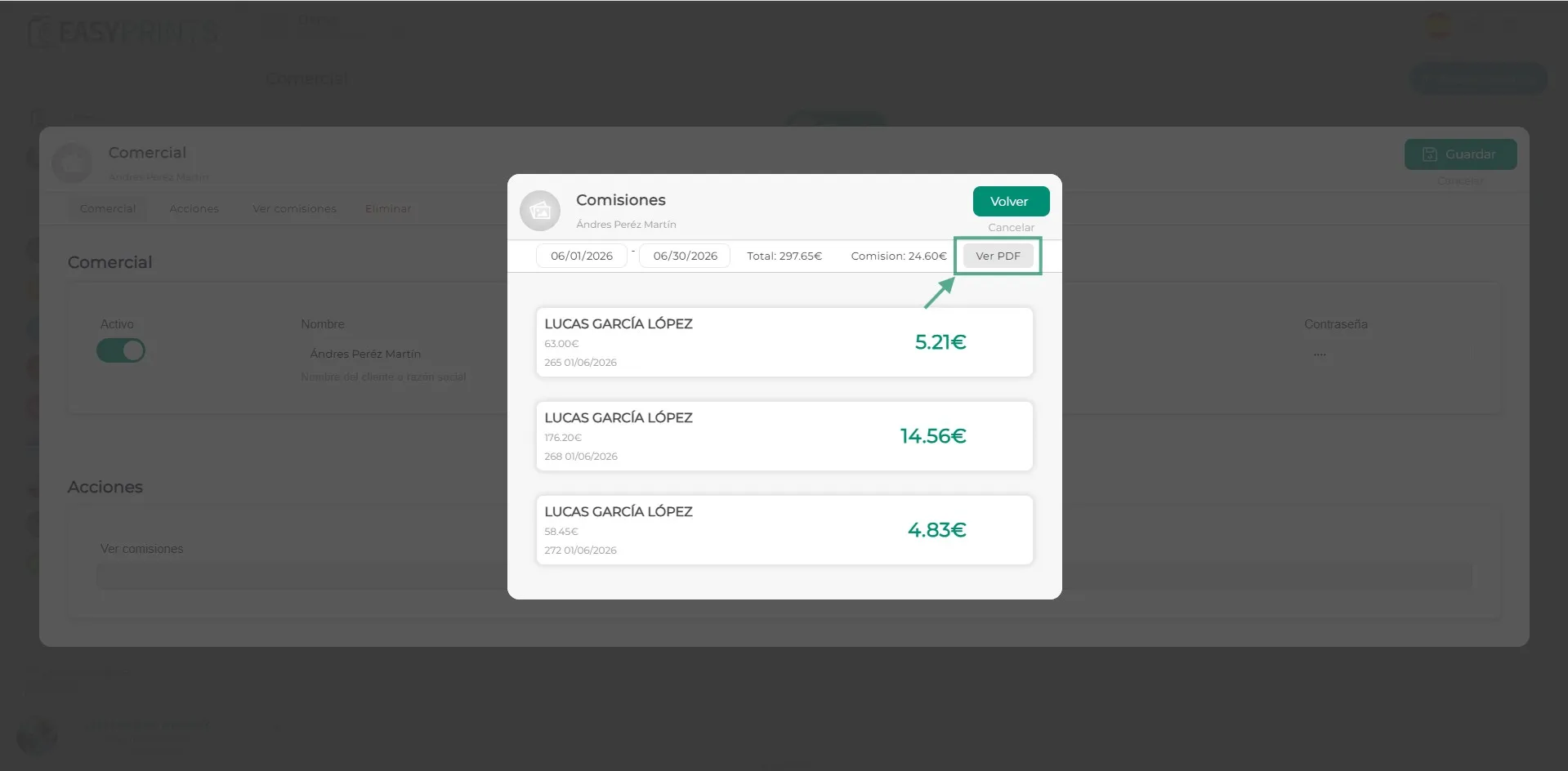
By default, the commissions for the last month will be displayed. These commissions are calculated based on the price of the products, excluding taxes and shipping costs. Test or demo products will not generate any commission either. In addition, commissions will only be applied to orders that have already been invoiced.
Step 4
Finally, you can obtain a PDF by clicking the View PDF section, located at the top of the window.
Go back to the Help Center or contact Easy-Prints.
← Back to Help Center