
ERP / Management
Select the visible languages in your application.
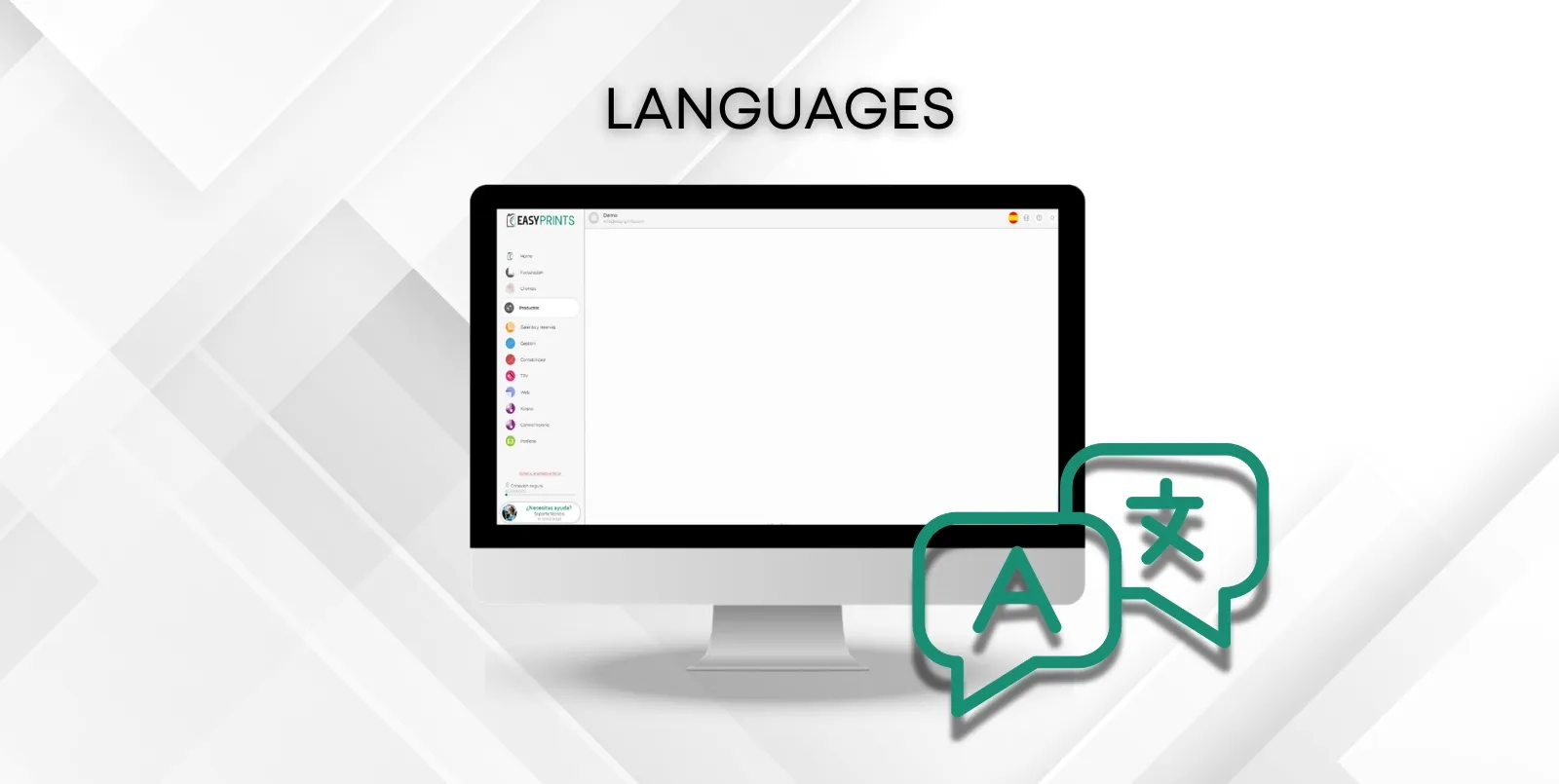
In the top right menu, you can find the language in which the software will be displayed. By clicking on it, you can choose between several languages.
 ↗ Enlarge image
In the top right menu, you can find the language in which the software will be displayed. By clicking on it, you can choose between several languages.
Can’t find what you need?
Go back to the Help Center or contact Easy-Prints.
← Back to Help Center