
Galleries
Gallery Settings
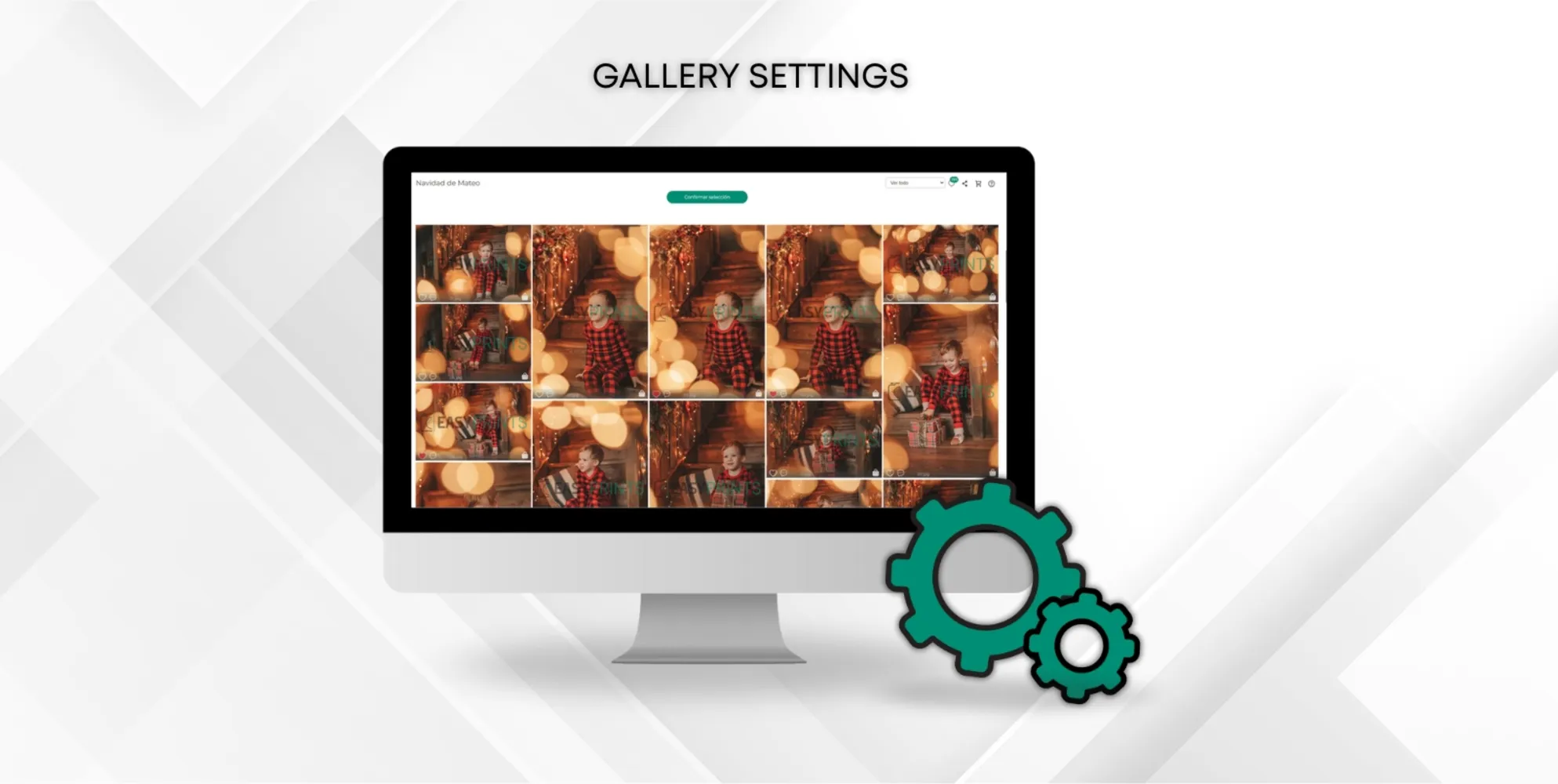
To configure the galleries, go to the «Galleries and bookings» section of the main menu. Add the watermarks and click the «Visible Watermark» button to act…
 ↗ Enlarge image
To configure the galleries, go to the «Galleries and bookings» section of the main menu. Add the watermarks and click the «Visible Watermark» button to act…
Can’t find what you need?
Go back to the Help Center or contact Easy-Prints.
← Back to Help Center