
POS
How to complete a sale
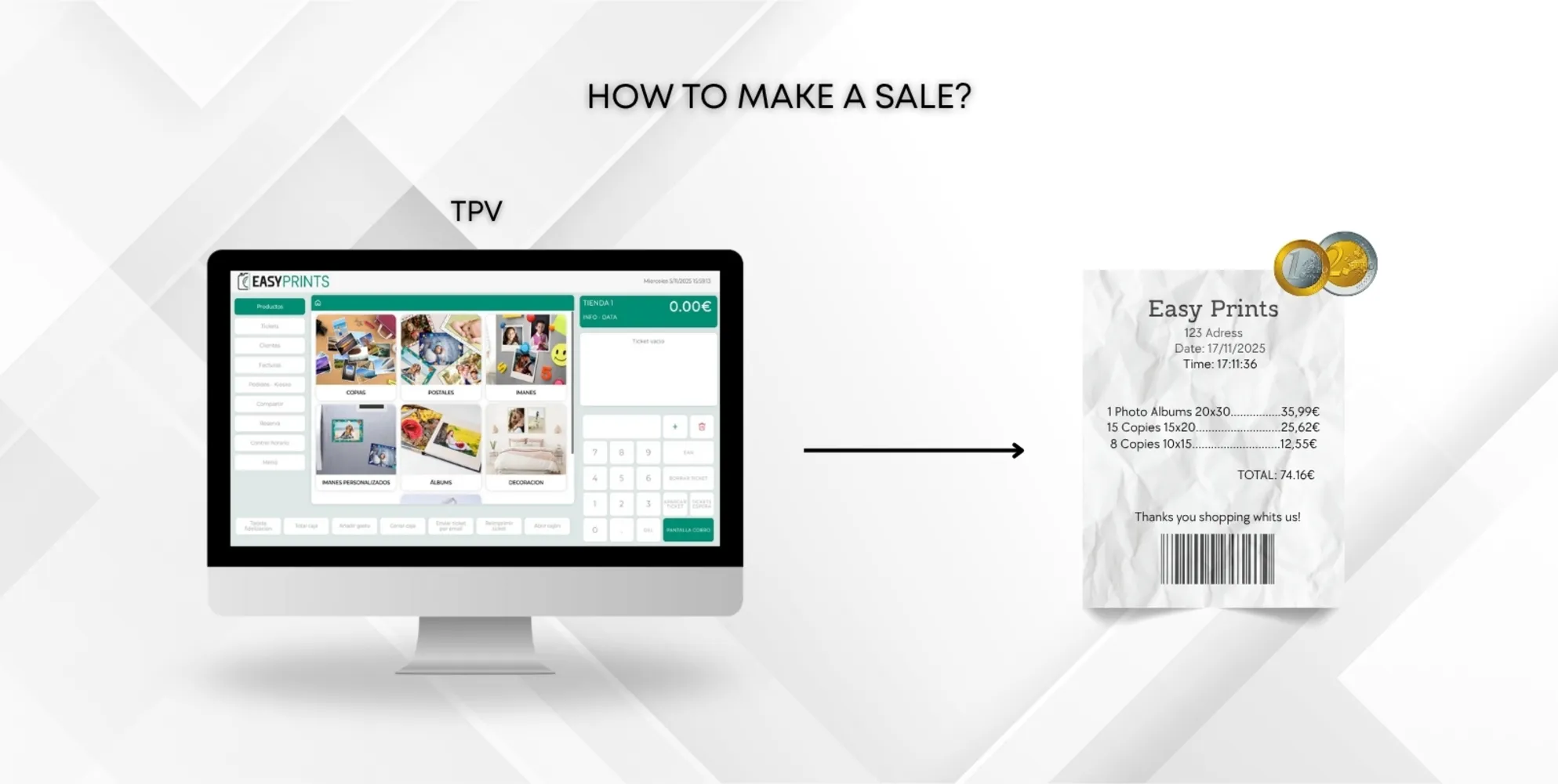
Once the products are added to the receipt, go to the payment screen by tapping the green Payment screen button located in the bottom-right corner, as show…
 ↗ Enlarge image
Once the products are added to the receipt, go to the payment screen by tapping the green Payment screen button located in the bottom-right corner, as show…
Can’t find what you need?
Go back to the Help Center or contact Easy-Prints.
← Back to Help Center