
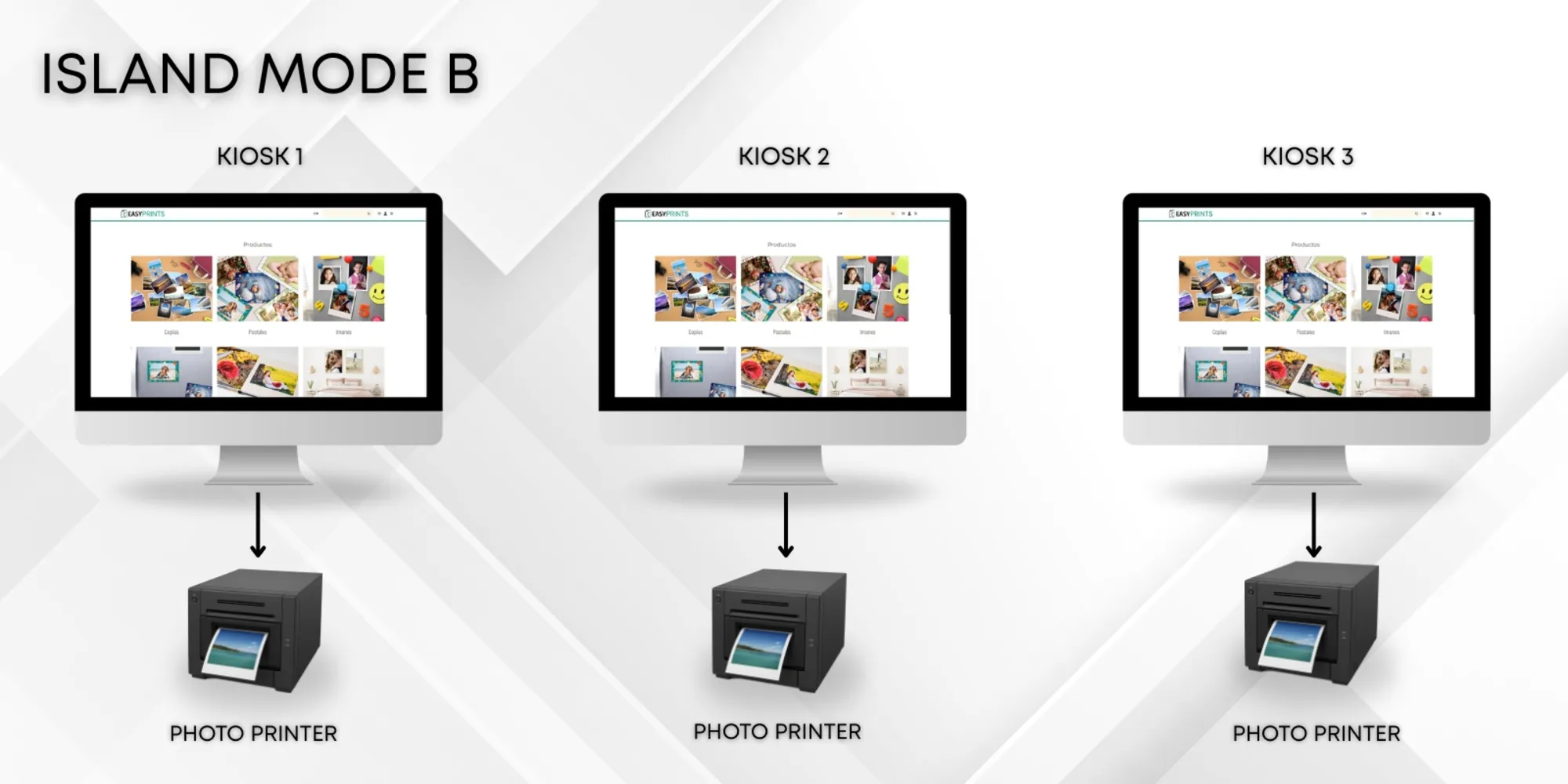
How to install the kiosk in island mode type B.
First, you must install the Easy-Prints application on each of the computers you plan to use as kiosks. You must install each printer in its corresponding…
Step 1
First, you must install the Easy-Prints application on each of the computers you plan to use as kiosks.
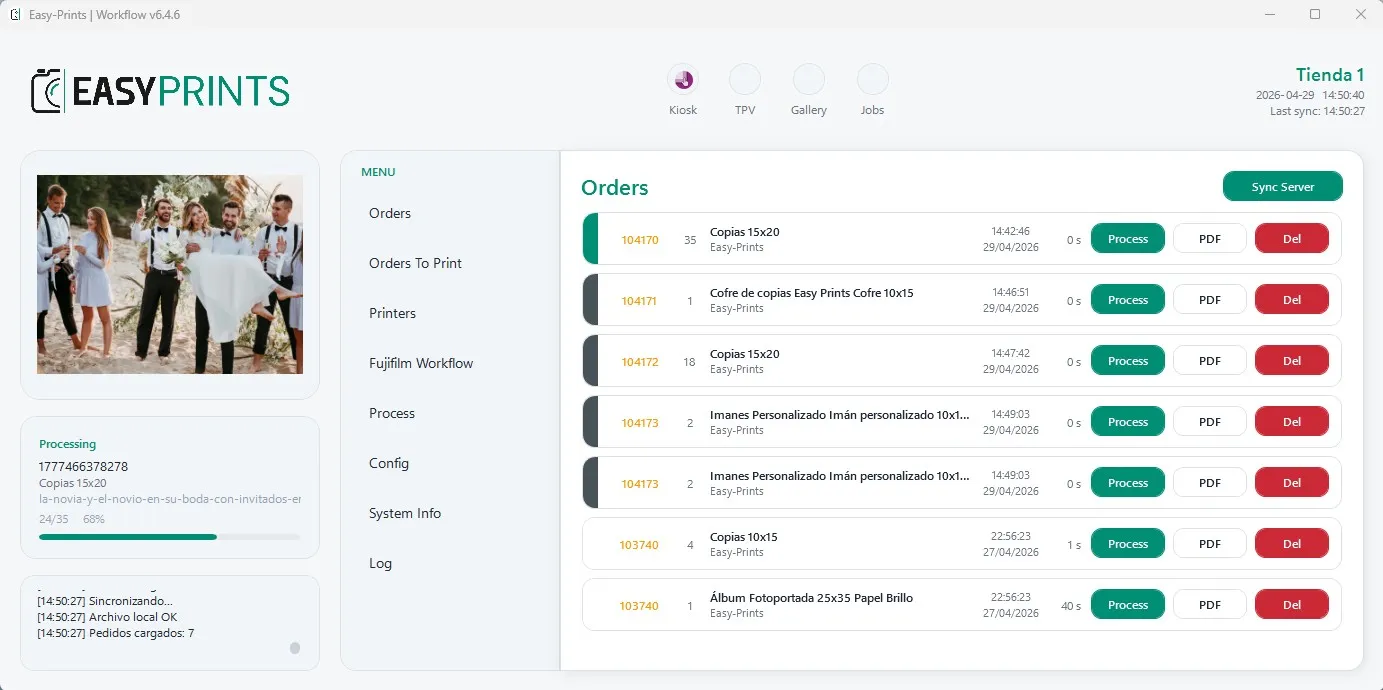
Step 2
You must install each printer in its corresponding kiosk. For example, on Kiosk 1 we will install a 10x15 printer, on Kiosk 2 a 15x20 printer, and on Kiosk 3 a third printer.
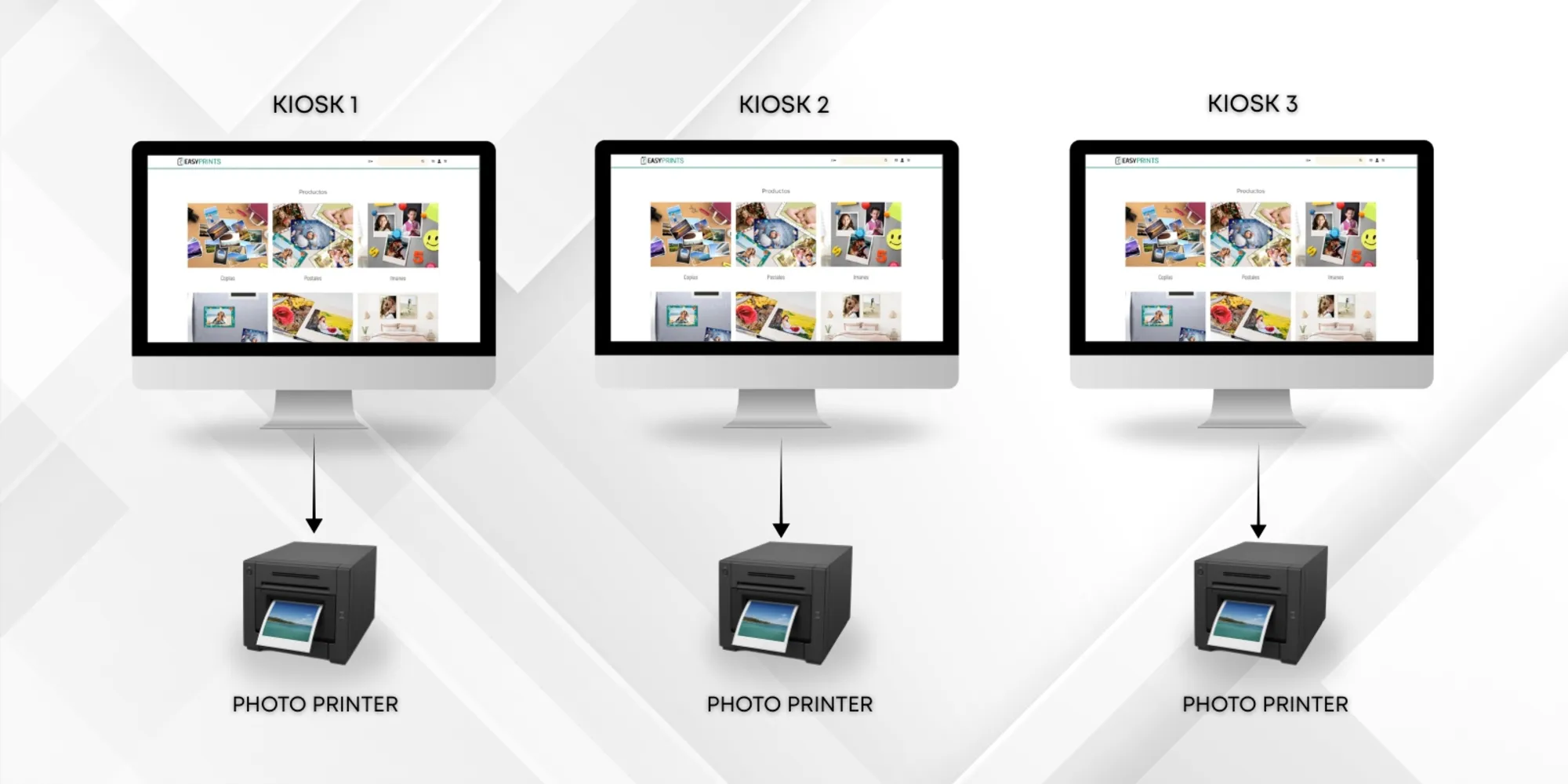
Step 3
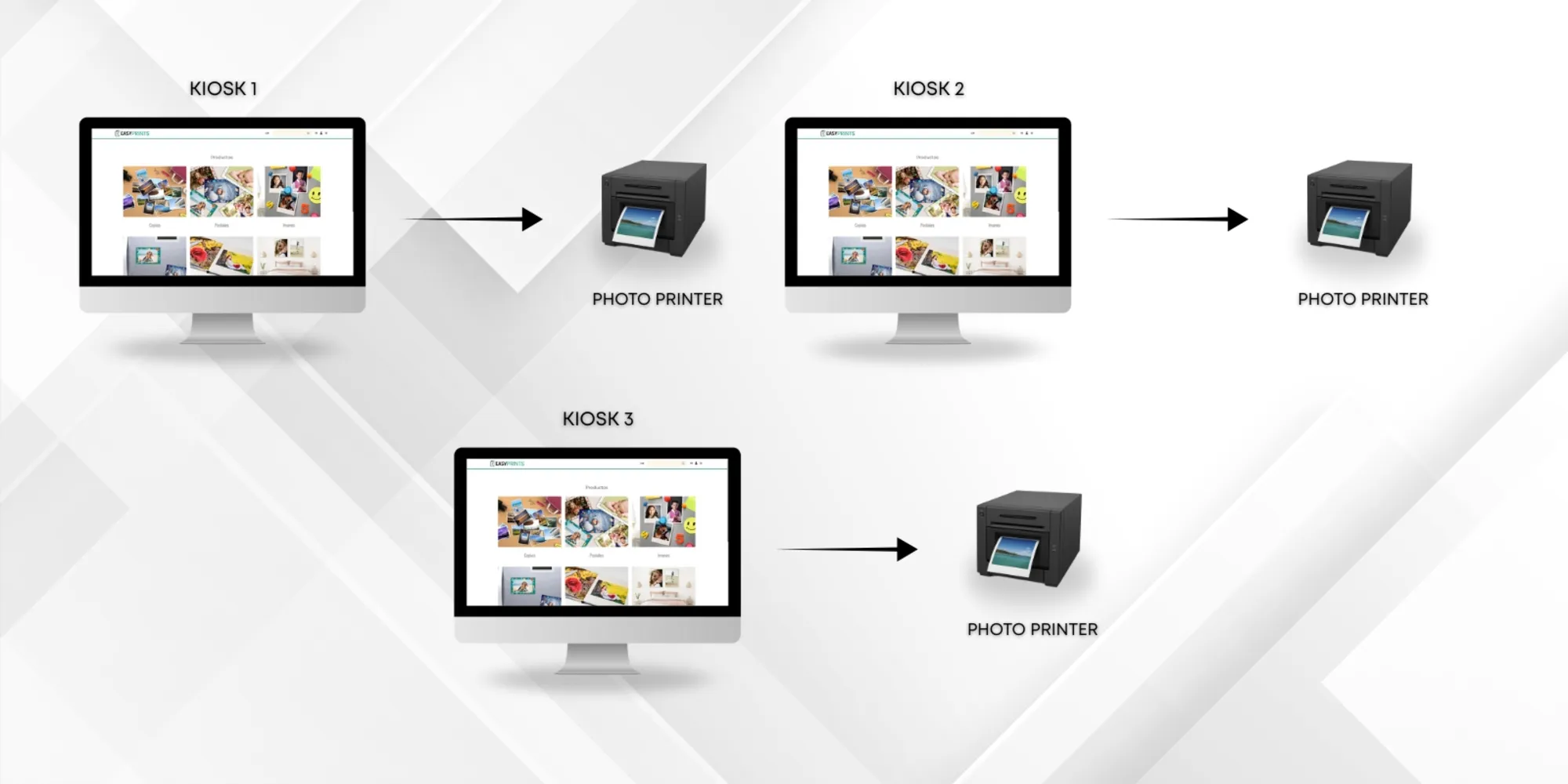
Once the printers have been installed in their corresponding kiosks, you must configure each kiosk as if it were a local mode installation. To learn the procedure, refer to the manual titled: How to install the kiosk in local mode. This process must be repeated for each kiosk, as all will operate independently.
Go back to the Help Center or contact Easy-Prints.
← Back to Help Center