
POS
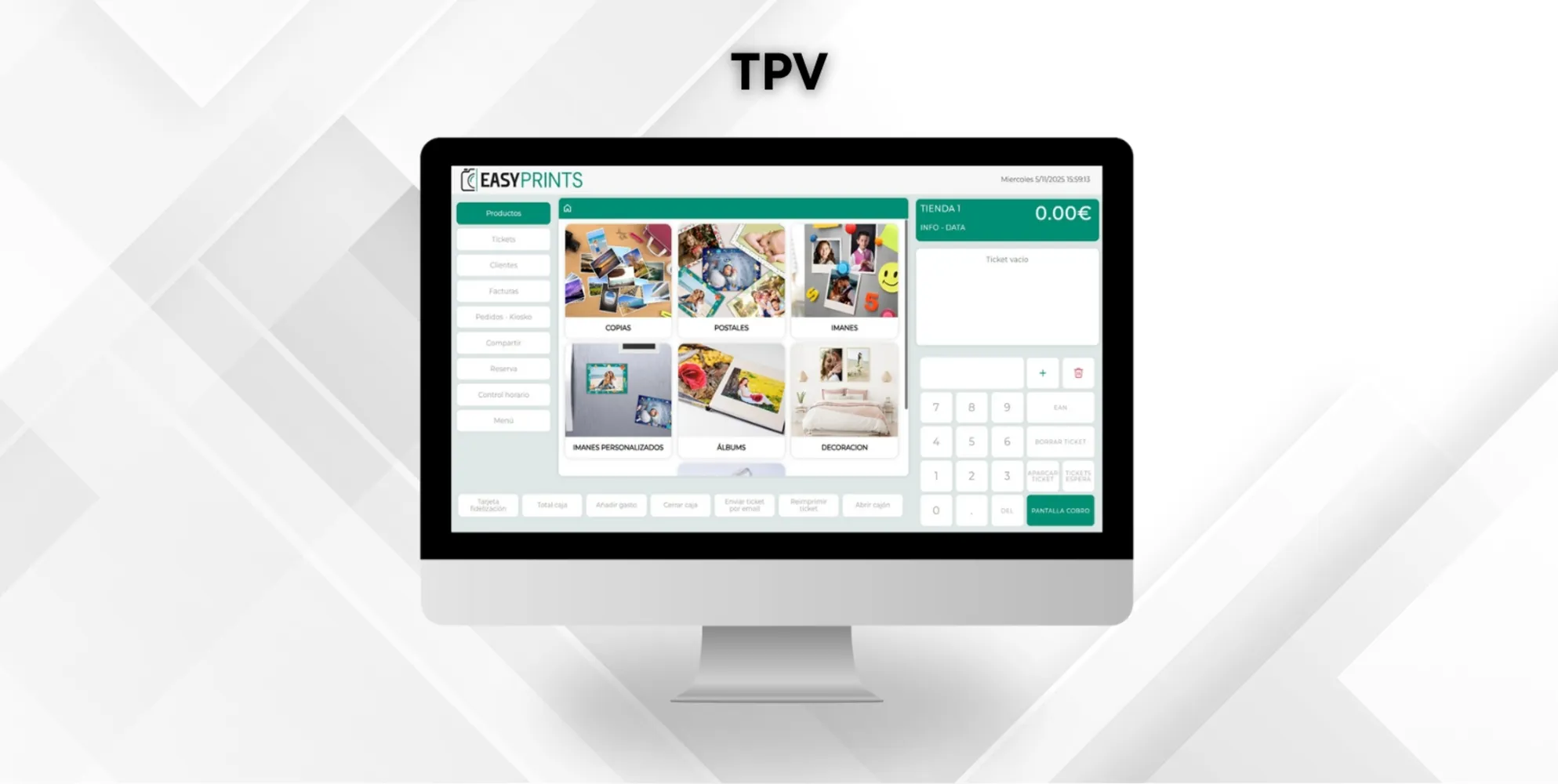
How to run the POS from the web
To run the POS from the web, go to the POS section in the left-hand menu. Once inside, go to the top bar and click on Web POS. Please remember that, in ord…
1
Step 1
Step 1
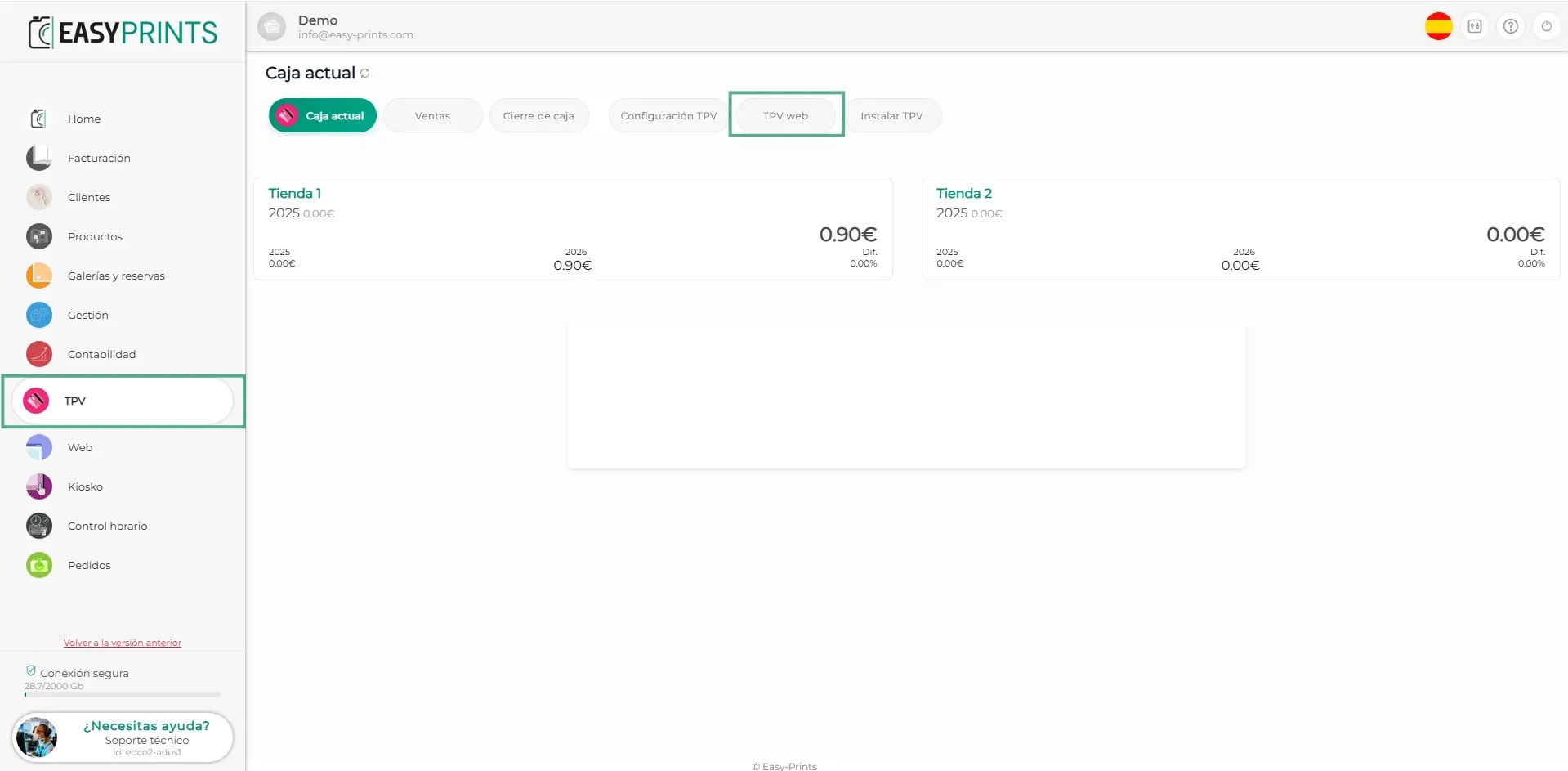
To run the POS from the web, go to the POS section in the left-hand menu. Once inside, go to the top bar and click on Web POS. Please remember that, in order to use this option, you must have previously created a store.
2
Step 2
Step 2
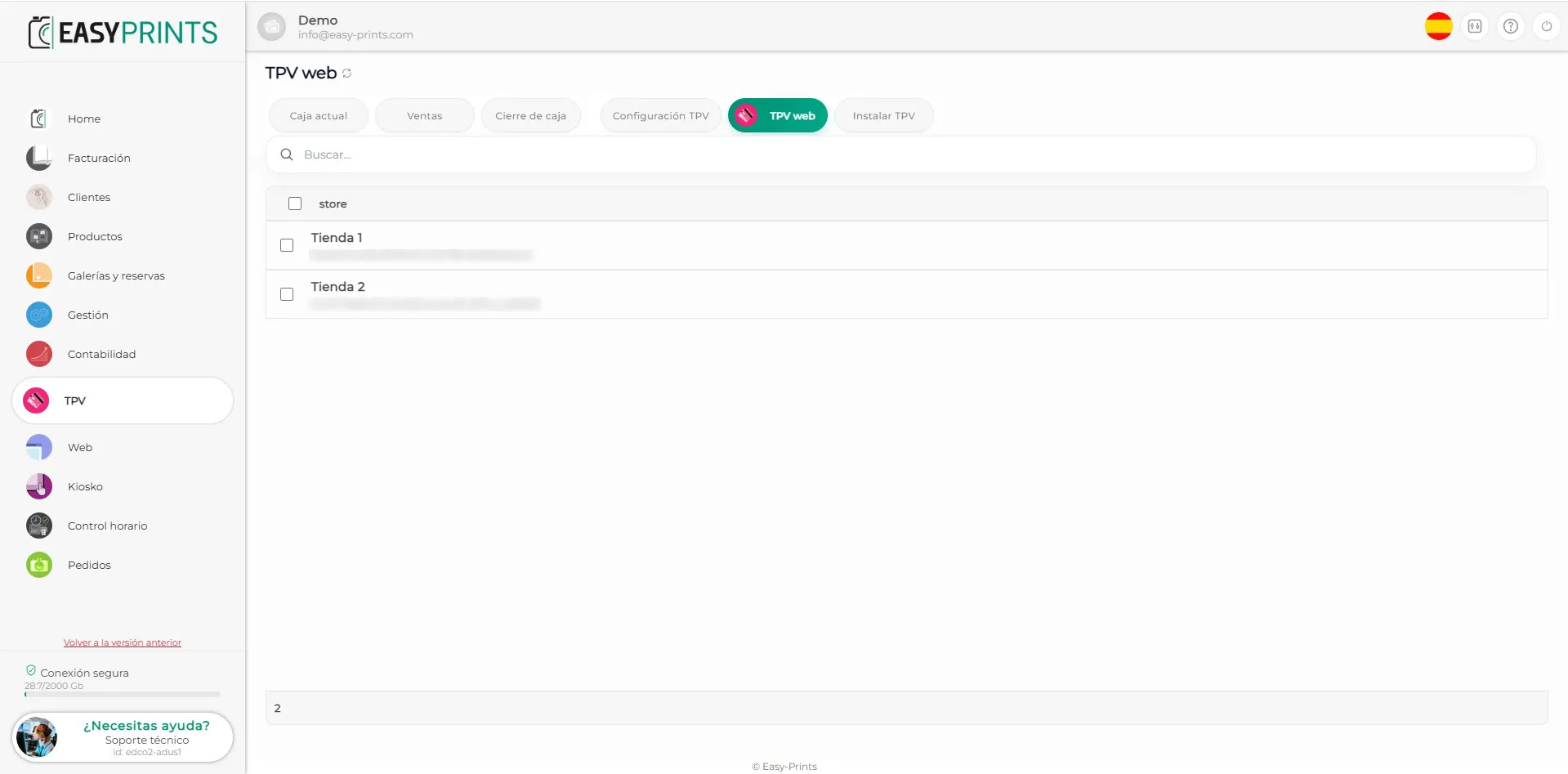
Once you are in the Web POS section, you will see the stores that have been previously created. Click on the store you want to use and the POS will open automatically.
3
Step 3
Step 3
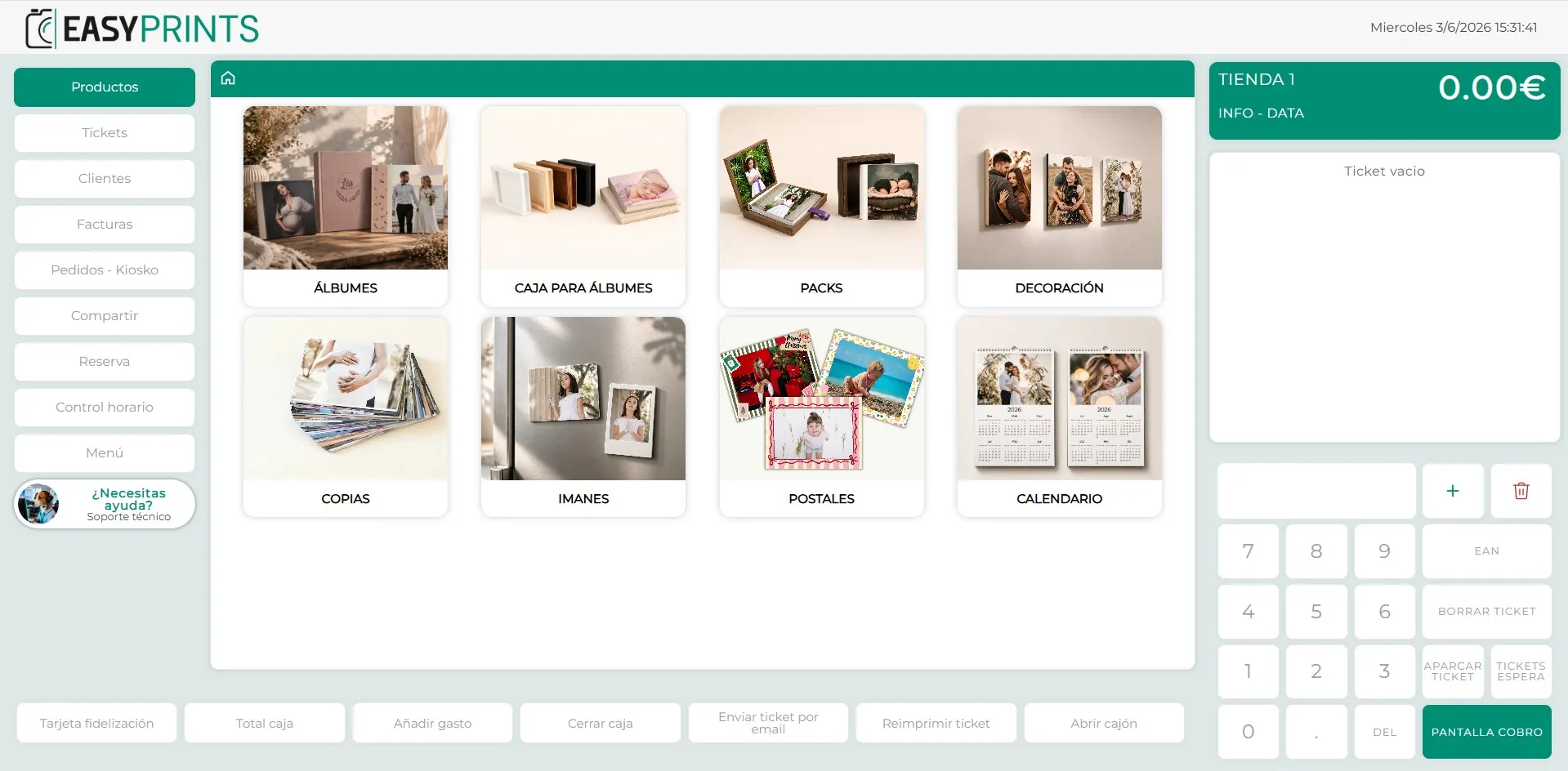
The POS will open in a new tab and you will be able to use it normally.
Can’t find what you need?
Go back to the Help Center or contact Easy-Prints.
← Back to Help Center