
ERP / Management
How to mark an invoice as paid.
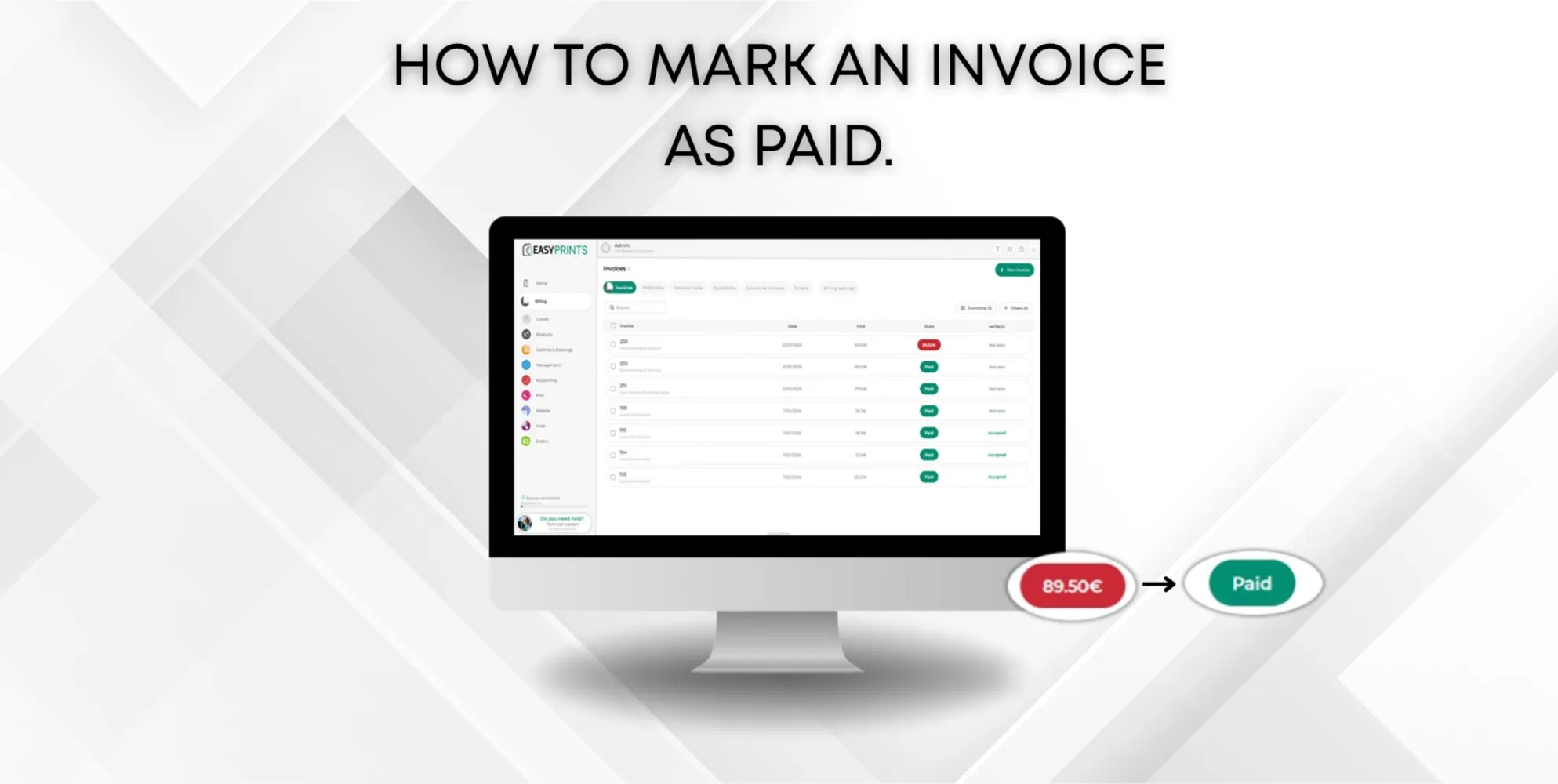
In the Billing section, located in the menu on the left, go to the Invoices section and click on the invoice you want to mark as paid. In the new window, t…
 ↗ Enlarge image
In the Billing section, located in the menu on the left, go to the Invoices section and click on the invoice you want to mark as paid. In the new window, t…
Can’t find what you need?
Go back to the Help Center or contact Easy-Prints.
← Back to Help Center