
Products
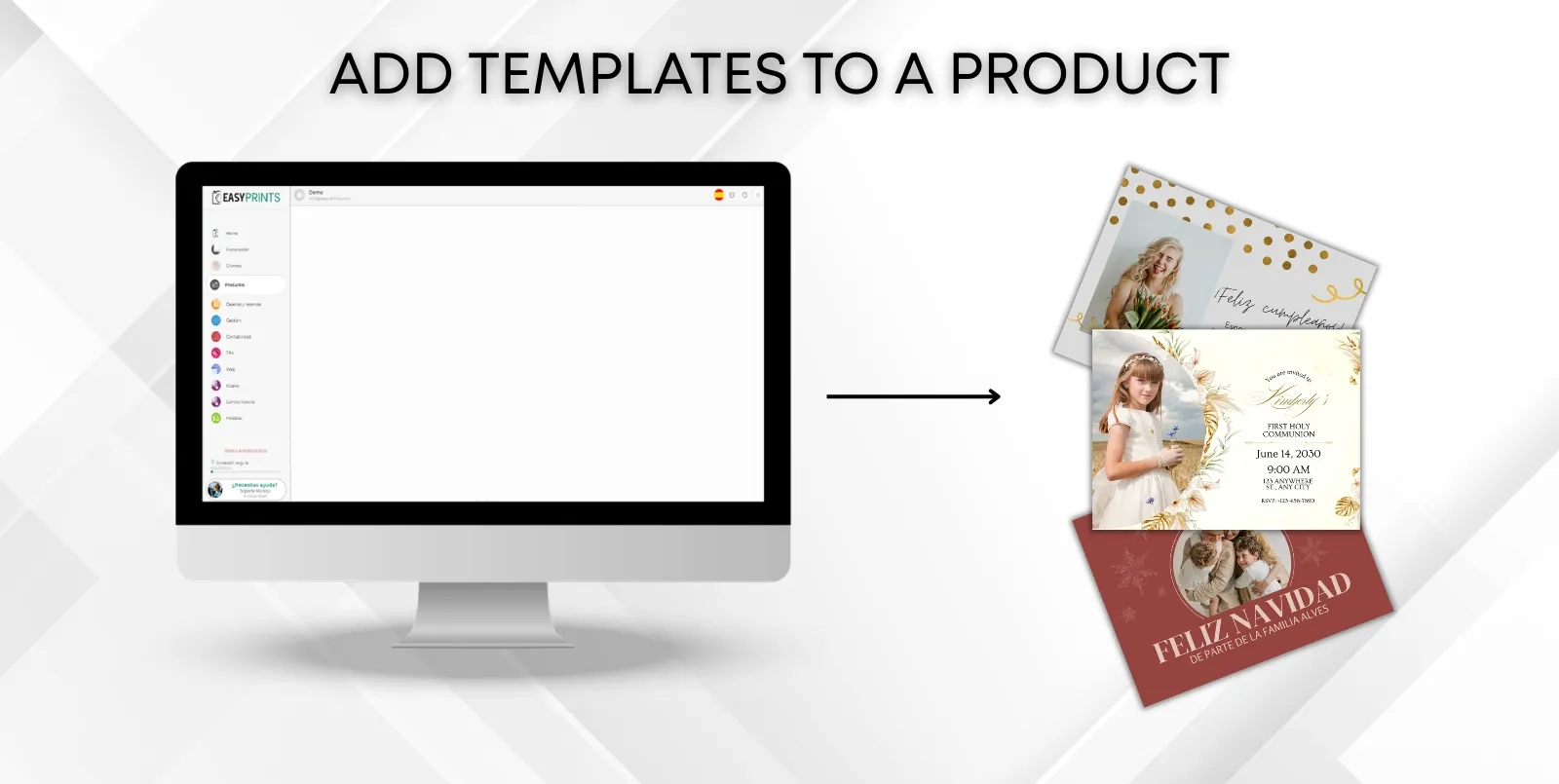
Add templates to a product.
Go to the Products category located in the left-hand menu. Within this category, in the top bar, go to the Products section. Once there, click the green “+…
 ↗ Enlarge image
Go to the Products category located in the left-hand menu. Within this category, in the top bar, go to the Products section. Once there, click the green “+…
Can’t find what you need?
Go back to the Help Center or contact Easy-Prints.
← Back to Help Center