
How to access the administration panel as a sales representative
To allow a sales representative to access their account, they must go to the following link: https://www.easy-prints.com/admin2#clients-commercial and log…
Step 1
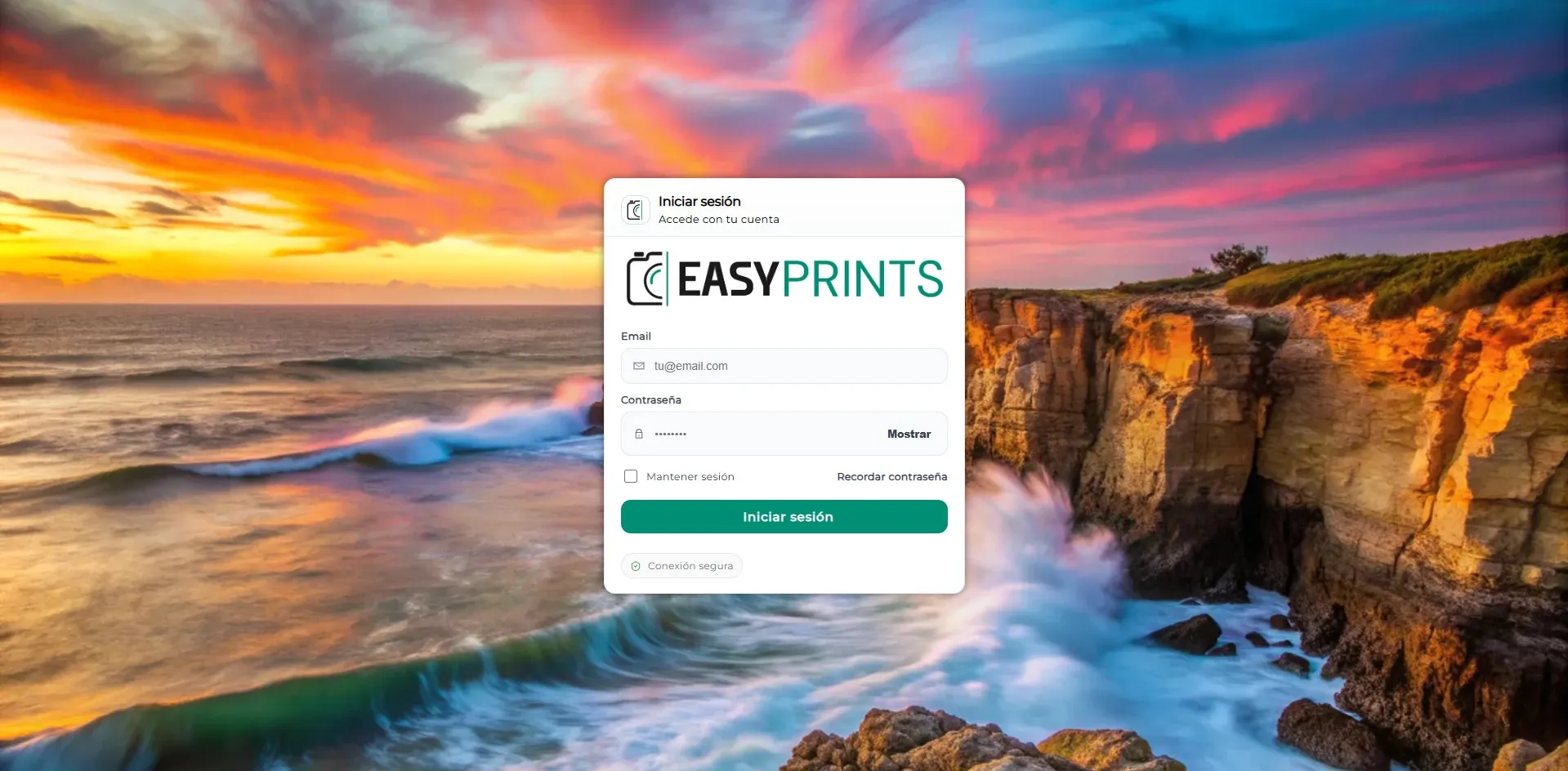
To allow a sales representative to access their account, they must go to the following link: https://www.easy-prints.com/admin2#clients-commercial and log in with their credentials.
Step 2
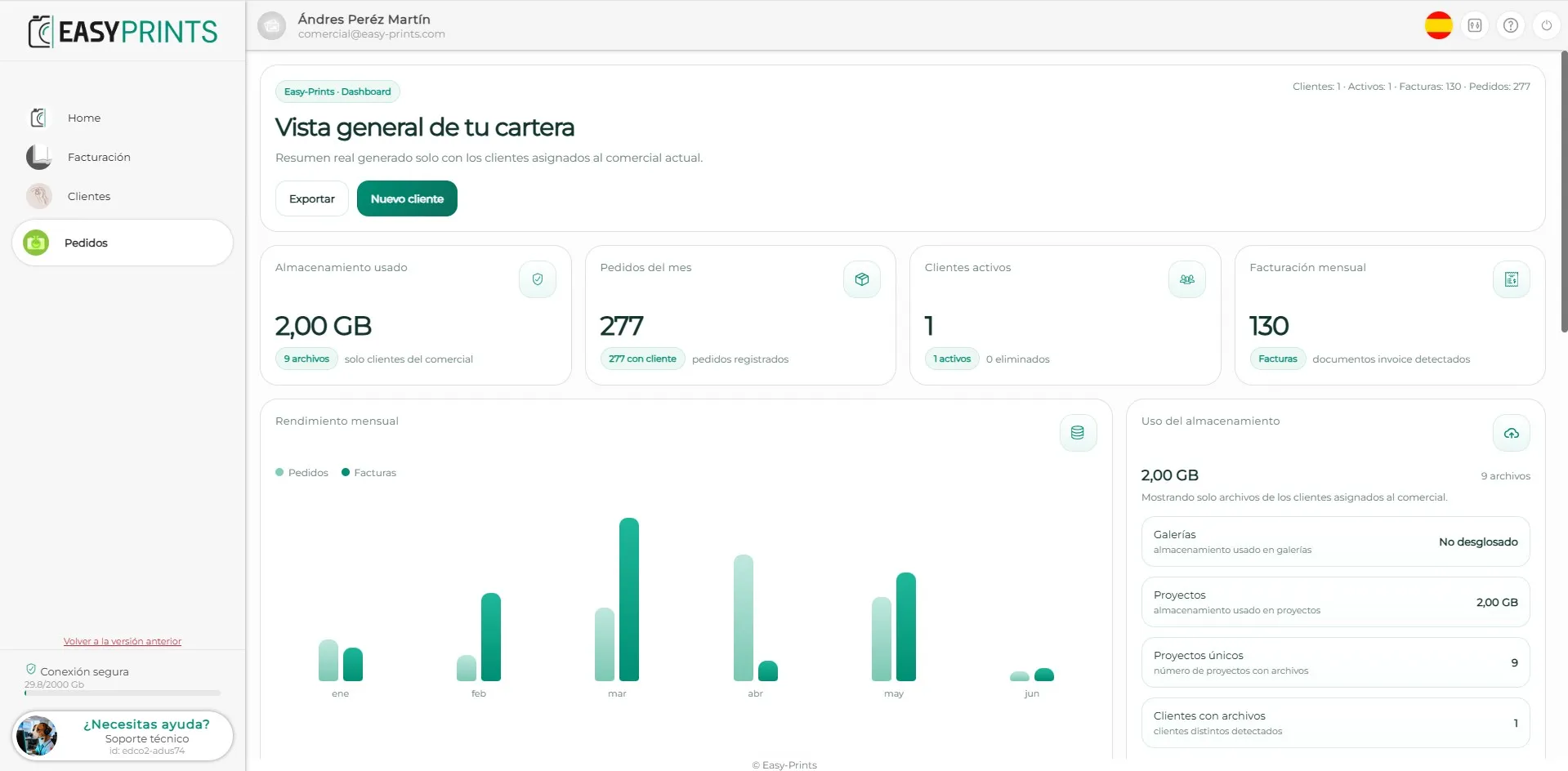
Within their administration panel, the sales representative will be able to access the billing, clients and orders sections.
Step 3
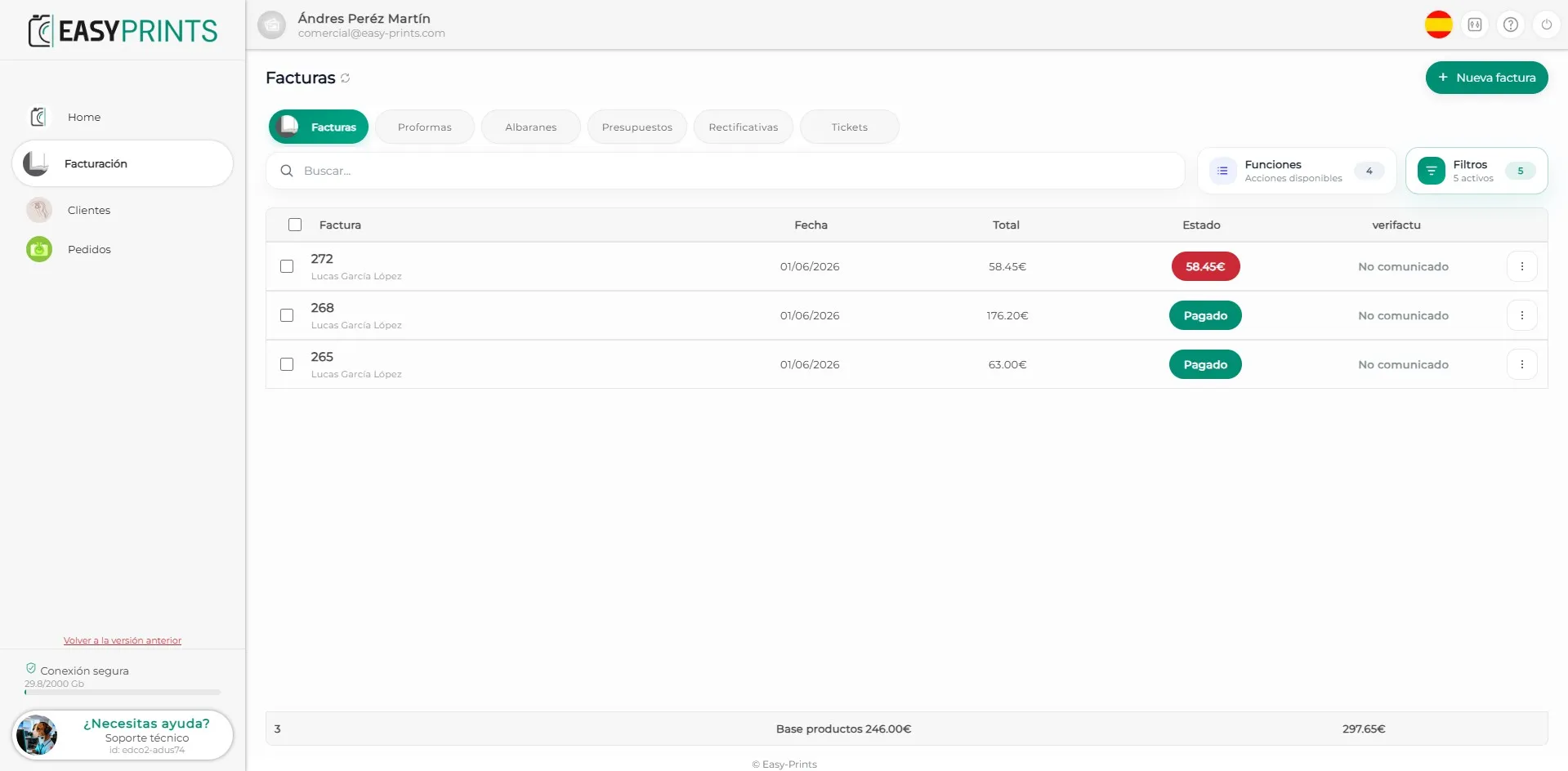
In the Billing section, the invoices for each client can be viewed, including both paid invoices and those pending payment. Commissions will only be applied to the product amount. Demos, shipping and taxes will not be taken into account; the commission will be calculated only on the product price.
Step 4
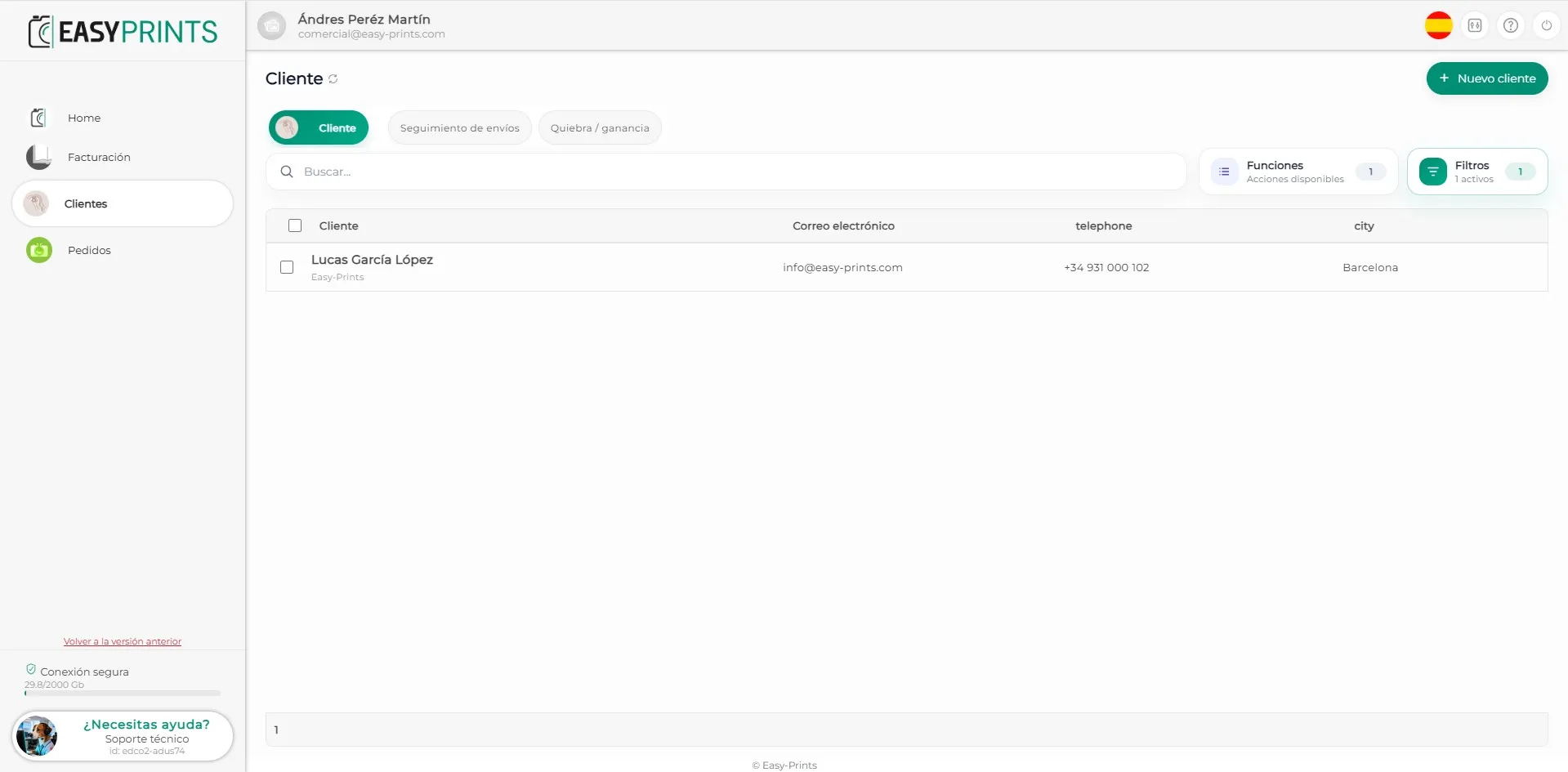
In the Clients area, you will be able to view client information and track their orders. To create a new client, please refer to the corresponding manual.
Step 5
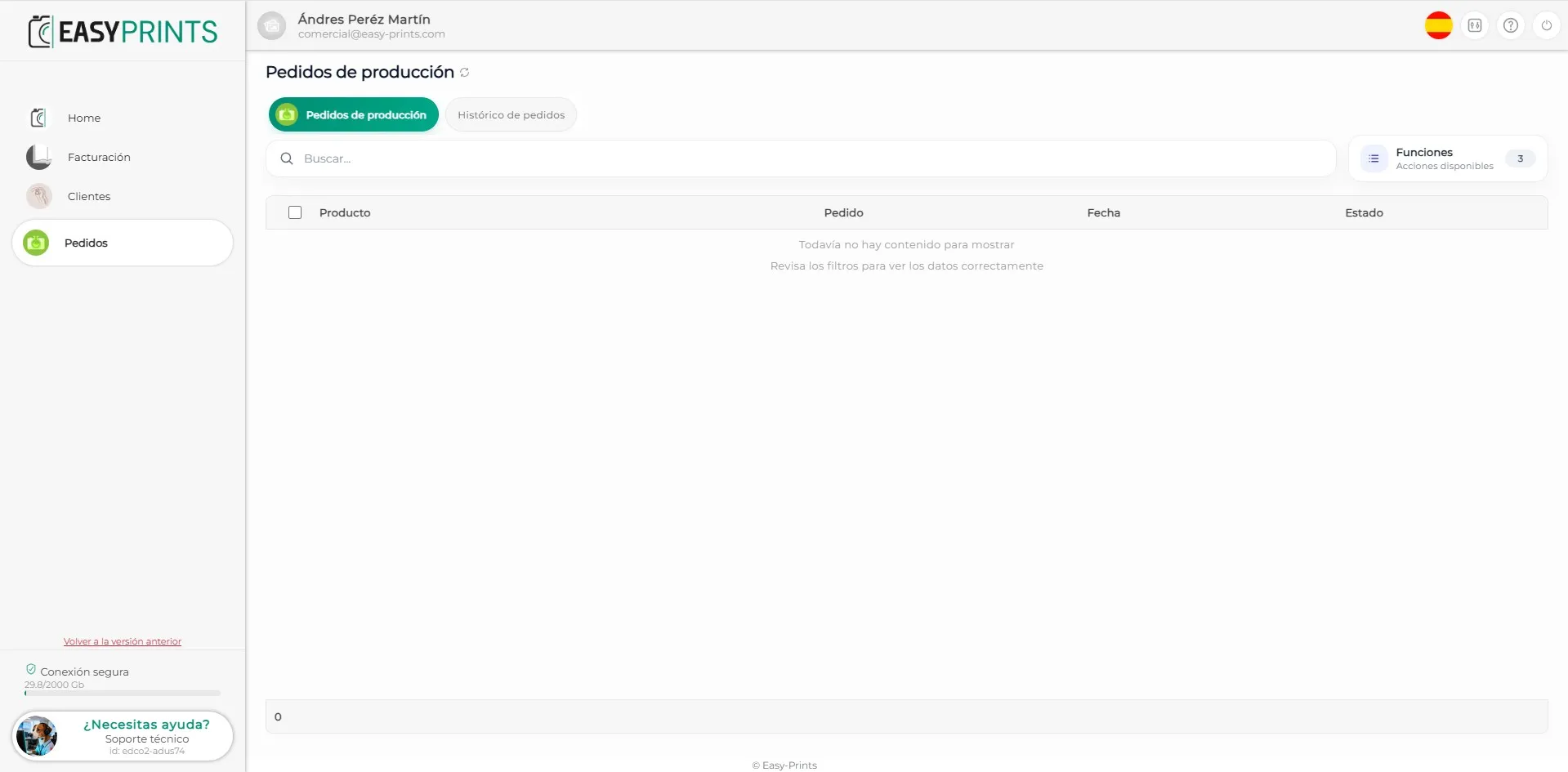
Finally, in the Orders area, you will be able to view the orders that are currently in production.
Go back to the Help Center or contact Easy-Prints.
← Back to Help Center