
Galleries · POS · Web + ecommerce · ERP / Management
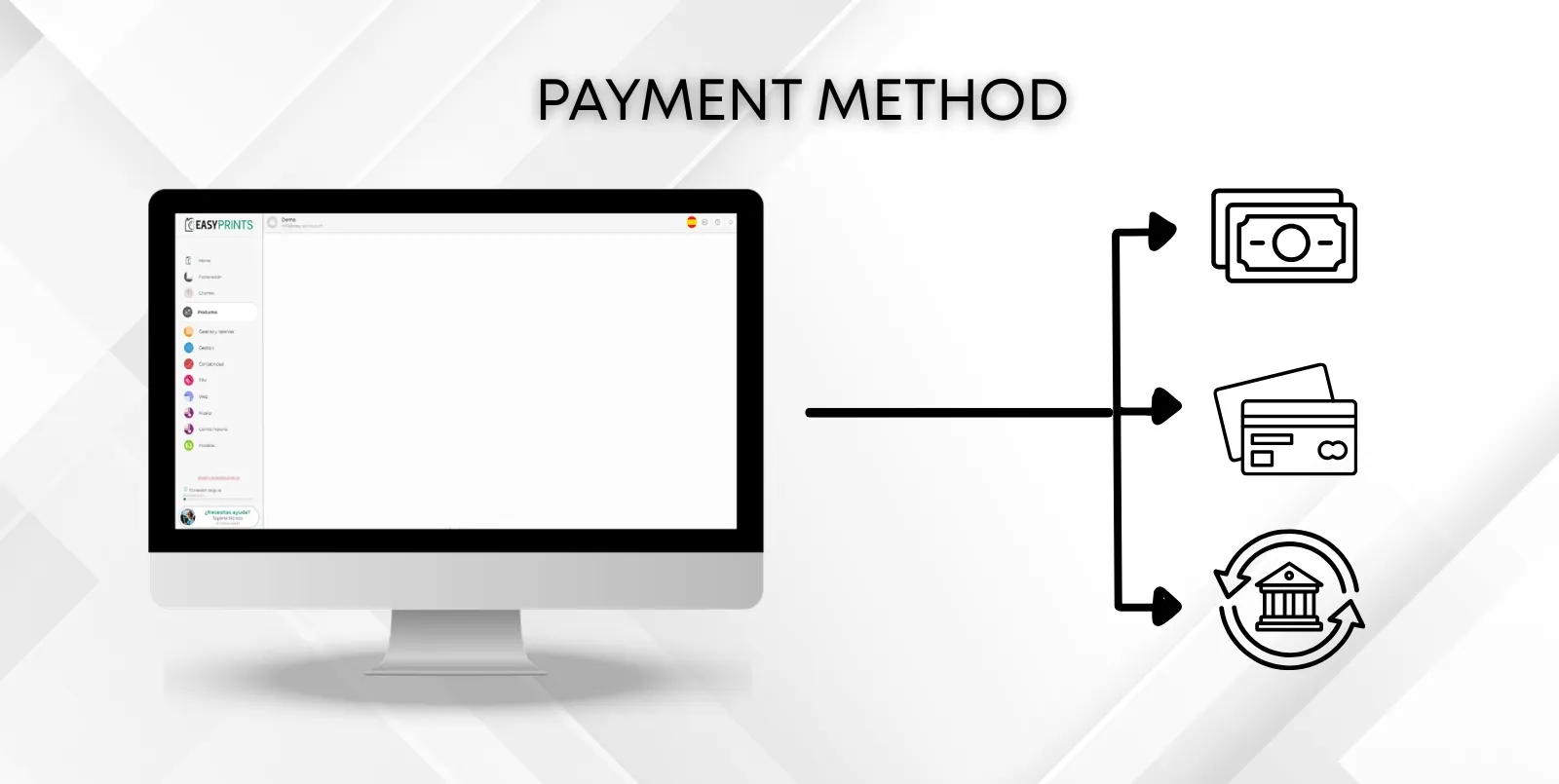
Payment method
Go to the Management section located in the left panel. In the top function bar, you will find the payment methods button. Click on it. In the new window,…
1
Step 1
Step 1
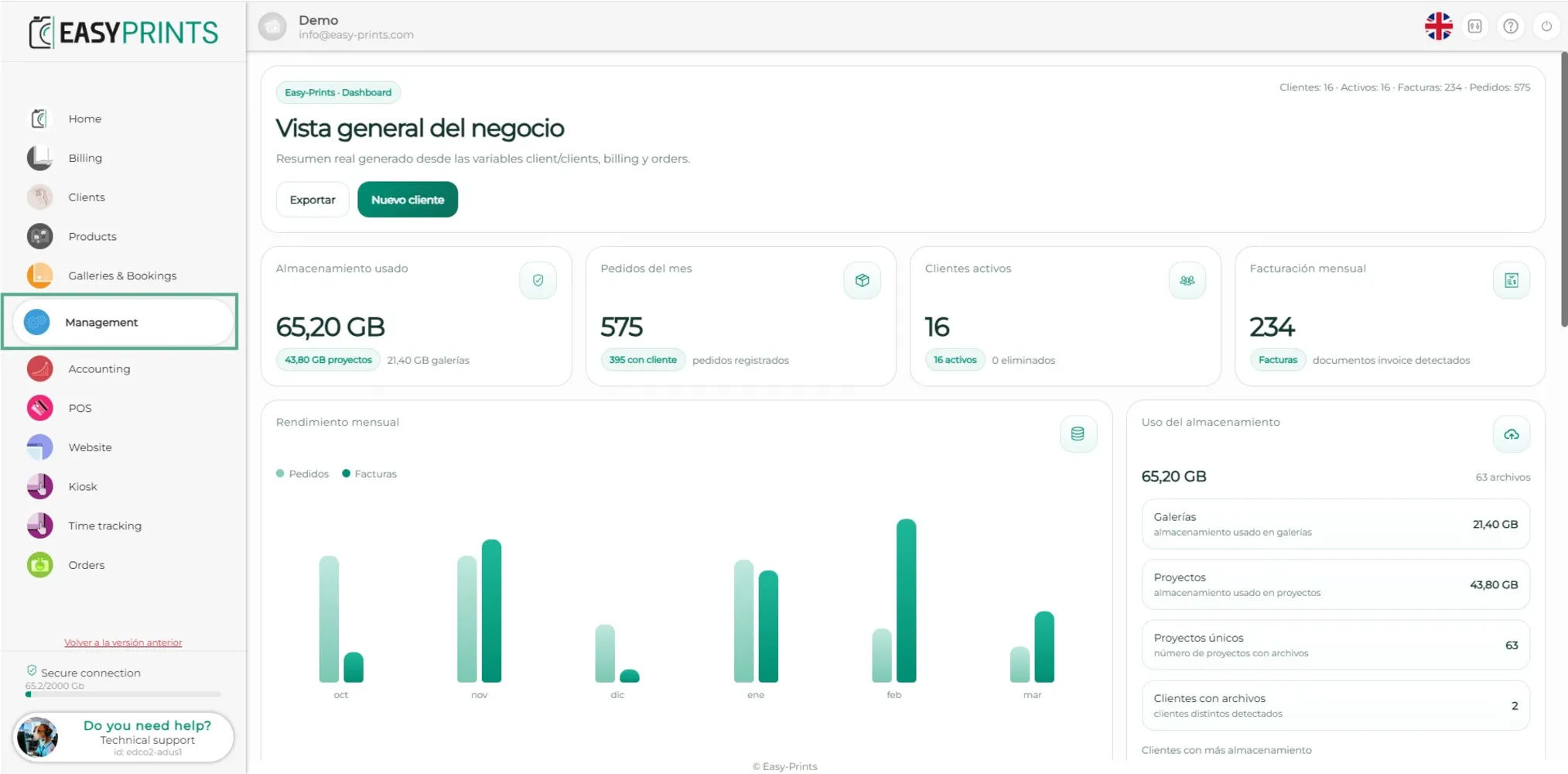
Go to the Management section located in the left panel.
2
Step 2
Step 2
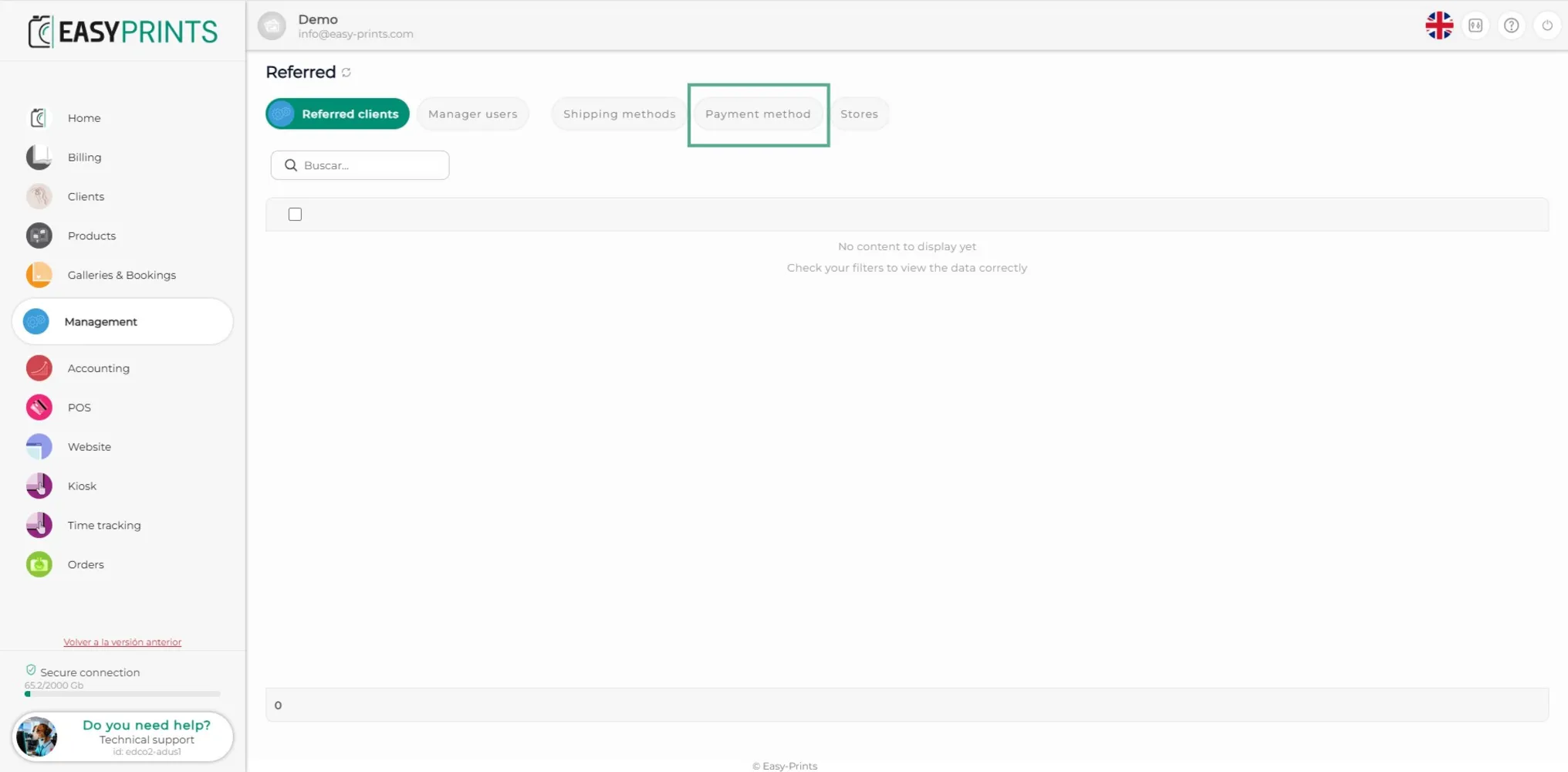
In the top function bar, you will find the payment methods button. Click on it.
3
Step 3
Step 3
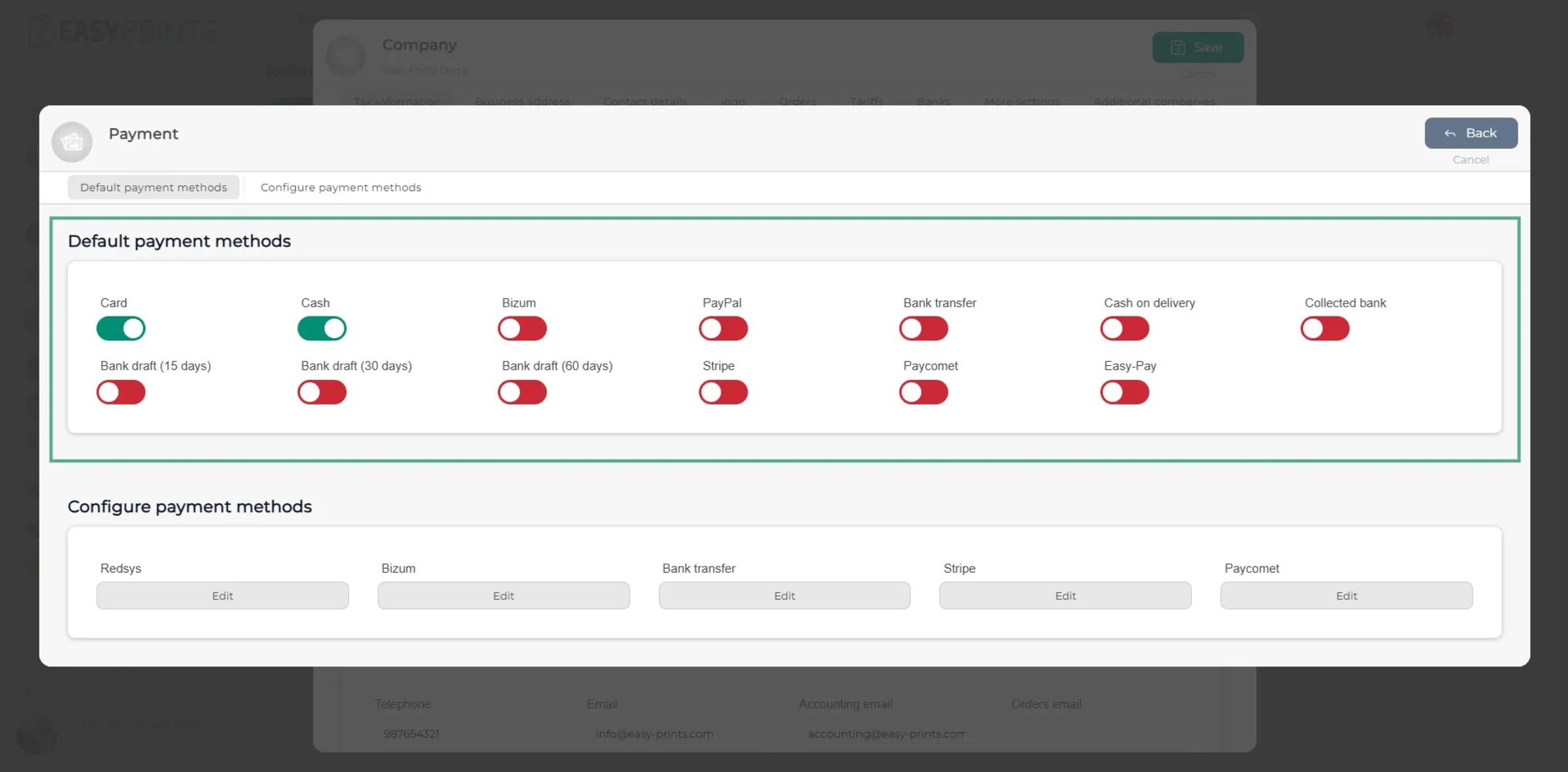
In the new window, enable (in green) the payment methods you want to be available to the customer.
4
Step 4
Step 4
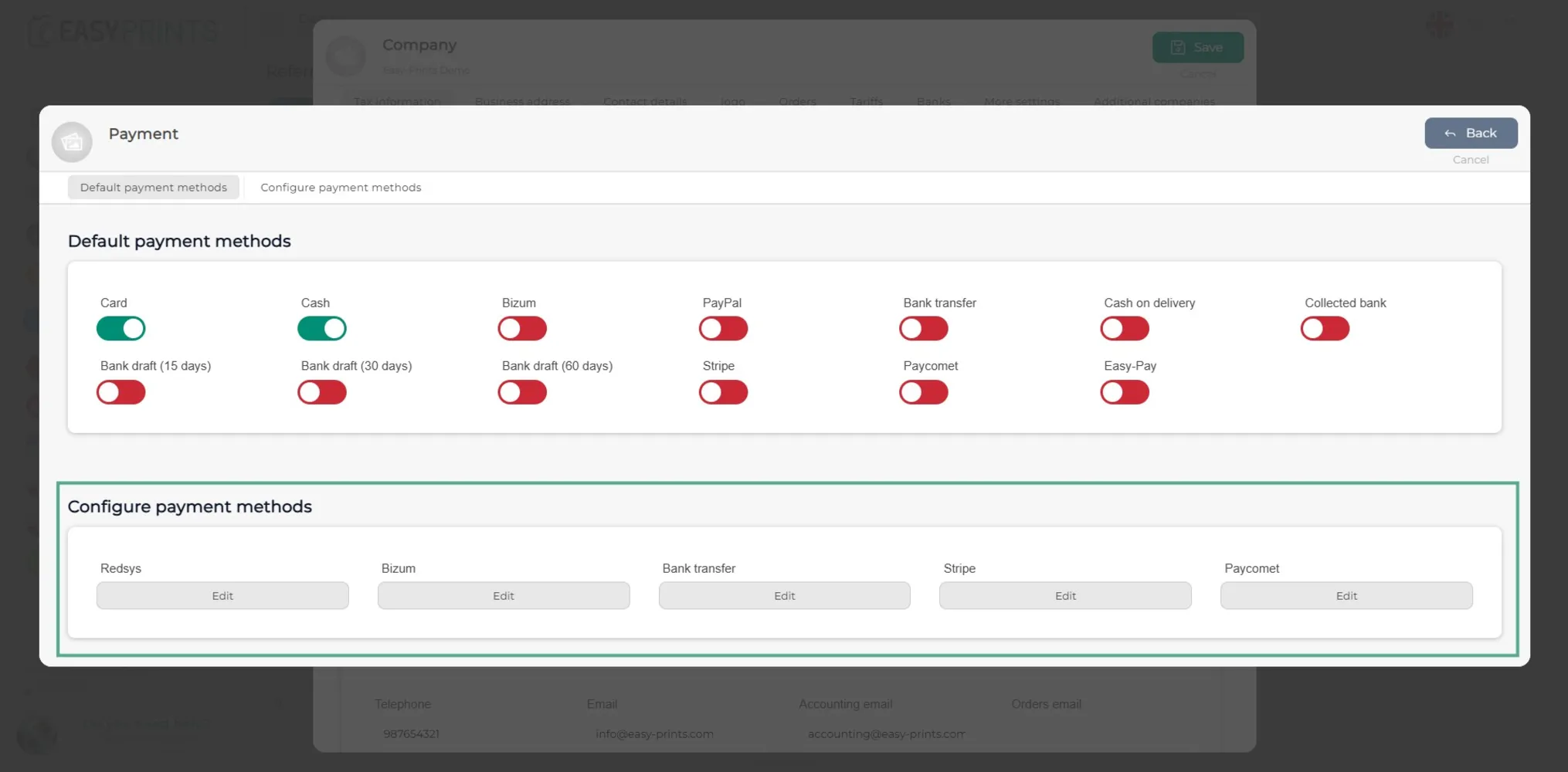
At the bottom of the window, you will find the Configure payment method section. There, you must enter the necessary information to configure the methods you have enabled.
5
Step 5
Step 5
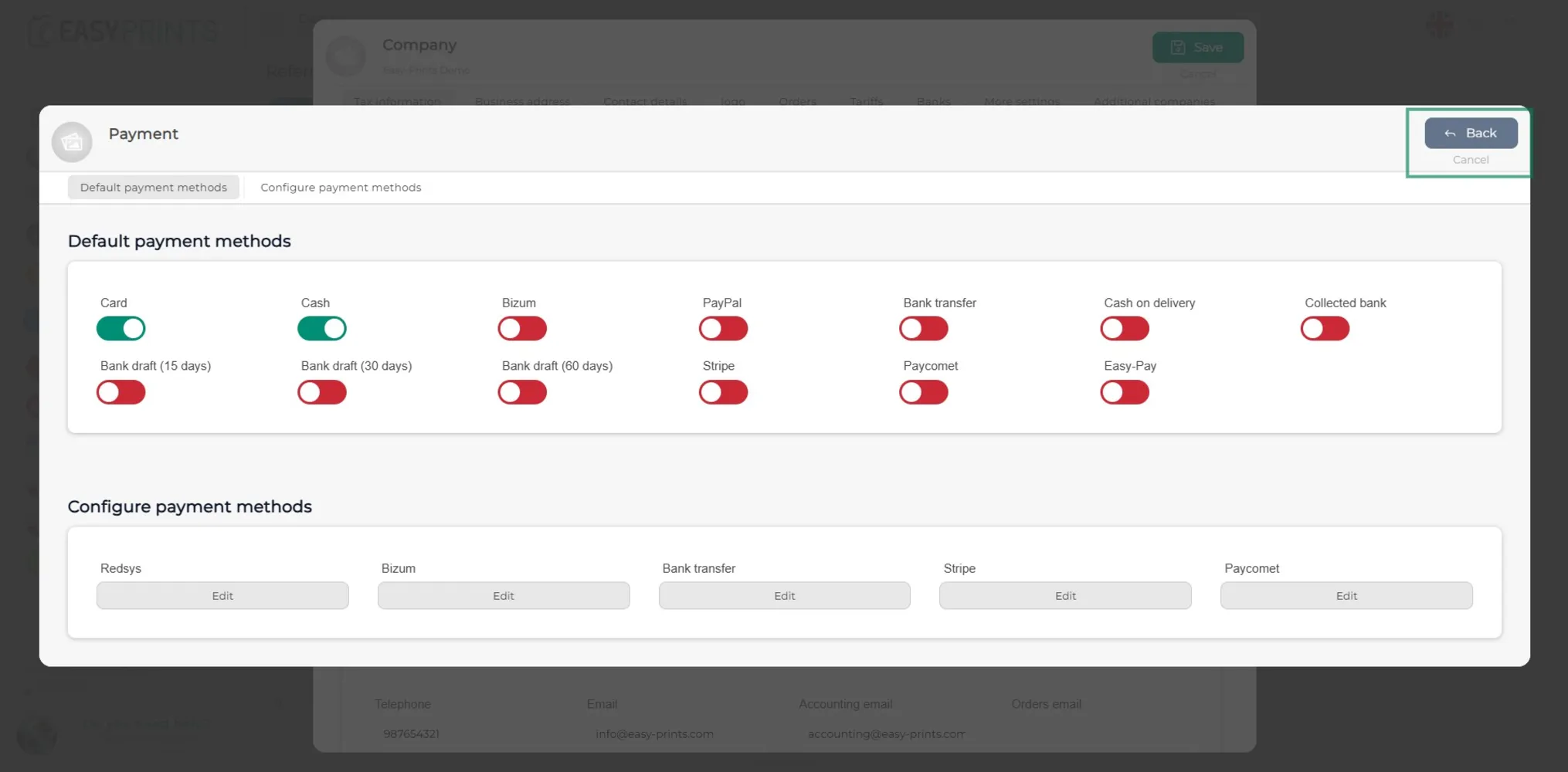
Click the Back button located at the top right of the window.
6
Step 6
Step 6
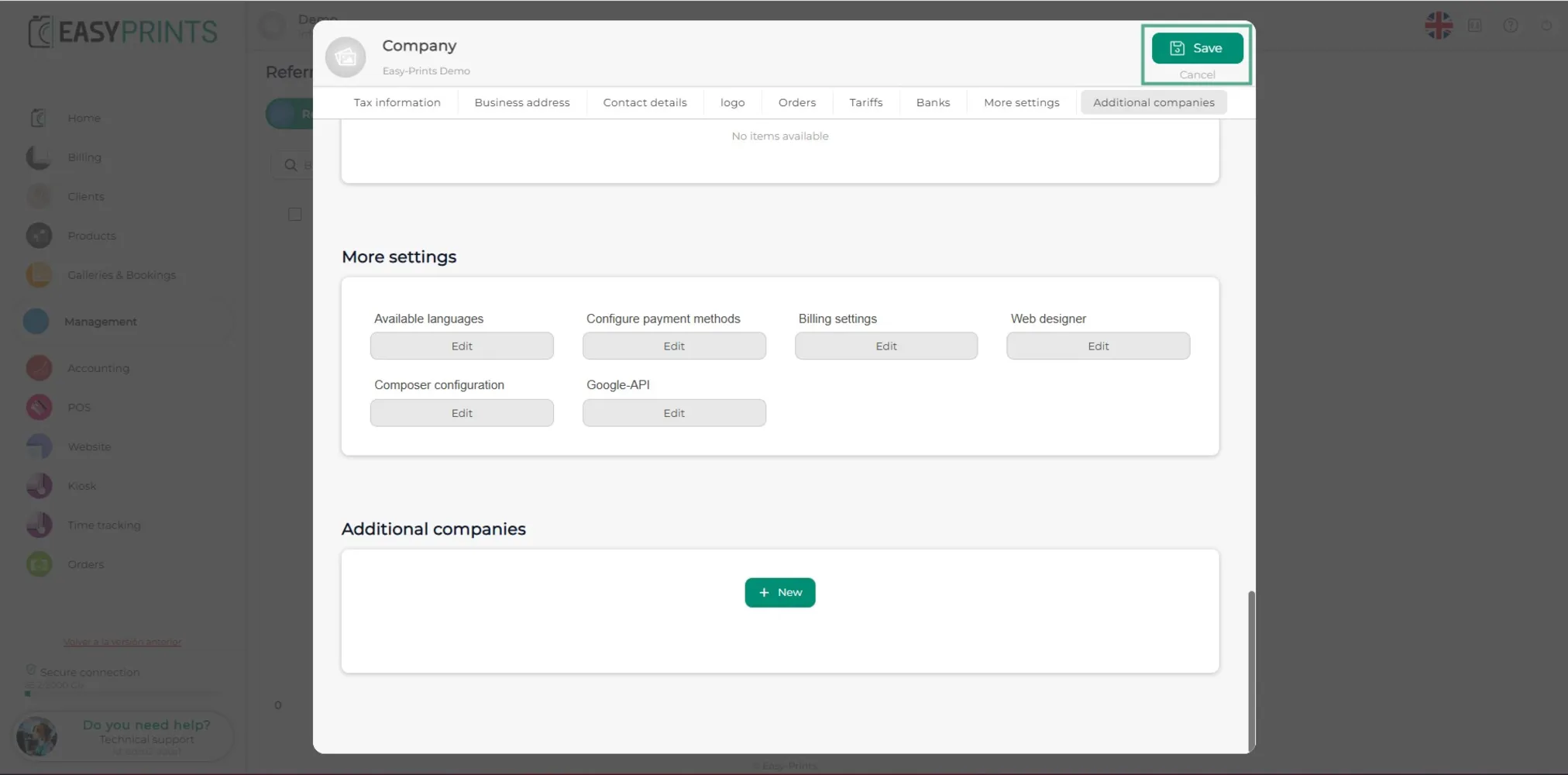
To finish, click the green Save button located at the top of the window.
Can’t find what you need?
Go back to the Help Center or contact Easy-Prints.
← Back to Help Center