
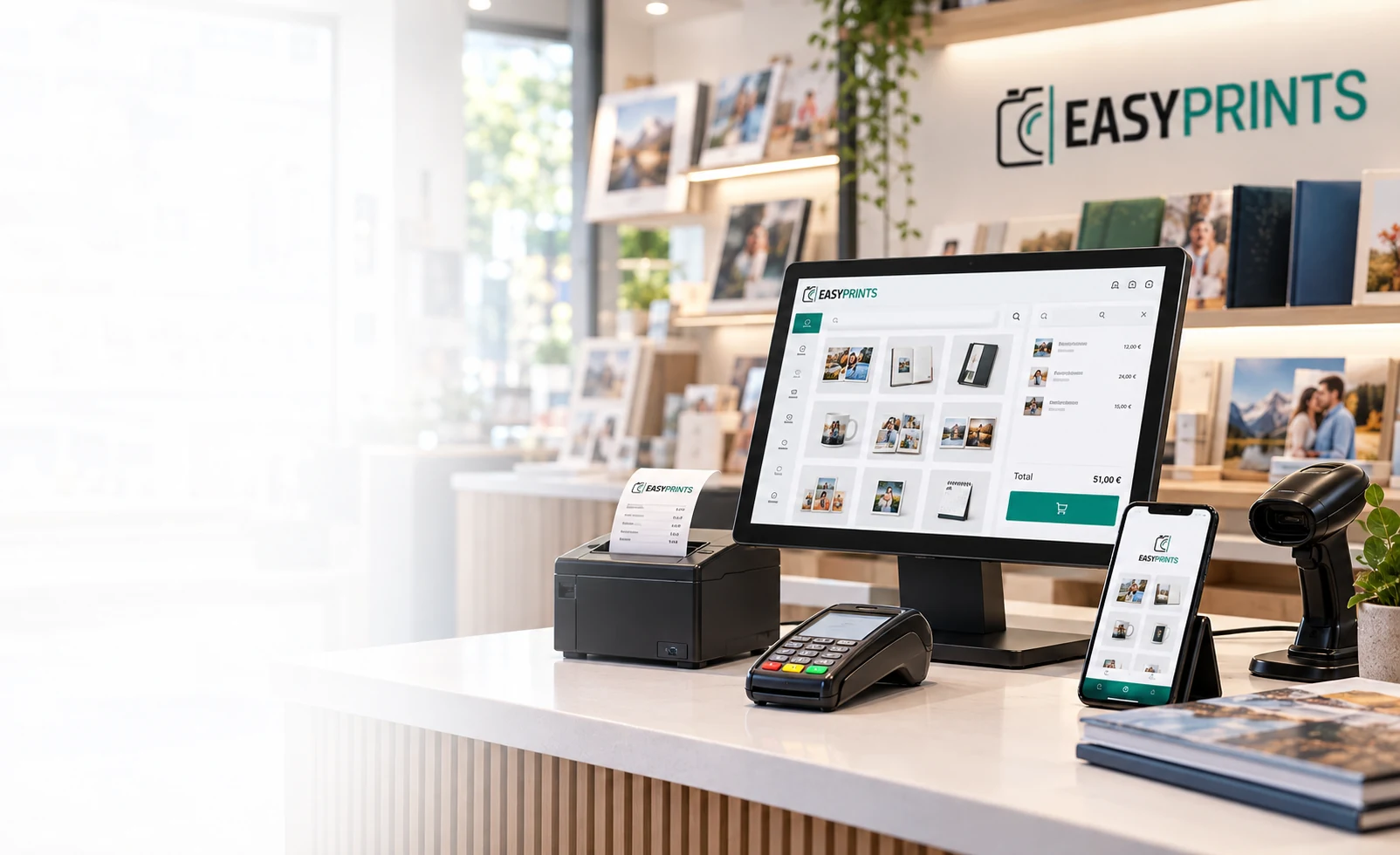
POS for shops and photography businesses
A complete POS to sell, get paid and control your business
Manage counter sales, receipts, invoices, payments, cash register, customers and stock from a modern POS that can run on Windows or from the web.
Everything connected
Kiosk → POS → paymentThe customer prepares the order at the kiosk. Retrieve it in the POS, review it and take payment at the counter.
Web / gallery → order → managementOnline orders arrive in the same environment so the shop can manage them without entering the information again.
Mobile → scan → saleScan a barcode with the phone camera, add the product and continue the sale in Easy-POS.
Sale → Workflow → productionWhen an order needs production, its information can continue into the Easy-Prints workflow.
An order can start at the kiosk and be paid at the POS
Easy-POS does not work in isolation. Kiosk, web, gallery and mobile sales can continue inside the same Easy-Prints ecosystem.
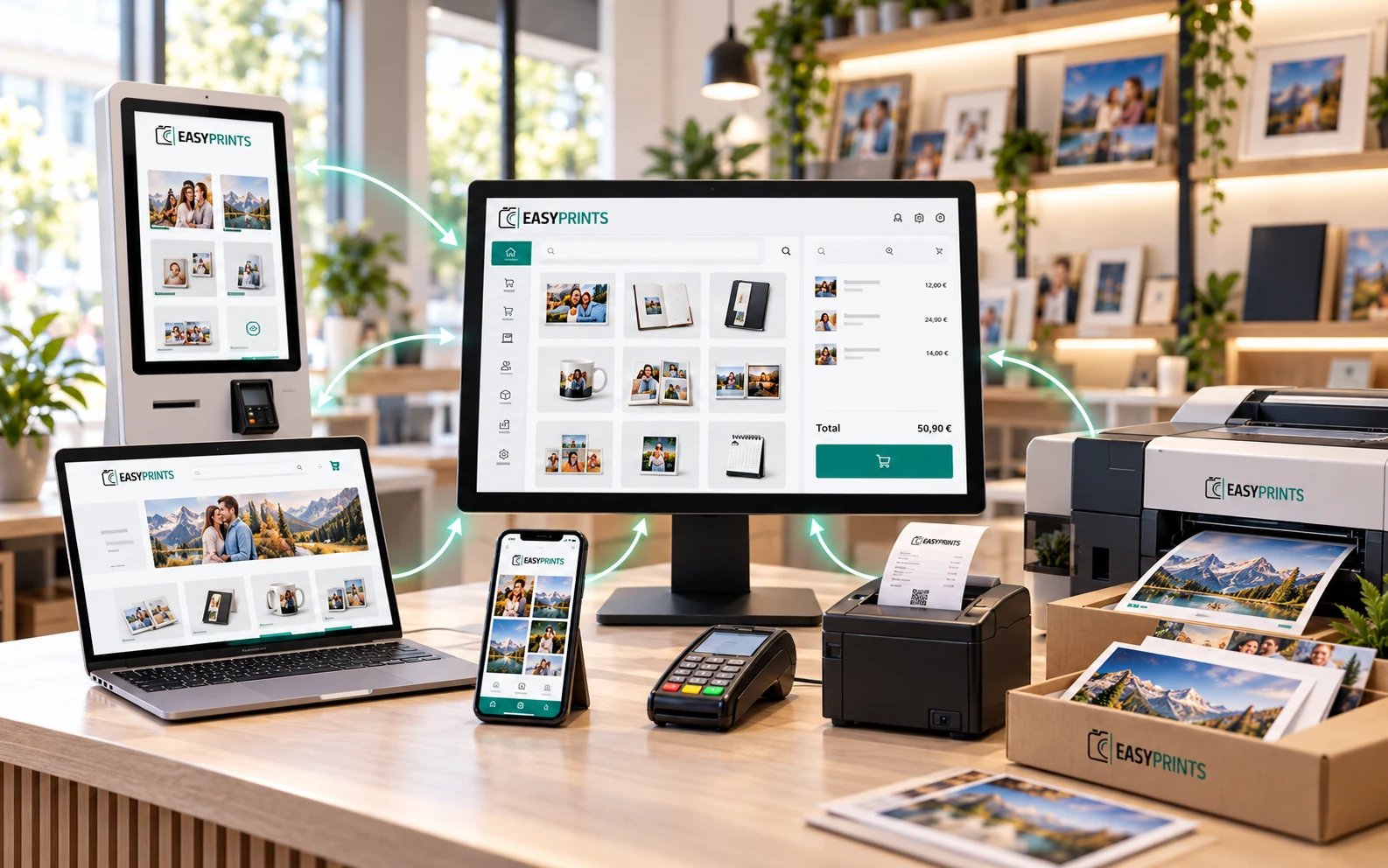
Kiosk → POS → payment · Sale → Workflow → production
Approximate figures from the Easy-Prints ecosystem
Indicative figures based on the historical volume managed by Easy-Prints.
* Approximate Easy-Prints ecosystem figures. Managed turnover is an indicative estimate based on historical processed volume.
Flexible POS for your business
A solution that adapts to every way of working
Install the POS on Windows, access it from the web or configure different points of sale so each store works with its own cash register, sales and daily control.
Installable on WindowsIdeal for working from the main shop computer with a stable and fast application.
Browser accessCheck and manage the POS from the web without always depending on the same computer.
POS on mobileCheck sales, sell and manage from your phone while moving around the store.
MOBILE POS
Your phone can also sell and scan
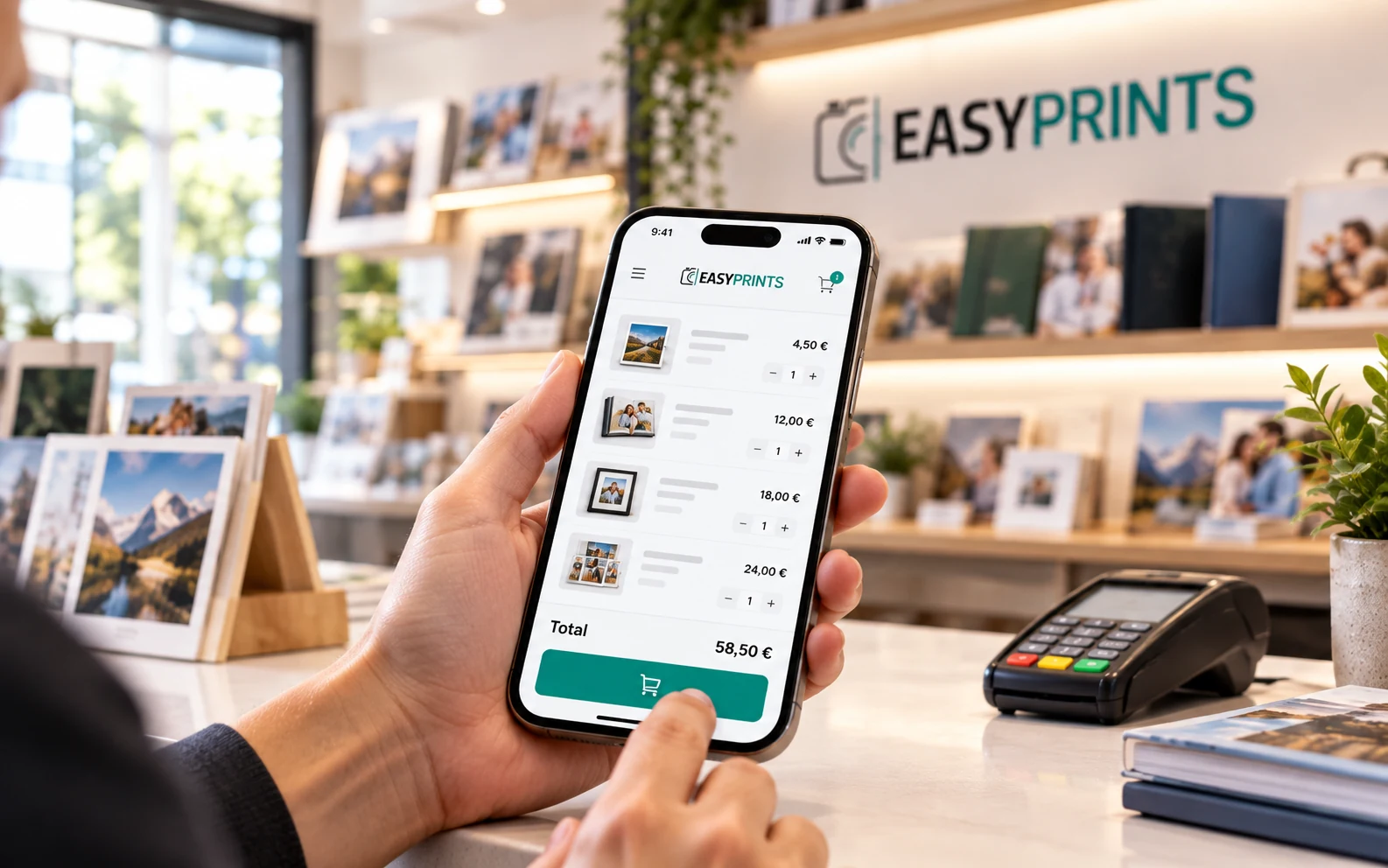
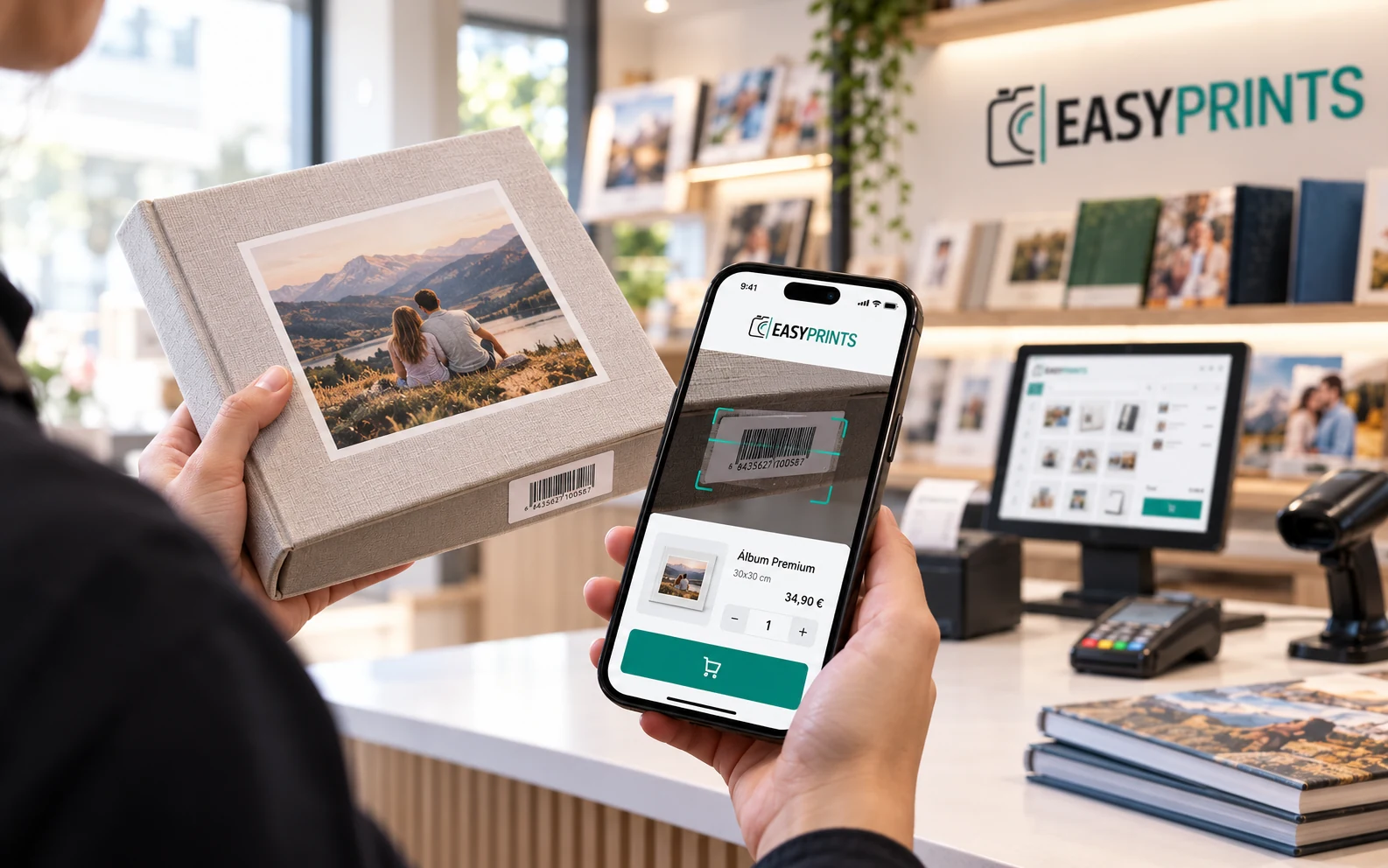
Use the phone camera to read barcodes, find products and continue sales from anywhere in the store.
Scan with the cameraRead barcodes without always needing an additional scanner.
Find products instantlyLocate references and open the product card quickly.
Sell from anywhereIdeal for assisting customers in store, warehouse or pickup areas.
MOBILE SCANNING
Turn your phone camera into a barcode scanner
Scan EAN or UPC codes with the phone camera, find the product and add it to the sale without going back to the counter.
✓Camera scanning
✓EAN / UPC and reference search
✓Sell immediately from the same phone
POS features
Everything you need to sell, charge and invoice
From fast counter sales to cash closing, stock control and invoicing, Easy-Prints POS brings together the essential tools to manage your business.
Fast salesServe customers at the counter quickly.
Receipts and invoicesIssue receipts and invoices from the POS.
Payment methodsCash, card and other payment methods.
Daily cash registerOpenings, closings and cash control.
CustomersManage data and purchase history.
DiscountsApply discounts and promotions easily.
ReturnsRegister changes and returns.
StockControl products and inventory.
Receipt printingConnect to your receipt printer.
Fiscal readyPrepared for fiscal invoicing workflows.
Mobile POSCheck sales and work from your phone too.
Mobile barcode scannerUse the phone camera to read barcodes and locate products.
A complete POS that you can use individually or connected to the rest of Easy-Prints.
A POS FOR REAL DAILY WORK
The tools you need when the shop gets busy
Easy-POS is designed for fast counter work while keeping control of staff, sales, jobs and returns.
SALE AND PAYMENT
From product to receipt, without changing software
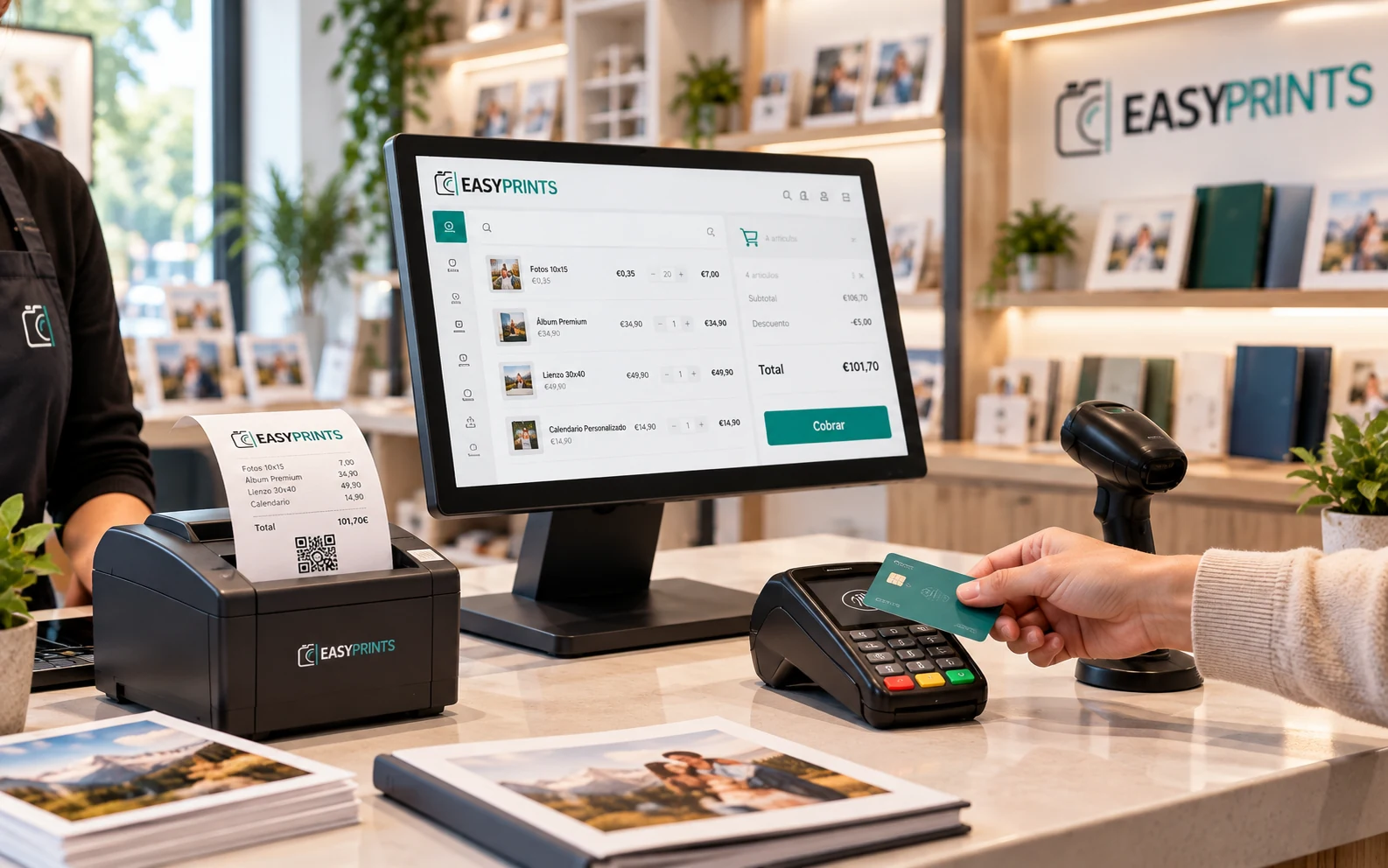
Search or scan products, apply discounts, take payment, print or email the receipt and generate the invoice from the same sale.
Printed or emailed receipt
Invoice from the same transaction
Cash, expenses and payment-method closing
Built for compliance
Invoicing ready
for today and tomorrow
VeriFactu and TicketBAI integrated into your POS
Sell in store and manage receipts and invoices from the same system, with the tools required for Spanish invoicing compliance.
VERI*FACTU producer declaration
 VeriFactu
3. Send to AEAT
Automatic VeriFactu registration
 TicketBAI
4. Send to tax authority
TicketBAI issue and registration
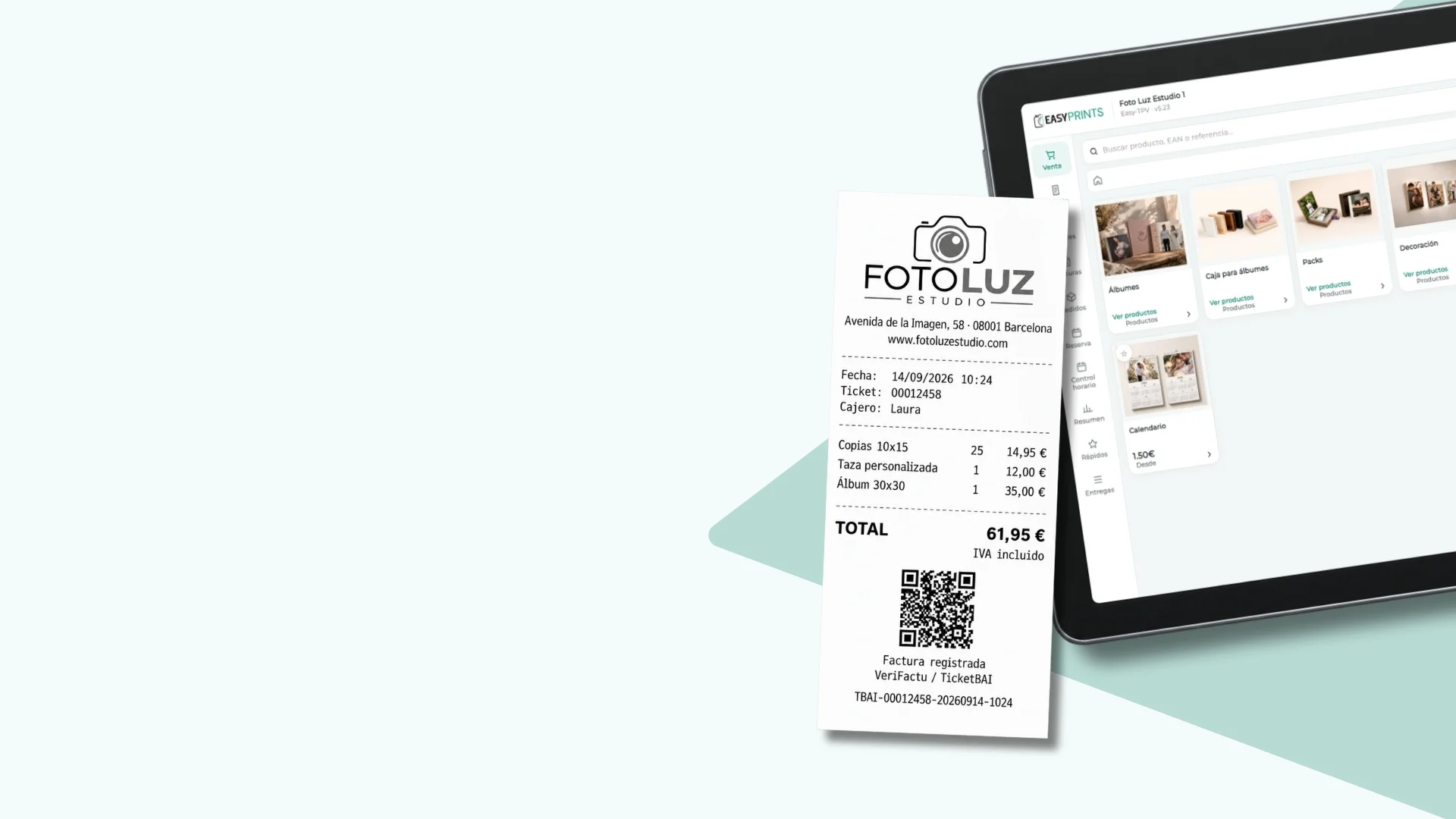
Receipts and invoices with QR and automatic registration
Automatic complianceNo manual processes.
Always up to datePrepared for regulatory changes.
Everything in one systemReceipts, invoices, QR and registration integrated.
More security for your businessReduce errors in invoicing.
CUSTOMERS, ORDERS AND JOBS
More than taking payment: manage every customer relationship
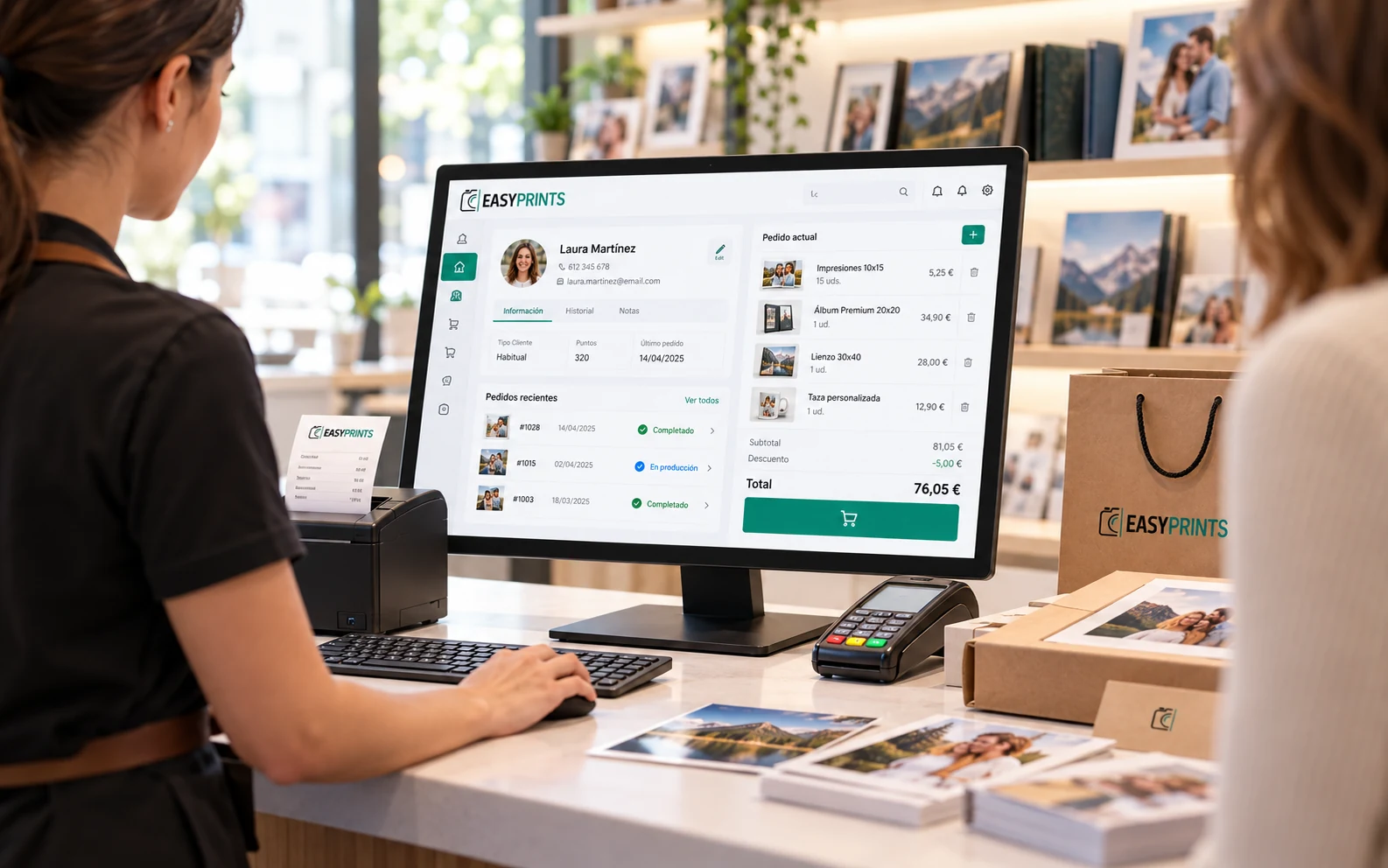
Check customers, orders and bookings from the POS. Save pending sales, deposits and part-payments and resume them later.
✓Customer and purchase history
✓Orders, bookings and jobs
✓Deposits, part-payments and balances
Ideal for different businesses
A POS ready to sell almost anything
Perfect for businesses that need counter sales, multiple payment methods, stock control, customers and receipts or invoices without complications.
Designed for businesses with:
- Counter sales.
- Products and services.
- Cash control.
- Customers, stock and invoices.
Sectors where Easy-Prints POS fits
Choose the commercial focus without limiting the product to a single sector.
PhotographyPrints, albums, frames and personalised products.
Copy shopsPrints, jobs, stationery and quick payments.
RetailProducts, stock, daily cash and invoicing.
LabOrders, production, services and connected sales.
StudiosSessions, reminders, prints and extra products.
Multi-serviceProducts, services, jobs and several payment methods.
RestaurantsRooms, tables, kitchen, menus, digital menu and QR ordering.
POS pricing
The POS can be included in your plan or hired separately
Easy-Prints POS is included in the higher store and lab plans. If you only need the point of sale, you can also subscribe to it independently.
Standalone POS
€15/month
€150/year
Ideal if you only need counter sales, cash control and ticket or invoice issuing.
- Counter sales
- Cash register, tickets and invoices
- Customers, stock and payments
POS Pro
€27/month
€270/year
Everything in the standard POS, plus accounting and administrative control in the same system.
- Accounting and financial dashboard
- Expenses, supplier invoices and suppliers
- Taxes and available tax forms
- Employee management and time tracking
- Quotes, pro forma invoices and reports
Store plans
No extra cost
Included in the Store Pro and Store Unlimited plans.
- Counter sales
- Cash register, tickets and invoices
- Customers, stock and payments
Lab plans
No extra cost
Included in the Lab Pro and Lab Unlimited plans.
- Counter sales
- Cash register, tickets and invoices
- Customers, stock and payments
More control, one connected system
POS Pro links counter sales with expenses, suppliers and tax management, helping you avoid duplicate work.
If you already use a Pro or Unlimited store or lab plan, you do not need to subscribe to the POS separately.
Connected point of sale
Sell at the counter and connect your sales with the rest of Easy-Prints
Unify POS, kiosks, web, customers, orders, production and invoicing in a system designed for the real day-to-day work of shops, photographers and labs.
FAQ
Common questions about Easy-Prints POS
Can the POS be installed on Windows?
Yes. You can work with a Windows app and also check or manage data from the web depending on your business setup.
Can I use it as a standalone POS?
Yes. You can use it as an independent point of sale or connect it with kiosks, web, orders, customers and production.
Does it support cash closing?
Yes. The POS controls openings, closings, payments, payment methods, returns and daily movements.
Is it ready for receipts and invoices?
Yes. You can issue receipts, generate invoices and work with a fiscal-ready workflow.