
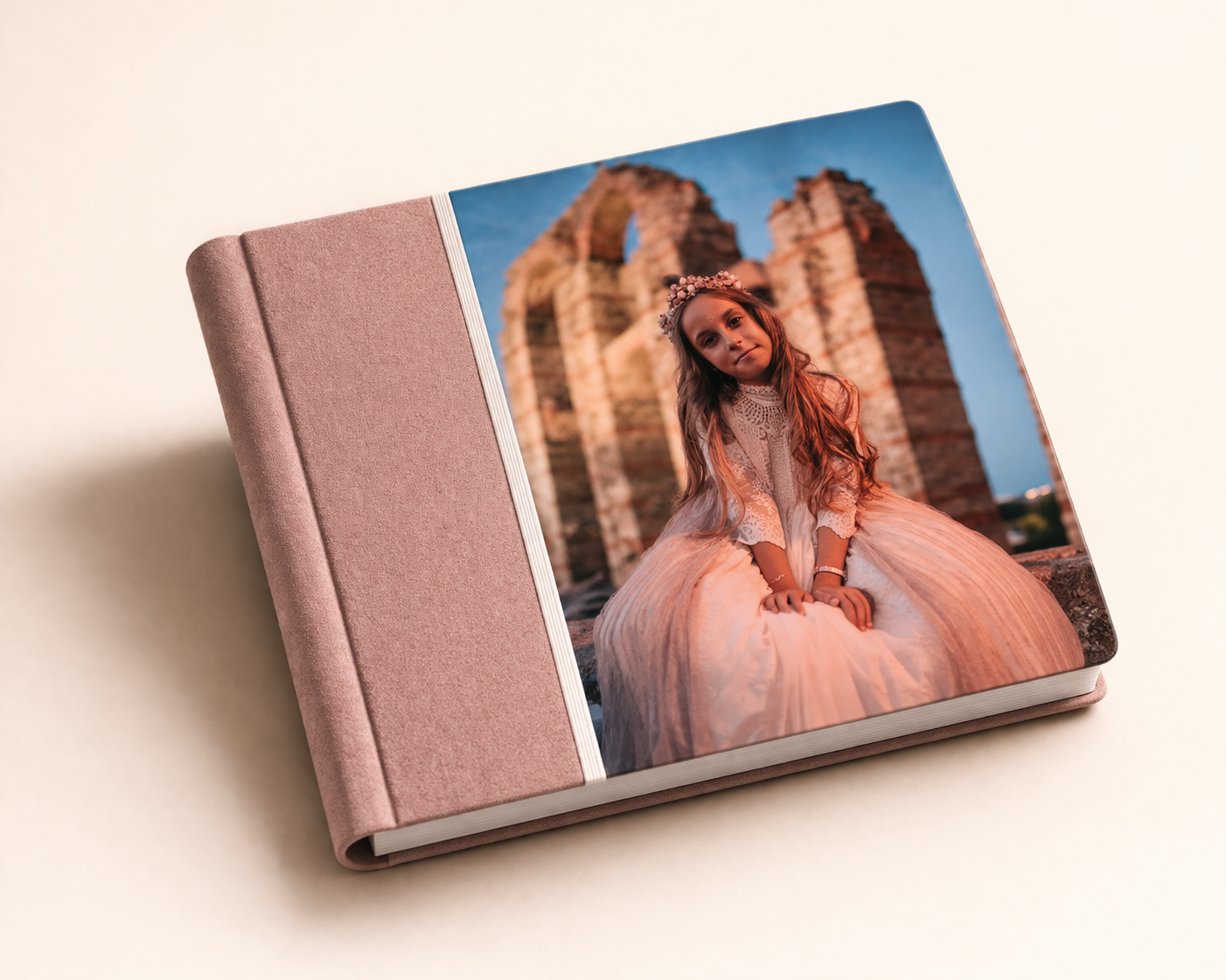
ONLINE EDITOR FOR PHOTO PRODUCTS
Online photo product editor with intelligent layout and 3D preview.
Design albums, calendars, boxes, canvases and gifts in the browser. The system can automatically organise photos and layouts, preview compatible products in 3D and keep the order connected to Easy-Prints.
100% onlineNo installation
Intelligent layoutAutomatic and editable project
3D previewPreview before production
Connected productionFrom design to order
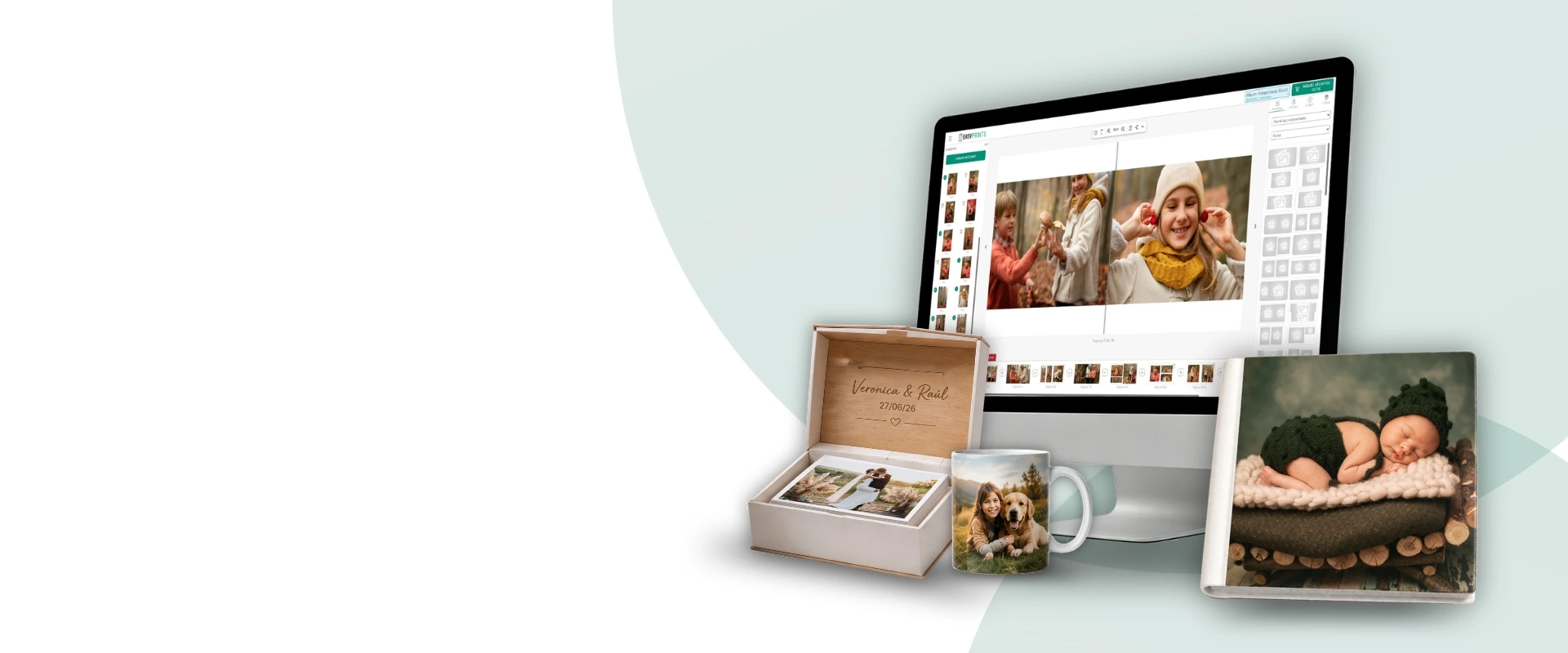
Built for the photographic industry
A web editor built for the photographic sector
The Easy-Prints editor lets you design personalised photo products directly from the browser. It is ideal for labs, photo stores and studios that want to offer albums, packs and editable gifts with a modern, professional experience.
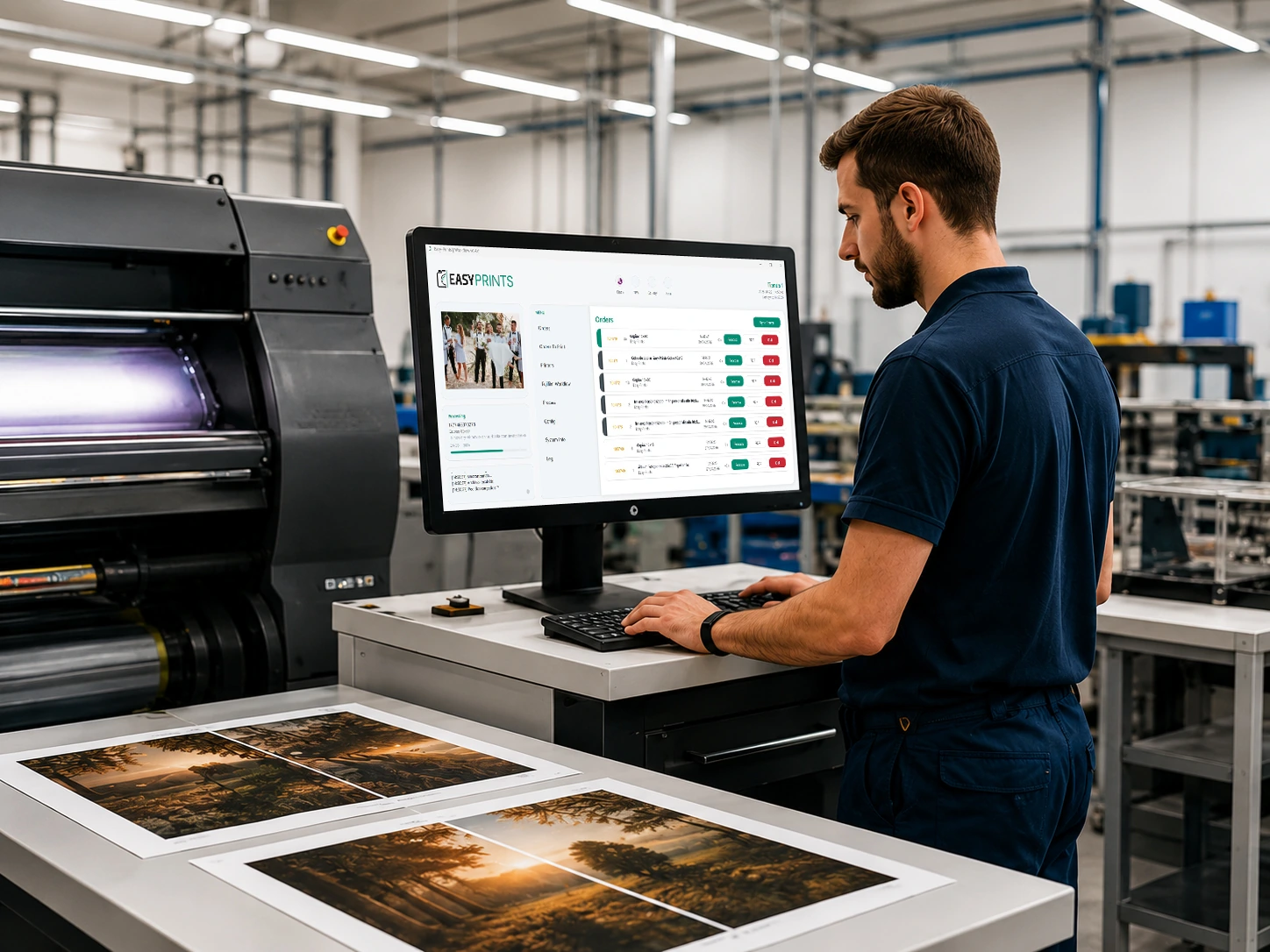
Labs
Offer personalised products and receive orders ready for production, with a smooth experience from setup to manufacturing.

Photo stores
Sell albums, packs and editable gifts from your online store or over the counter with a solution connected to the rest of your business.
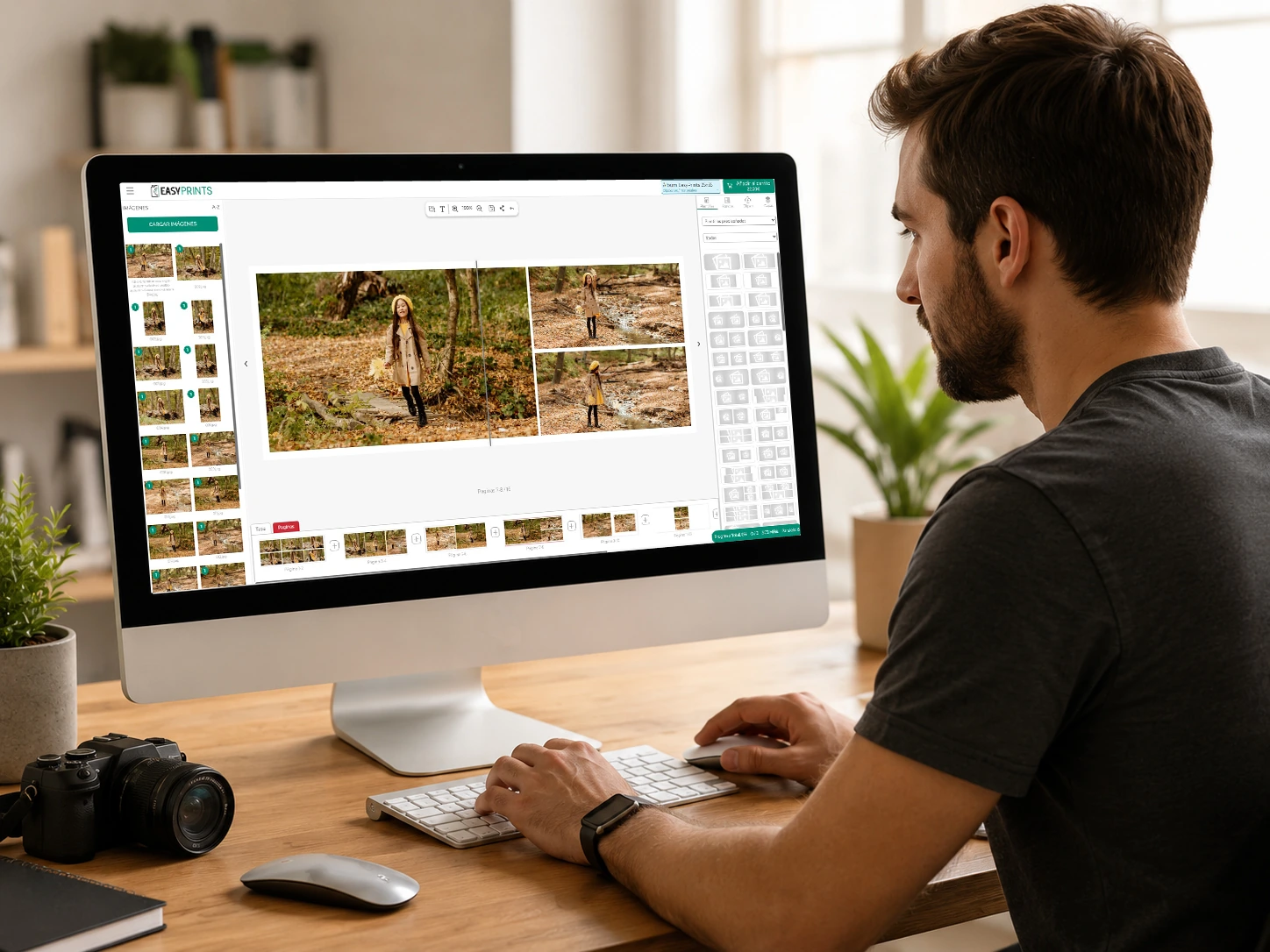
Photo studios
Design products for your clients without depending on external software, using a simple and professional visual workspace.
Everything you can create
One editor for all your products
From a professional album to a personalised gift, adapt the tool to any product in your catalogue and offer your customers a complete design experience.
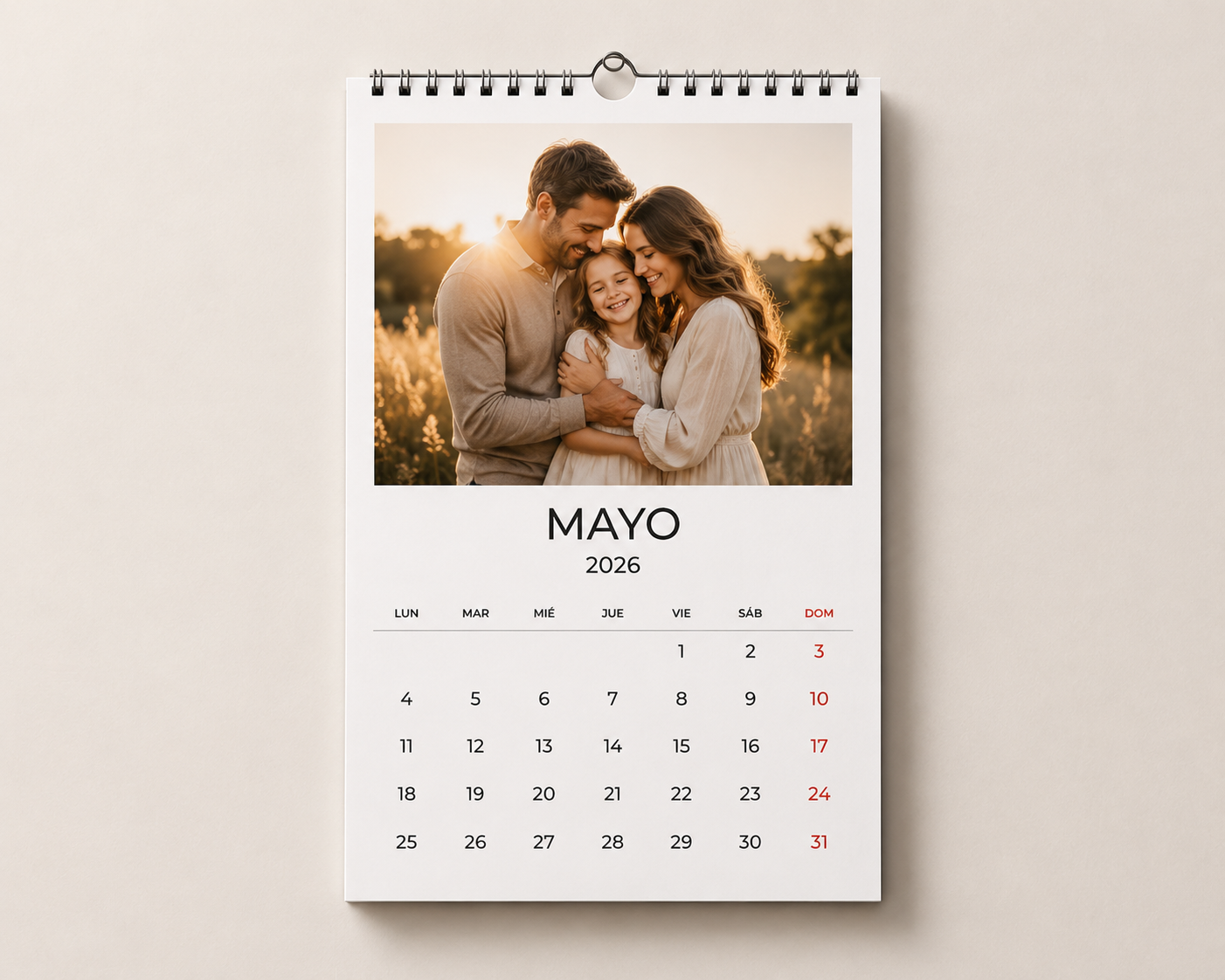
Calendars
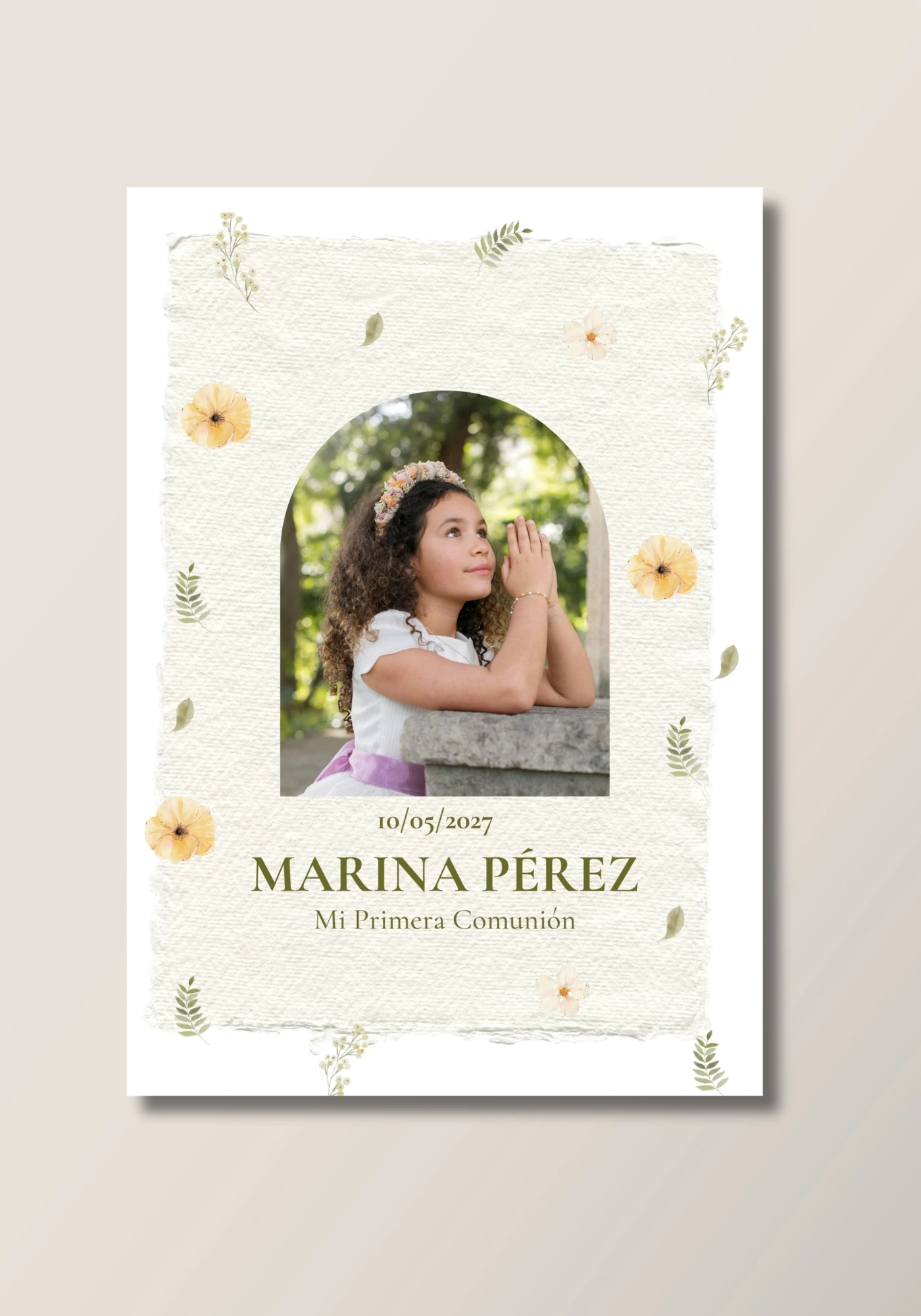
Reminder cards
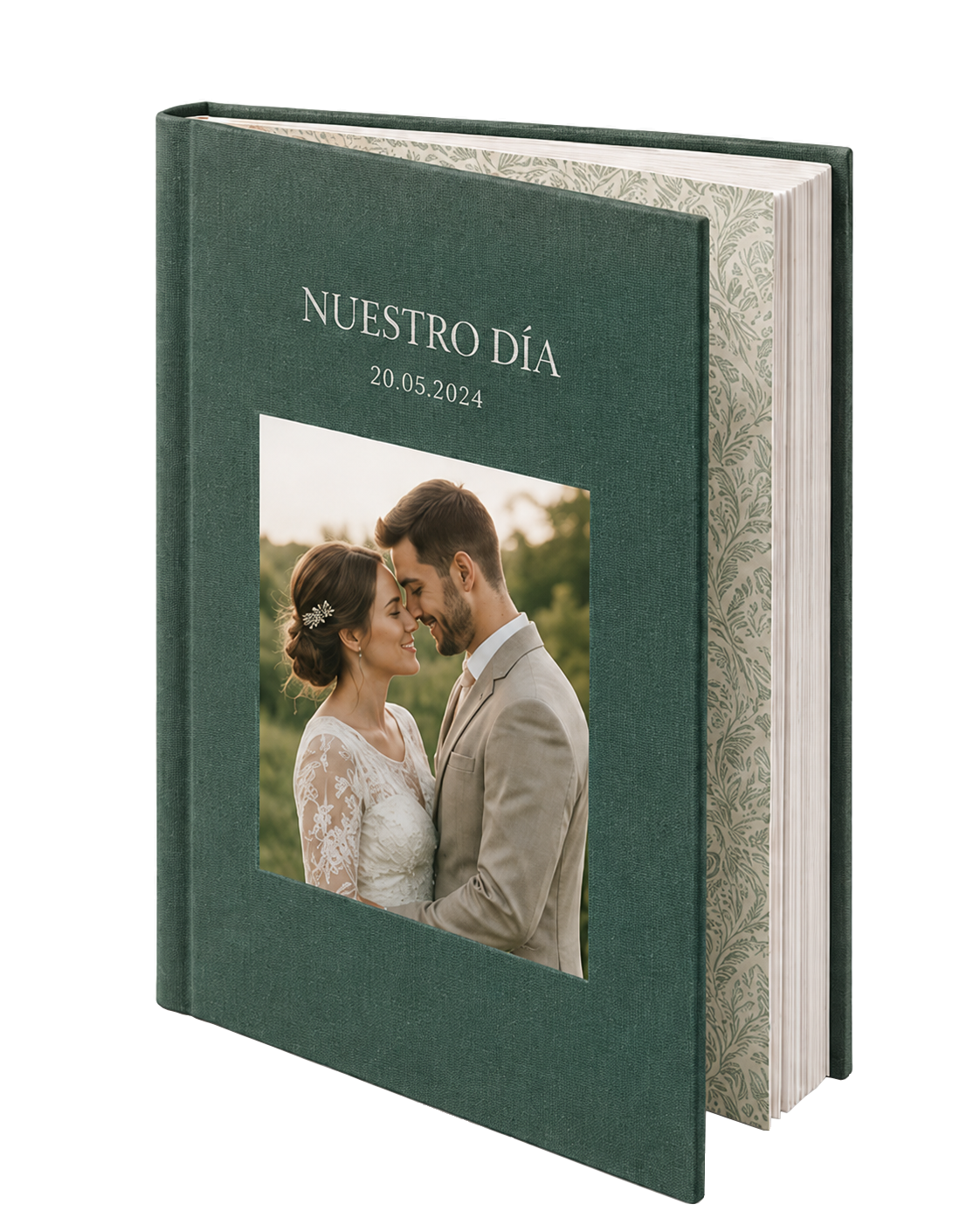
Photo packs
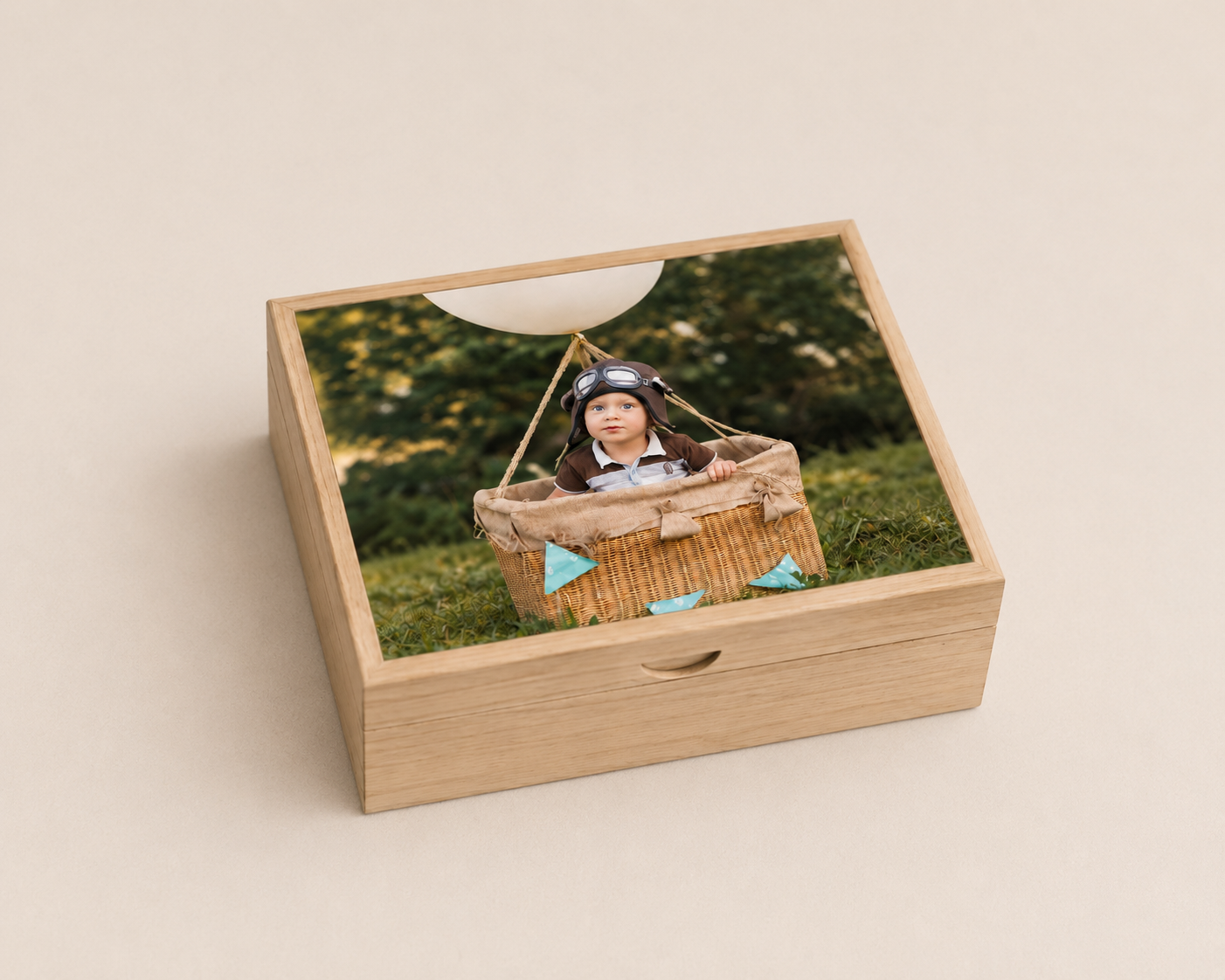
Wooden boxes
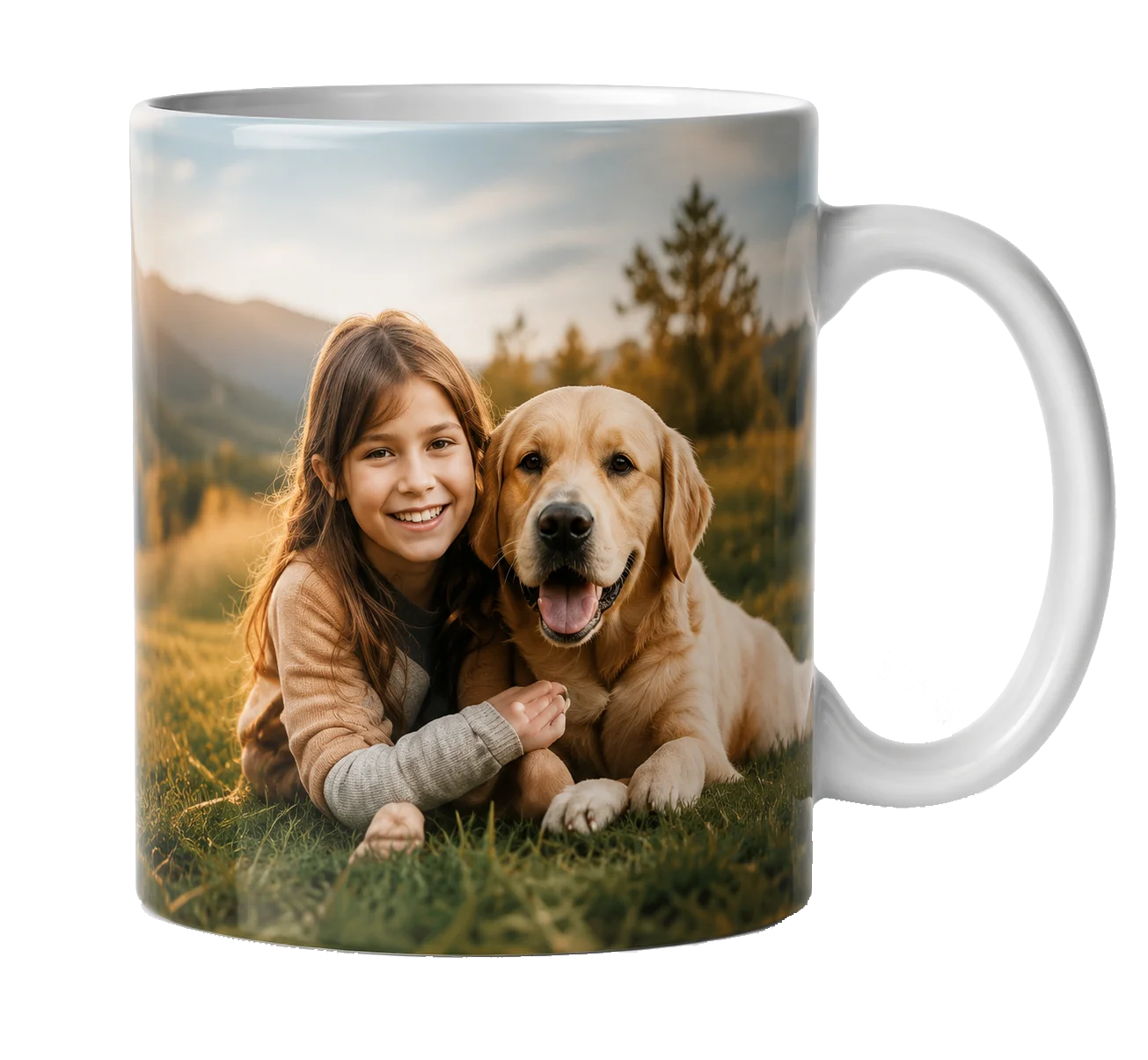
Mugs

Cushions
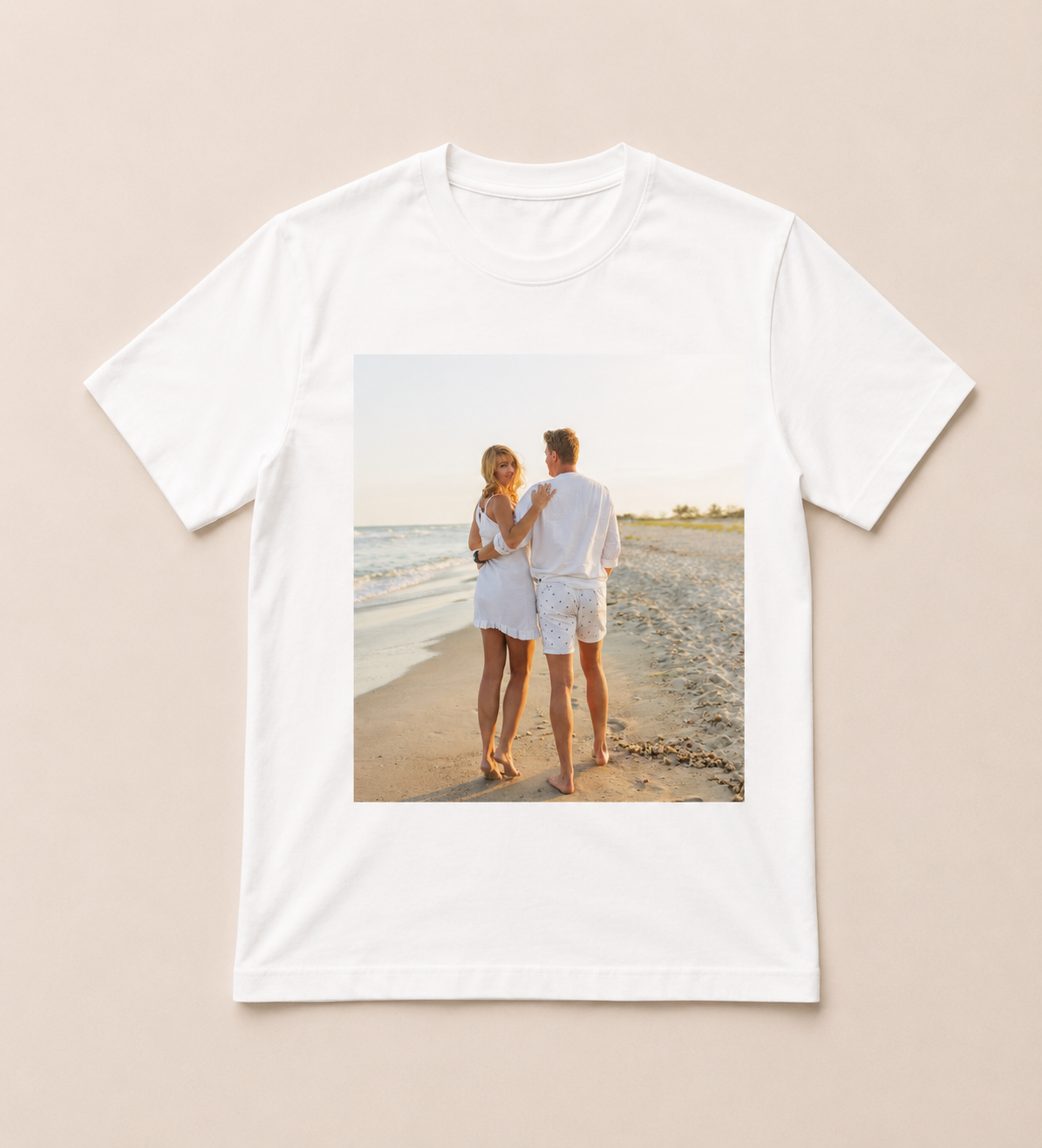
T-shirts
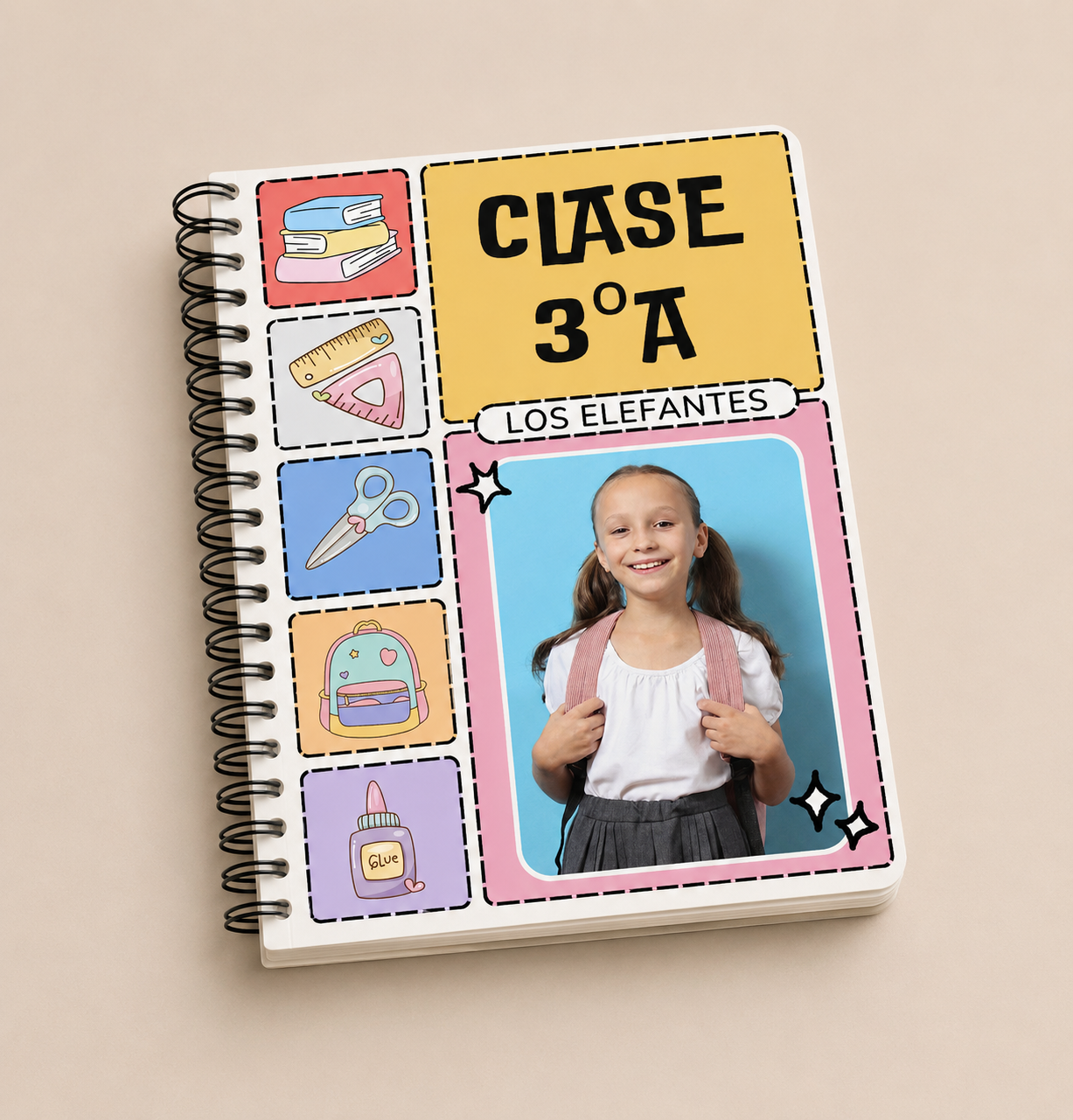
Notebooks and planners
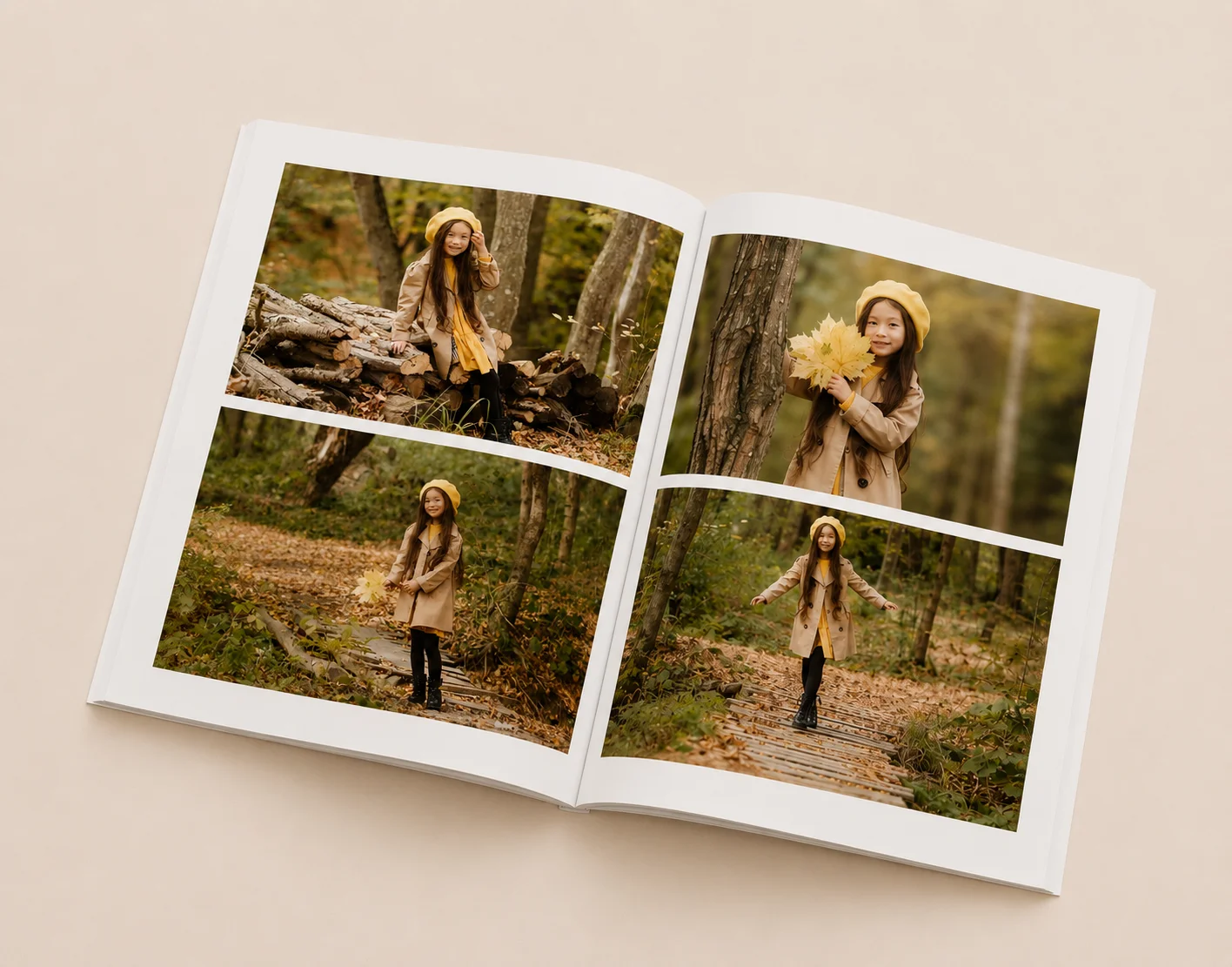
Magazine
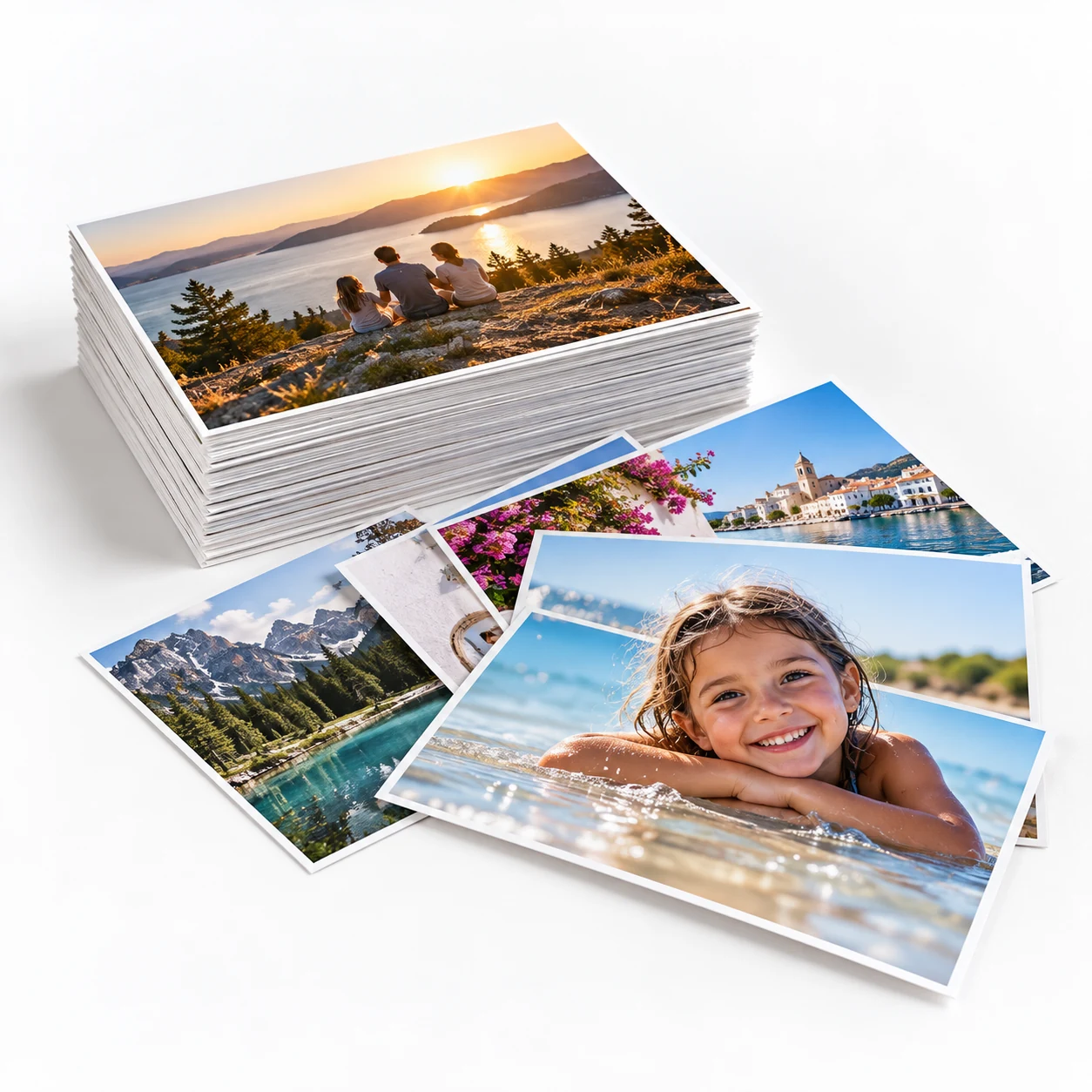
Photo prints
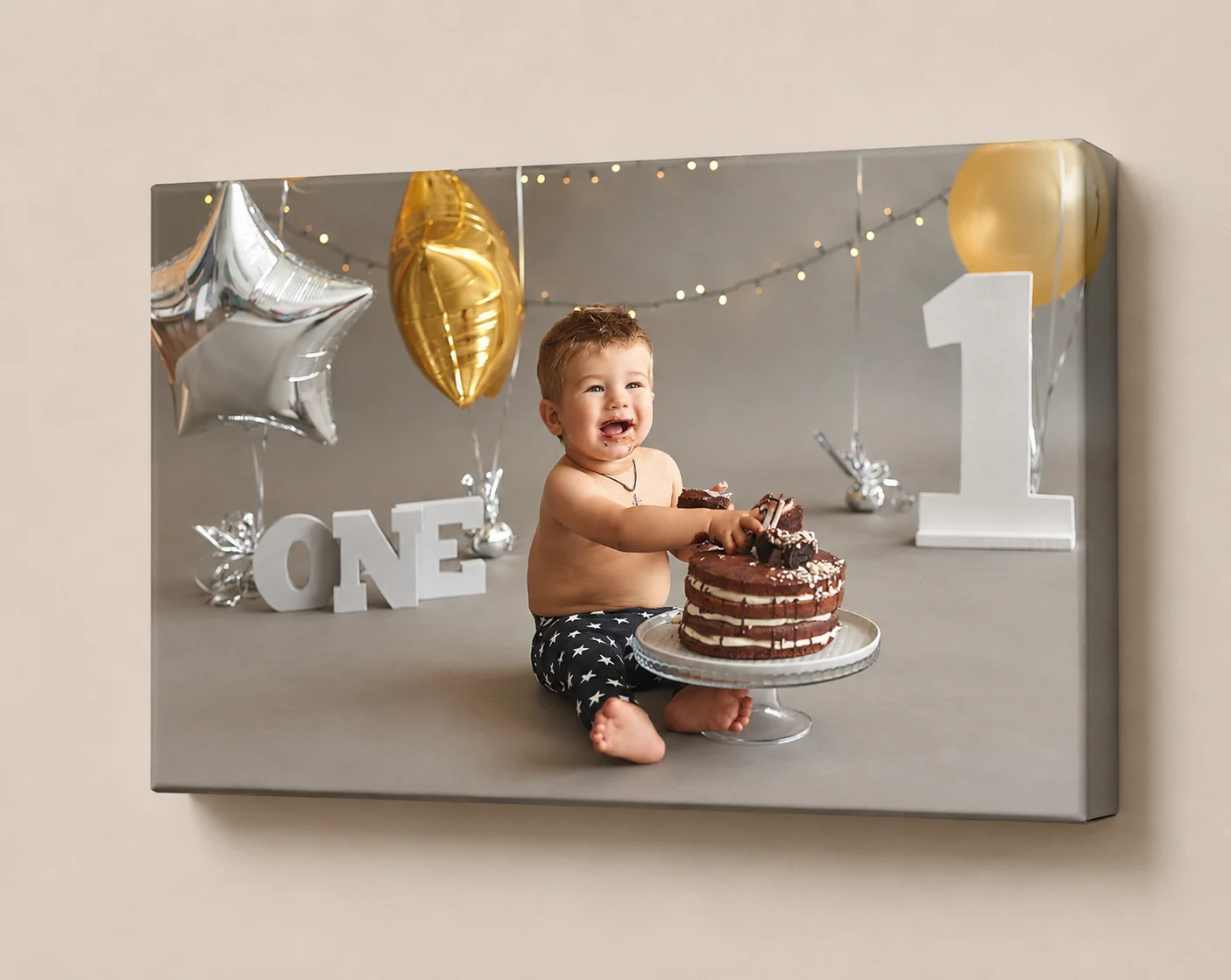
product_canvas
Any type of personalised product
Create unique, special products for every occasion with our online editor.
Full product customisation
You do not just design. You configure the full product.
Control the look and structure of the product from a single environment. The customer does not only place photos: they can also choose materials, variants and finishes according to the rules you define.
- Front and back covers
- Liners and inner finishes
- Inner pages and composition
- Paper types and textures
- Variants and finishes
- Custom options based on your catalogue
While other systems only let you sell the finished item, Easy-Prints lets you build the full buying and customisation experience.
Cover and back-cover materials
Different liners
Inner pages
Paper types
Available sizes
Variants
Different finishes
Custom options
100% online
No downloads. No installations. No equipment limits.
Everything works from the web. Your customers and your team can design products from the browser without installing software or depending on specific computers.
Access from anywhere
Less friction for the customer
Always connected to your catalogue
A faster, more modern experience
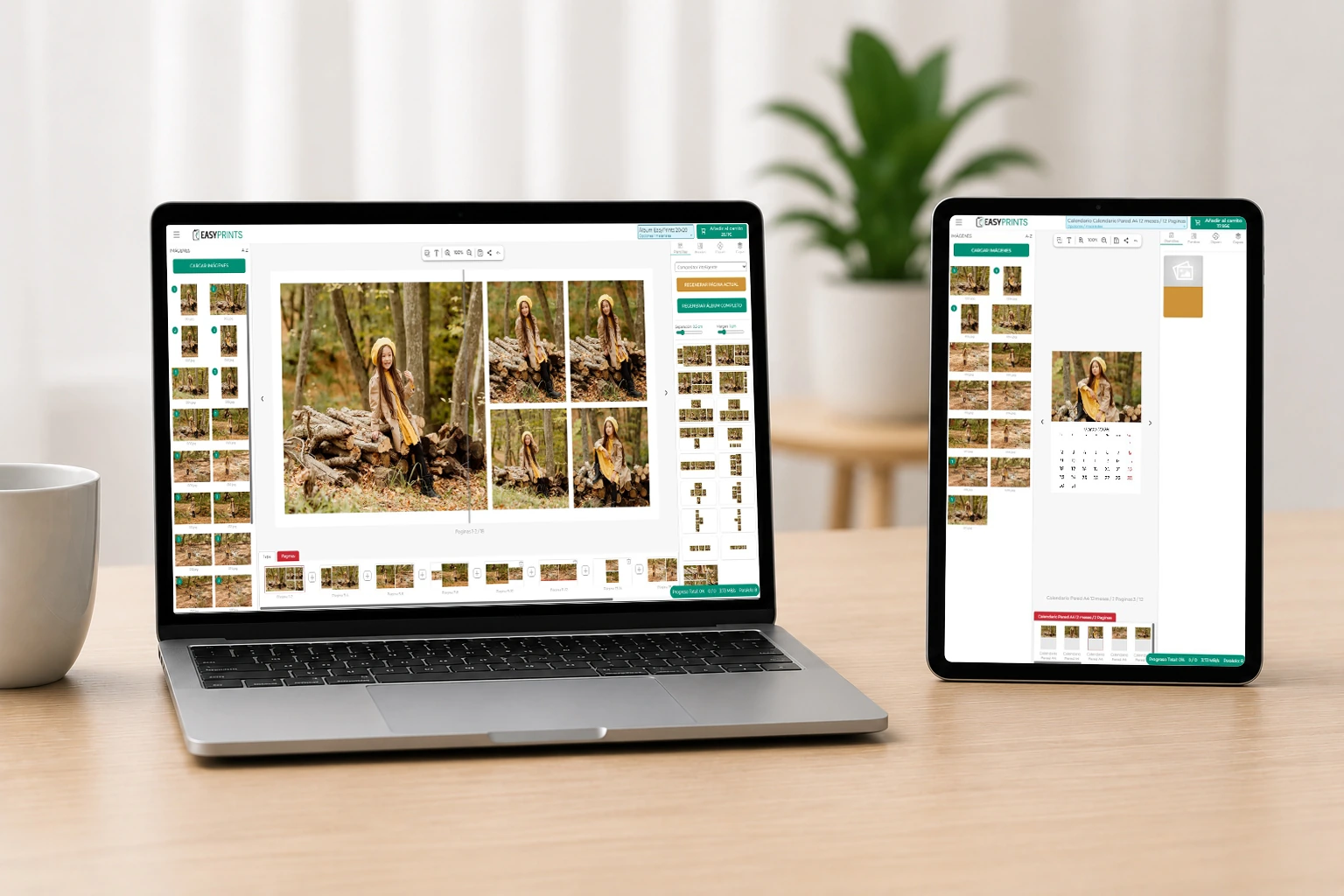
Works in any browser
Compatible with any device
Always updated in the cloud
Connected to your business
From sale to production, everything connected
The editor integrates with the Easy-Prints ecosystem so every type of business can work with the same flow without duplicating tasks or relying on external tools.
For photographers
Prepare personalised products for your clients in a visual, agile and easy-to-use environment.

For stores
Manage editable orders, over-the-counter sales and catalogue products from a single platform.
For labs
Receive jobs ready for production, with clear configurations and orders connected to manufacturing.
Templates and creative freedom
Flexible layouts to speed up every project
Work with predefined compositions, automatic pages or manual editing. The system adapts to the product and to the level of control you want to offer.
Ready-made templates
Offer ready-to-use structures and speed up the creation of recurring products or specific campaigns.
Visual editing
Drag, reposition and organise photos with a clear preview of the final result on each page.
Desktop, mobile and tablet
Your customers can continue the project from different devices without losing comfort.
MORE THAN AN EDITOR
Automate the design without losing control.
Easy-Prints combines manual editing, intelligent composition and 3D visualisation to speed up work while keeping the final result fully reviewable and editable.
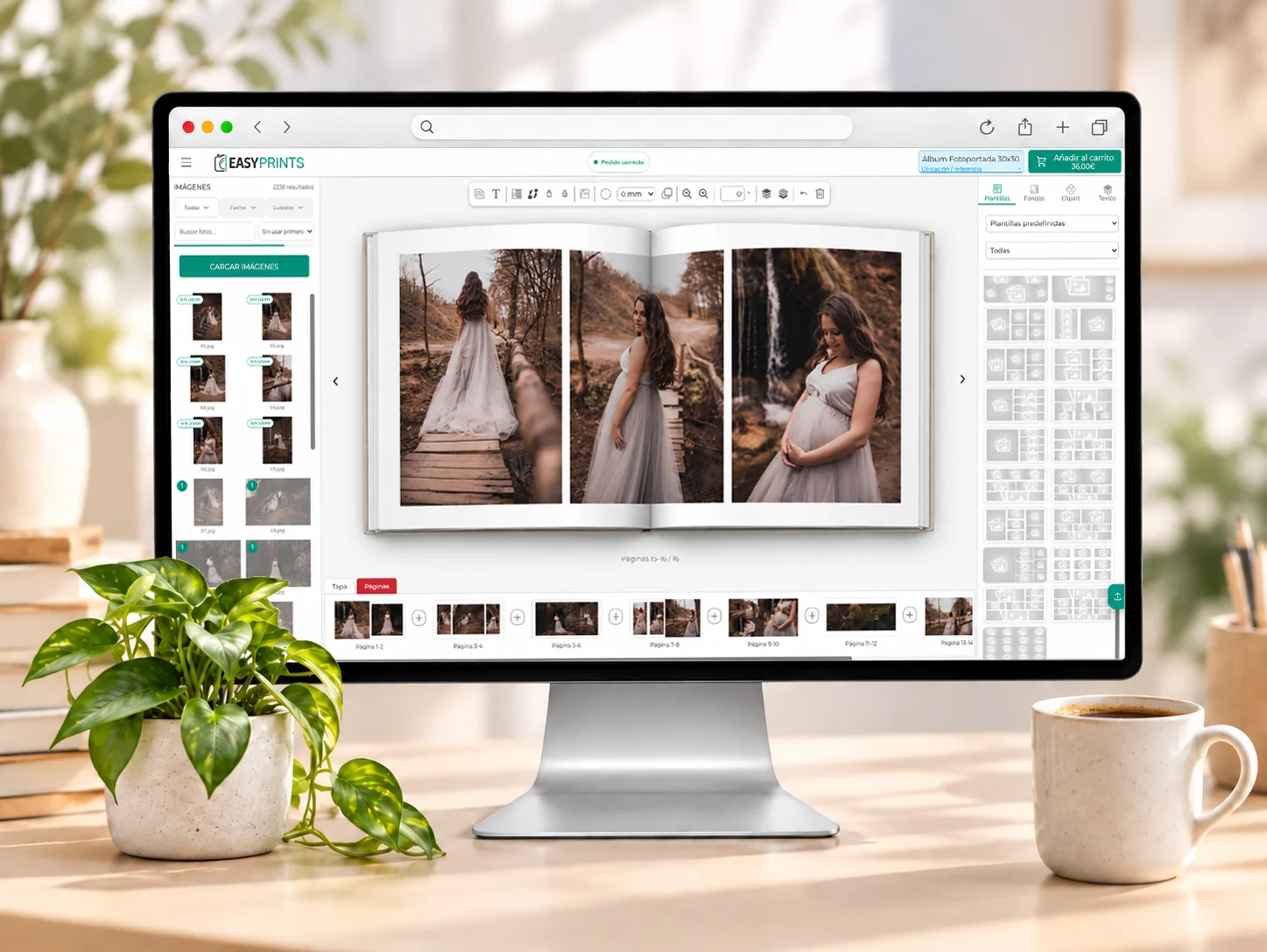
AI-assisted intelligent composition
The system automatically organises photos, layouts and designs in seconds. You can then review the project and change any detail before finishing.
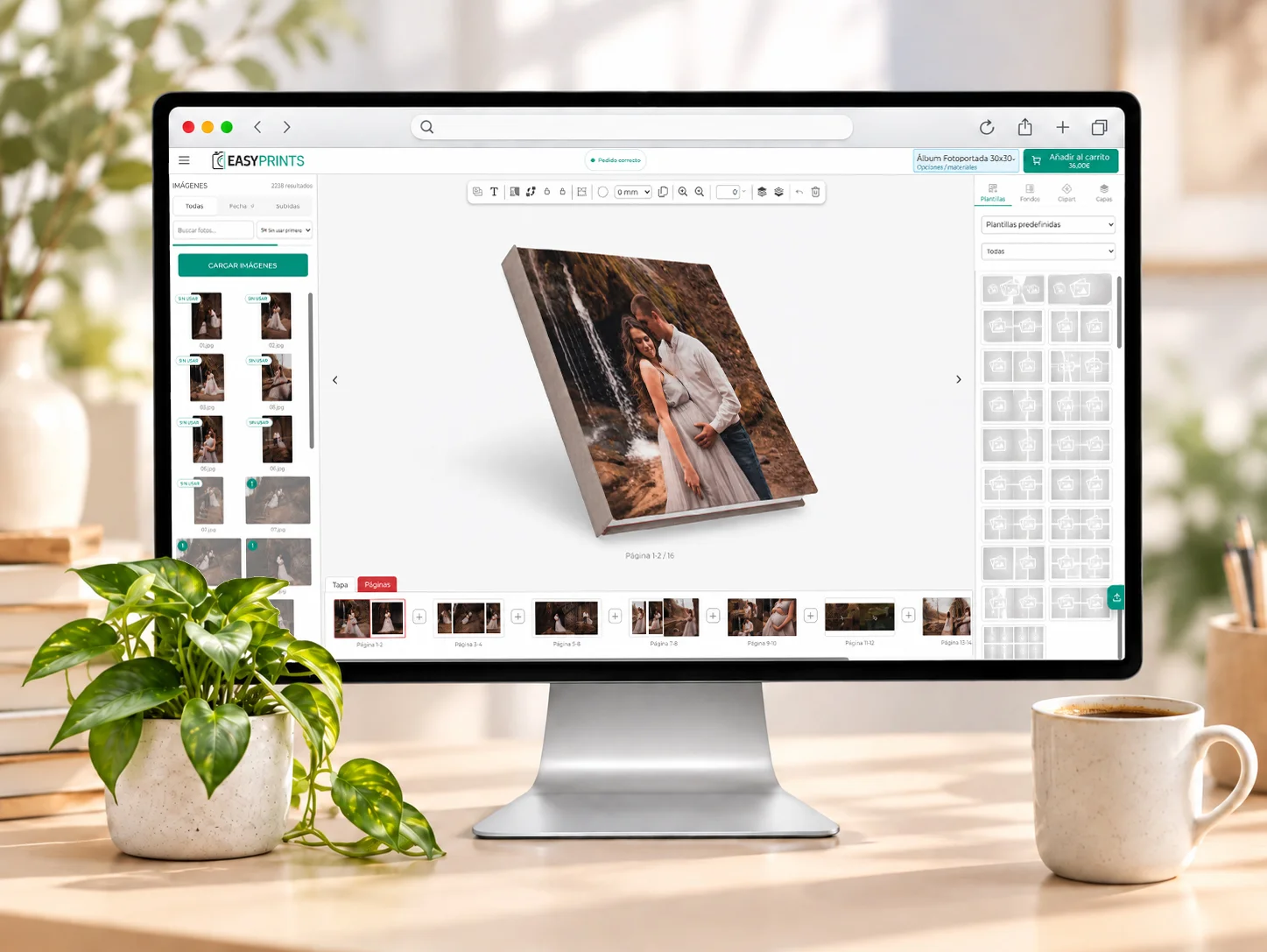
3D product preview
On compatible products you can review the result in 3D before ordering, including volume, cover and spine appearance where applicable.
THREE WAYS TO DESIGN
Choose how to start each project.
Manual layout
Choose every photo, layout and detail at your own pace when you want full creative control.
Intelligent composition
Let the system organise photos, layouts and designs automatically, then adjust anything you want.
AutoFlow from external software
Upload a project made in external software and Easy-Prints automatically places and organises its pages to speed up ordering.
TIME-SAVING FEATURES
The project stays protected all the way to production.
Mobile photos via QR
Import images from a folder, USB drive or memory card, or send them from a phone by scanning a QR code.
Quality control before production
Detect low resolution, empty image boxes, elements outside the page and text too close to the edge. Some issues can be fixed automatically.
Autosave and recovery
If work is interrupted, the editor can recover a newer automatic version of the project so you do not have to start over.
Share for review
Create a link to show a live project preview, receive comments and optionally protect access with a password.
AI for ID photos
On compatible ID-photo products, auto adjustment detects and centres the face and can optionally replace the background.
Configurable calendars
Build calendars with configurable styles, fonts, language, year and holidays according to the product.
FROM KIOSK TO HOME
Start the project in store. Continue it at home.
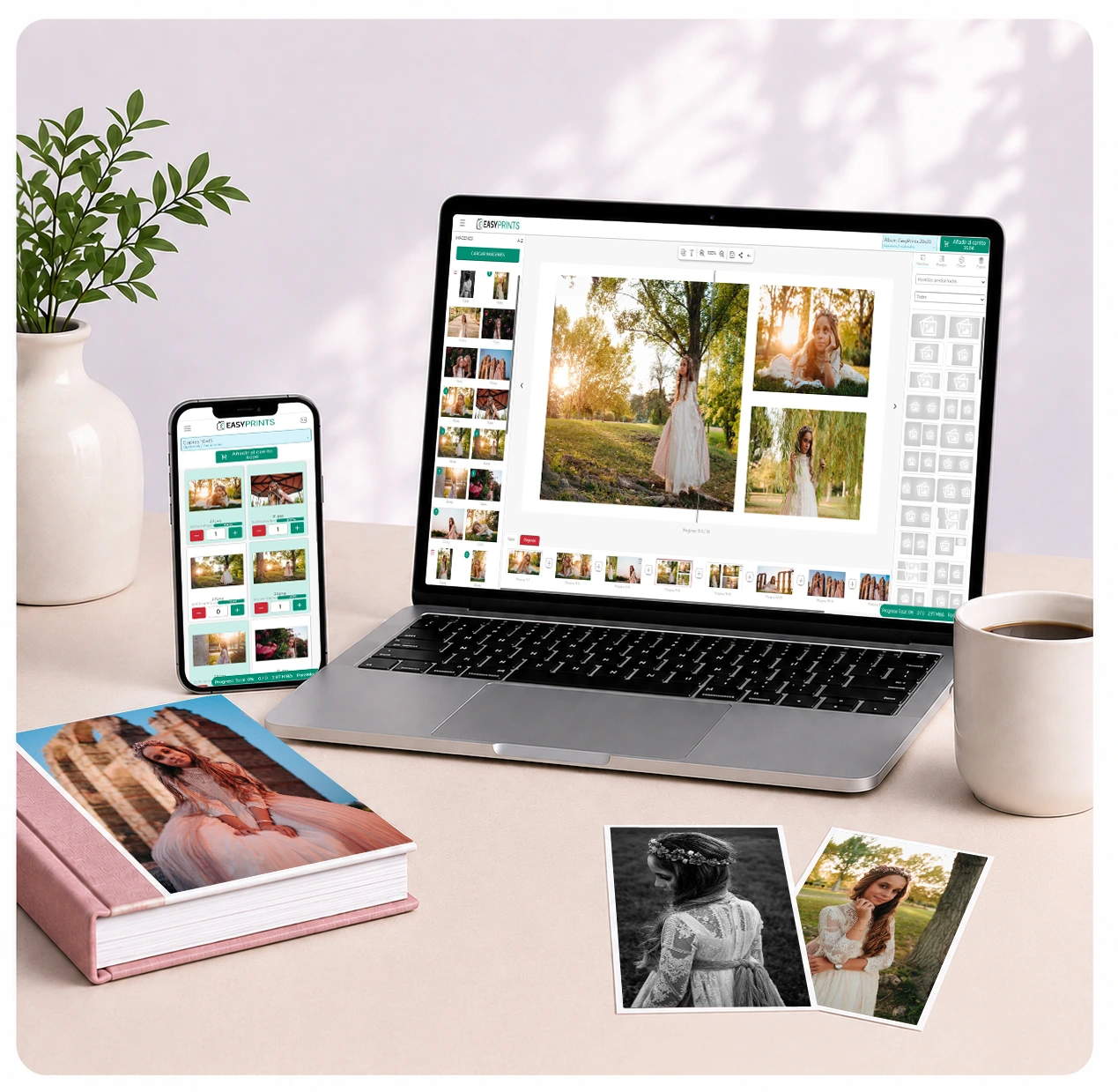
Customers can start an album or product on the kiosk, save the project to their account by scanning a QR code and keep designing later from another device.
Kiosk + QR + account
Start in store
Scan the QR code
Continue at home
Included in your plan
The online editor at no extra cost
The editor is included at no extra cost in all Gallery, Store and Laboratory plans. You can offer customisable products without subscribing to an extra module.
Gallery plans
Included
0€
Included at no extra cost
Store plans
Included
0€
Included at no extra cost
Laboratory plans
Included
0€
Included at no extra cost
Enable it in your catalogue and start selling albums, calendars, boxes, canvases and personalised products directly from the web.
Frequently asked questions
Common questions about the online editor
The essentials before adding the Easy-Prints editor to your catalogue.
Do I need to install any software to use the editor?
No. It works in the browser for both your team and your customers, with no downloads or installations.
Which products can be personalised?
You can work with albums, calendars, boxes, canvases, planners, gifts and other products configured in your catalogue.
Can it be used on mobile and tablet?
Yes. The editor is designed to work on desktop, mobile and tablet.
Does the order stay connected to Easy-Prints?
Yes. The designed product remains part of the same order flow and can continue into management and production according to your business configuration.
Does the editor have an additional cost?
It is included at no additional cost in the Gallery, Store and Laboratory plans shown on this page.
Can the editor create a project automatically?
Yes. On compatible products, intelligent composition can automatically organise photos, layouts and designs. You can then review and edit the result.
Can I see the product in 3D before ordering?
Yes, when the product has a configured 3D view. The editor lets you preview the result before sending it to production.
Does the system check for errors before ordering?
Yes. It checks issues such as low resolution, empty image boxes, elements outside the page and text too close to the edge, and can automatically fix some of them.
Can I start a project in store and continue it at home?
Yes. In the compatible flow, customers can save the project to their account with a QR code and continue working later from another device.