
Easy Select Pro · Intelligent culling and editing

From hundreds of photos to your best selection. You stay in control.

Analyse shoots, compare similar frames, spot potential issues and retouch in your browser. You make every final delivery decision.

AI-assisted culling Browser-based retouching Connected to Galleries
Built for photographers

Less time culling. More time creating.

Easy Select Pro helps you review larger shoots, maintain a consistent look and prepare delivery while keeping your creative control.

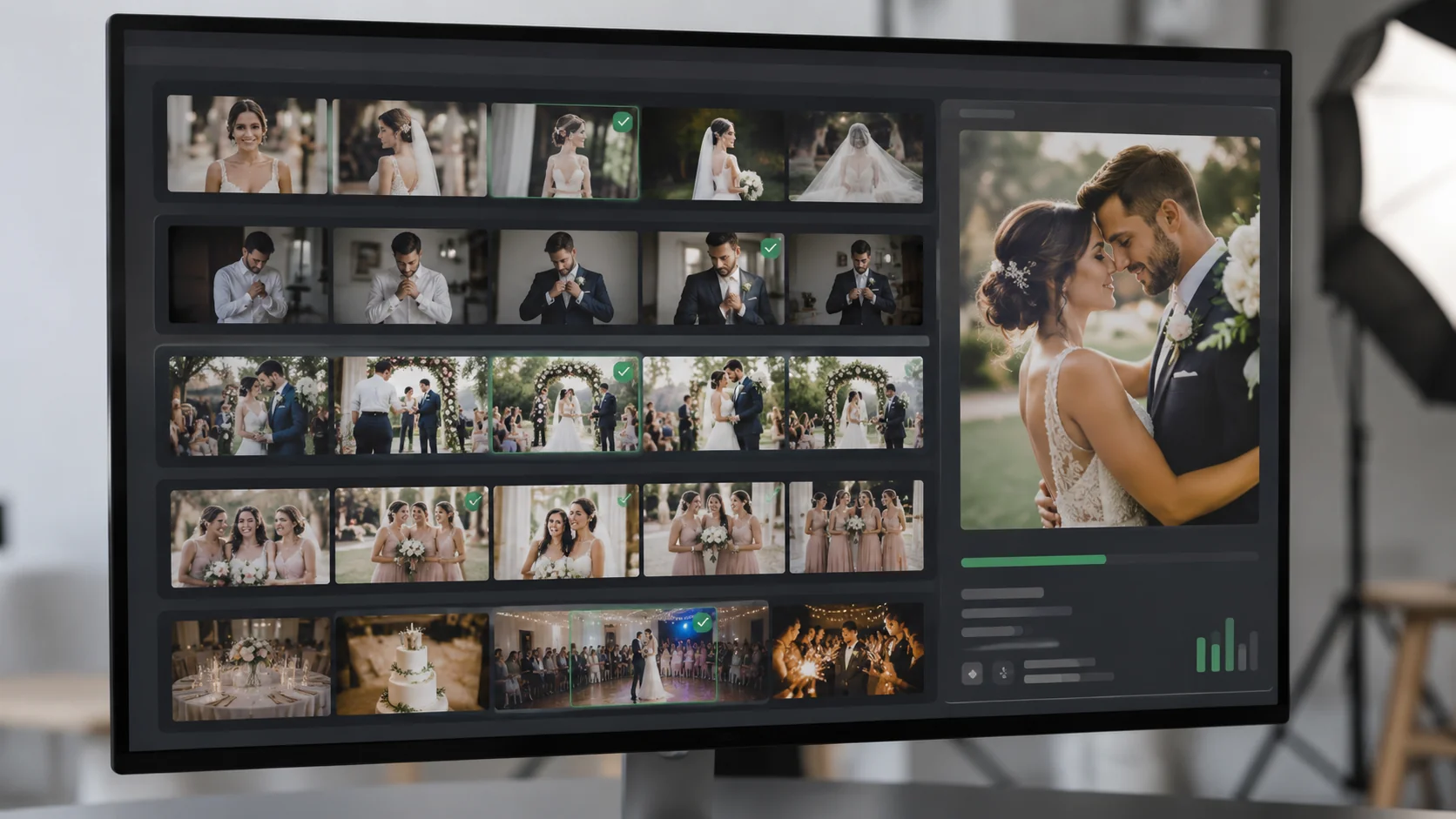
Find the strongest frames

Find the strongest frames

Review sharpness, exposure and faces to identify images worth another look.
Compare what matters

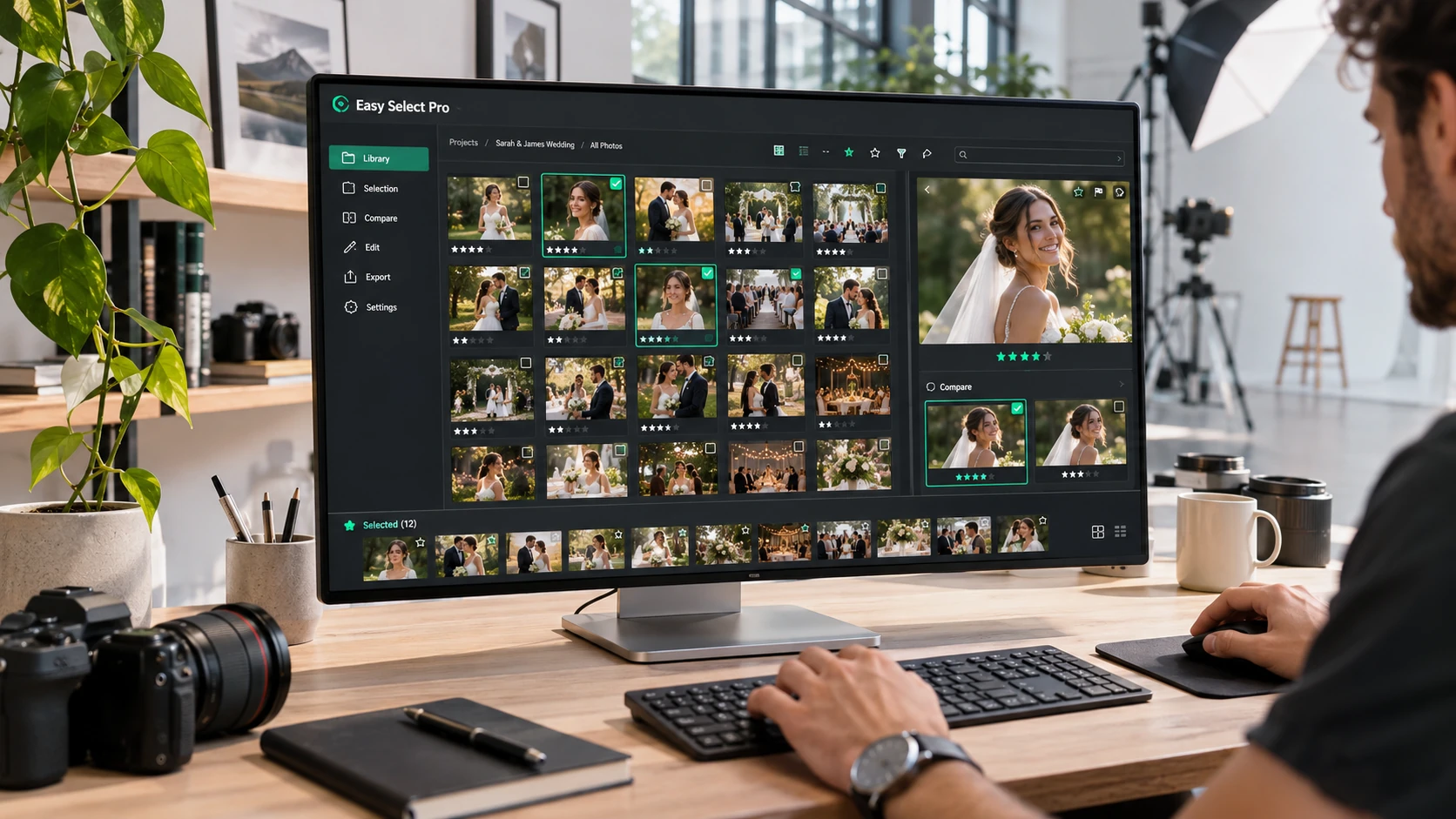
Compare what matters

Group similar photos and bursts to make the final choice easier.

Edit before delivery

Edit before delivery

Adjust colour, light, skin, framing and unwanted objects in one workflow.

What is included

A complete toolkit to select and refine your photos

From the first scan to final delivery: four toolsets for large professional shoots.

Smart selection
  • Checks sharpness, exposure and technical image quality.
  • Reviews faces, expressions and potentially closed eyes.
  • Groups similar images and bursts to identify the strongest shot.
  • Offers automatic or assisted mode, with a target percentage or exact photo count.
  • Scores images, flags uncertain results and learns from your corrections.
Professional review
  • Switch between grid, loupe and 2–4 photo comparison with synchronised zoom.
  • Mark photos as selected, highlighted, maybe or rejected.
  • Filter duplicates, warnings, edits and decisions; search and sort your photos.
  • Use shortcuts, undo and redo, and resume saved projects.
AI editing and retouching
  • Balance light, contrast and colour with natural-looking adjustments.
  • Match colours across a shoot using a reference photo and saved styles.
  • Retouch skin, small blemishes and noise while preserving a natural look.
  • Apply intelligent cropping while retaining the original aspect ratio.
  • Remove objects with AI, refine the mask and compare before and after.
Formats, privacy and delivery
  • Import JPG, PNG, WebP and compatible RAW formats.
  • Process photos locally with no additional software installation.
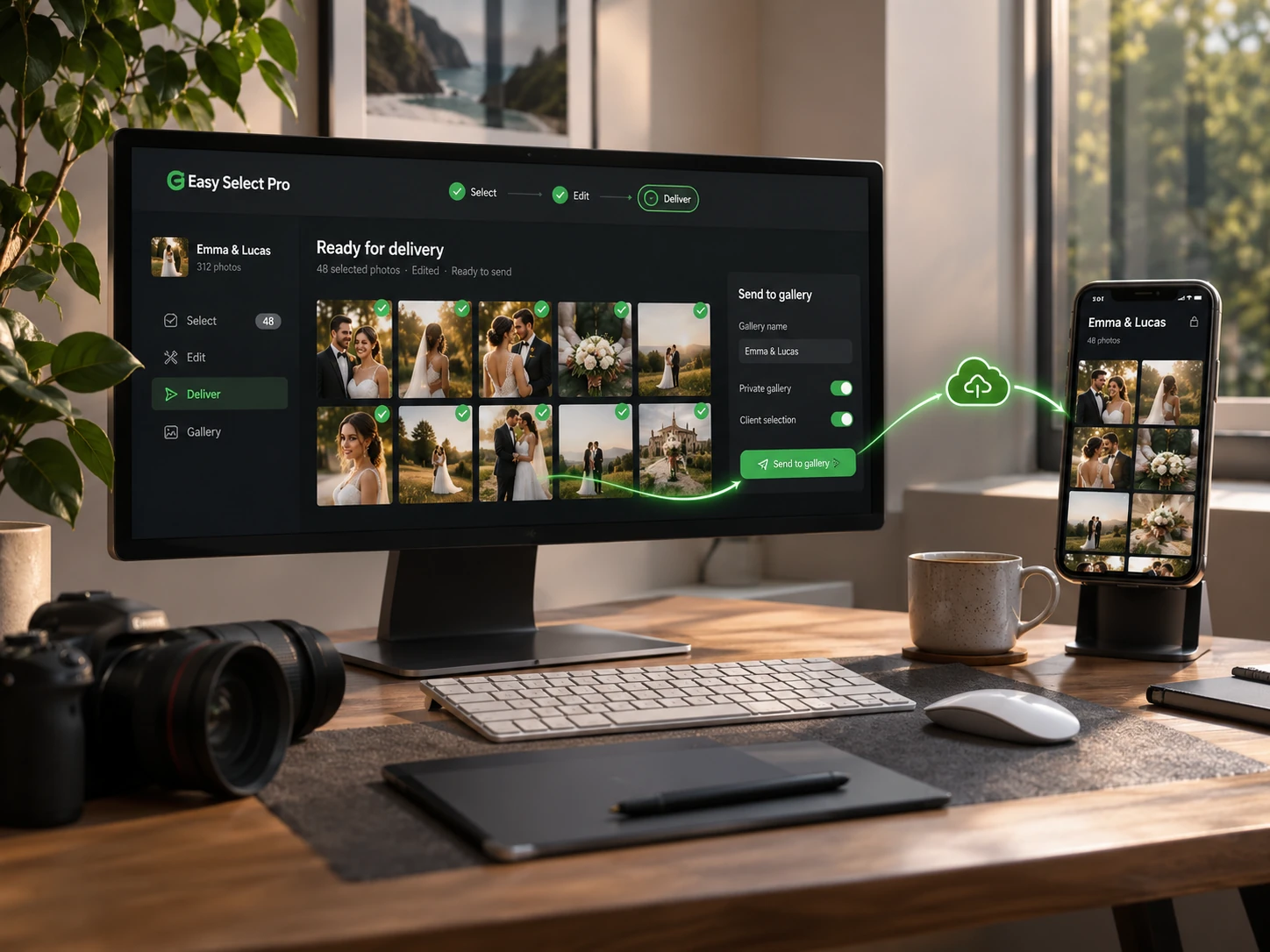
  • Send only approved photos and edits to Galleries when you confirm.
  • Export CSV lists, XMP selections, reports and album proposals.

Analysis and editing run in your browser. RAW support and AI features may vary by file format, browser and device capabilities.

Made for real shoots

Every shoot is different. So is your selection.

From fleeting wedding expressions to hundreds of event photos. You set the standard; Easy Select Pro helps you apply it.

Weddings and stories
01 / 03

Weddings and stories

Compare expressions, bursts and unrepeatable moments without losing the narrative of the day.

Portraits and studio
02 / 03

Portraits and studio

Check sharpness and eyes, match colour and make natural edits before presenting the images.
Events and sports
03 / 03

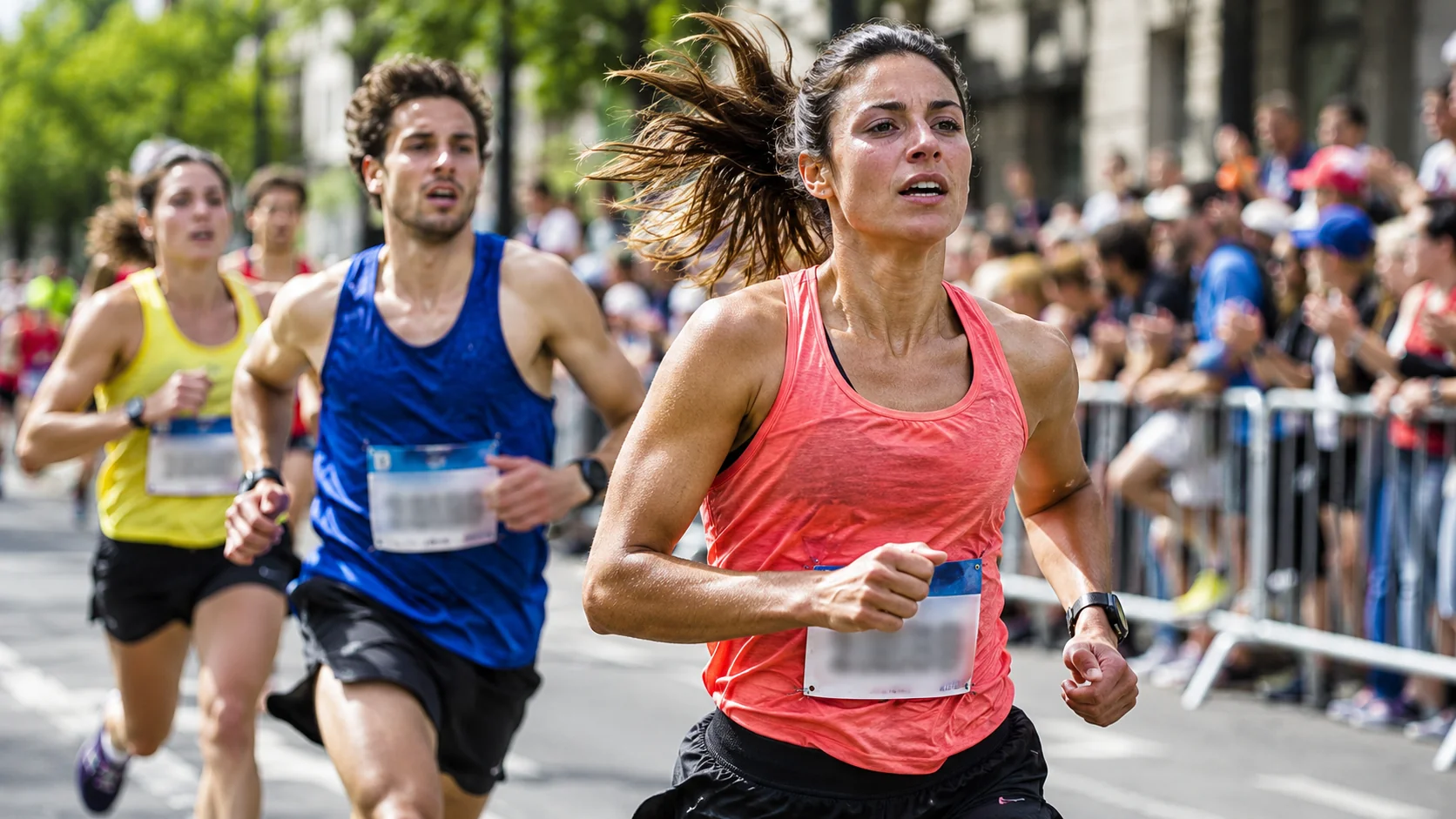
Events and sports

Organise large sets, spot similar frames and prepare a consistent selection for delivery.

How it works

A straightforward start-to-finish workflow

Easy Select follows your photo workflow from import to approved selection.

01 / 04

Import your shoot

Load supported photographs into the browser.

  • Checks sharpness, exposure and technical image quality.
  • Reviews faces, expressions and potentially closed eyes.
  • Groups similar images and bursts to identify the strongest shot.
Technology that works for you

The power of AI. Your choices. Your privacy.

Photo analysis and editing are performed locally in your browser, with no extra editor installation.
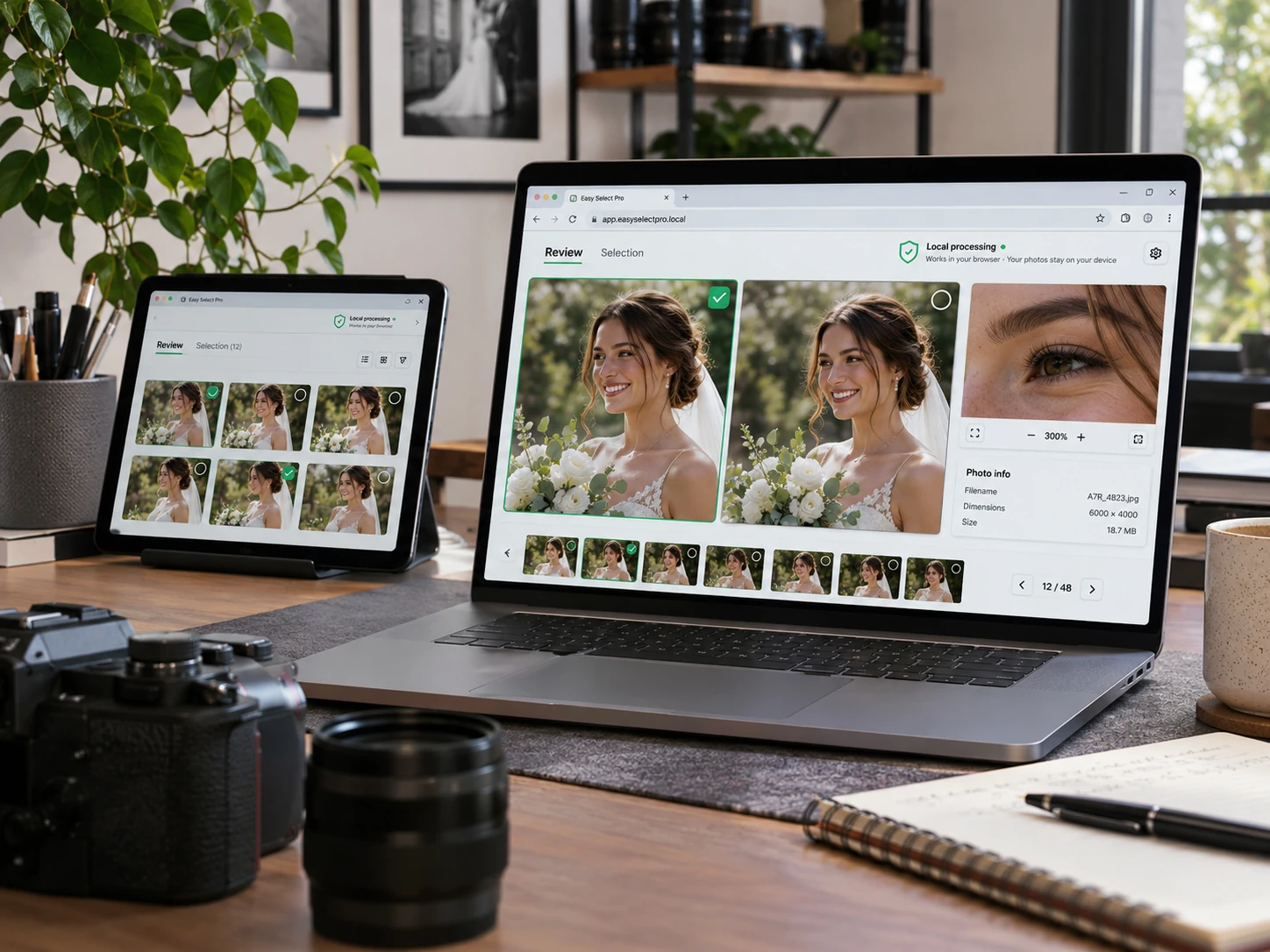
  • Local image processing
  • Manual review and final approval
  • Support varies by browser, format and device
Professional review
From culling to your client gallery
Connected to Easy-Prints

From culling to your client gallery

Easy Select Pro is part of Galleries. Prepare your images and continue with client delivery, selection and product sales in Easy-Prints.

  • AI-assisted culling
  • Browser-based retouching
  • Connected to Galleries
No extra fee

Included in every Galleries plan

No separate Easy Select subscription. Free, Starter, Pro and Business all include it; storage and other capabilities vary by plan.

Free

Easy Select Pro included

Starter

Easy Select Pro included

Pro

Easy Select Pro included

Business

Easy Select Pro included

Frequently asked questions

Before you get started

Is Easy Select Pro free?

It is included at no extra charge with every Easy-Prints Galleries plan, including Free.

Do I need to install software?

No. It works in your browser. Some advanced features depend on your device and browser.

Does AI make every decision?

No. You can review, compare and override suggestions before confirming the selection.

Which file types can I import?

JPG, PNG, WebP and compatible RAW formats, depending on your browser and files.

Can I continue in Galleries?

Yes. The selection flow connects with Easy-Prints Galleries for delivery.

Spend your time shooting, not discarding photos one by one.

Get started with Galleries and use Easy Select Pro from day one.